How to Grow a Product Business on Instagram From Zero
Build a useful Instagram foundation before chasing reach: clarify the offer, collect real product proof, give each post a job, and repeat the sequence.
A launch isn't an announcement. It's a slow build of anticipation — decided beforehand, not the morning of.
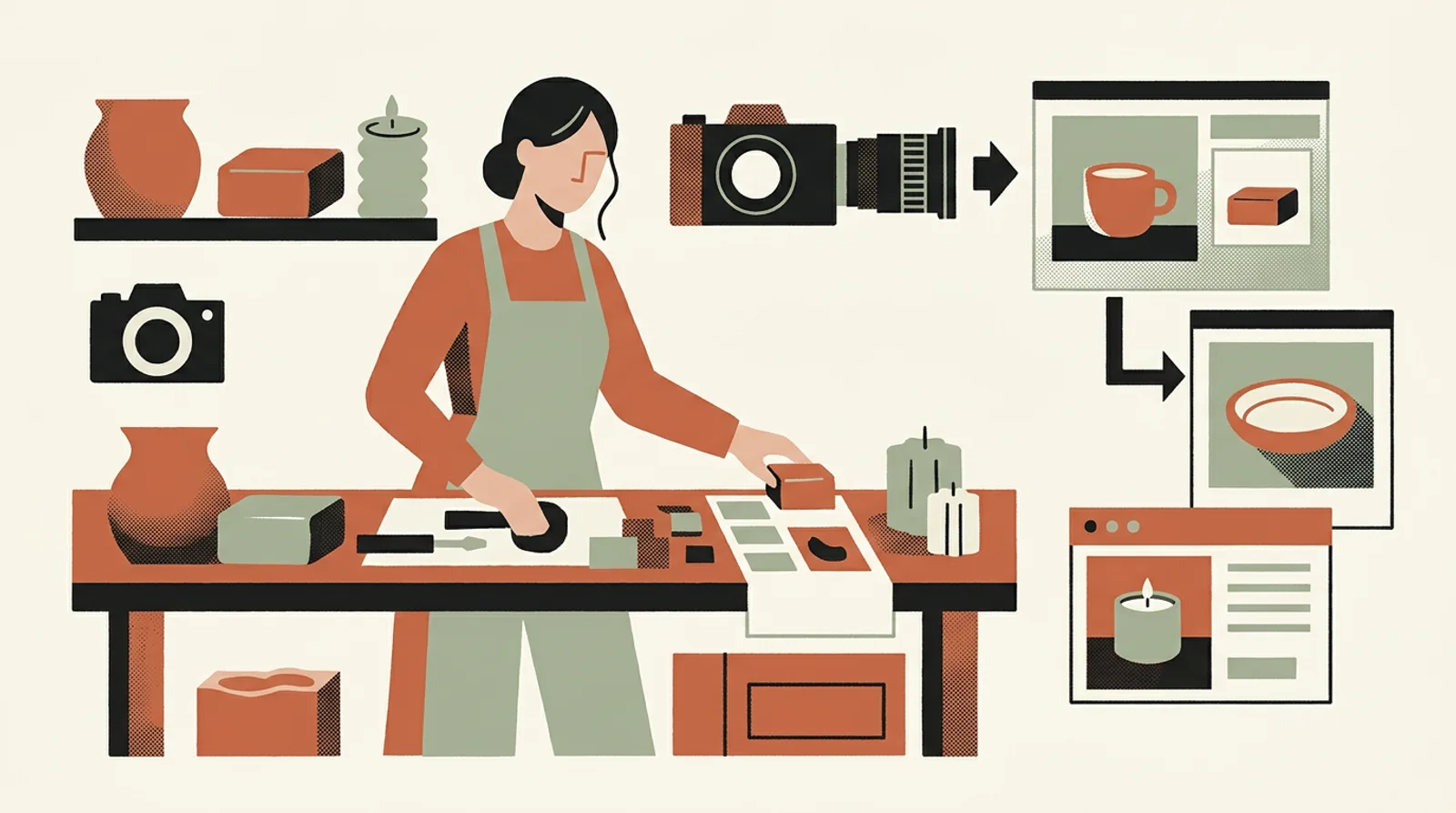
A maker is about to release something new — a fresh candle scent, a one-of-a-kind ceramic piece, a holiday collection. She has the product in hand and three blurry photos shot at the bench. What she's missing isn't the goods: it's a plan, a week of clean visuals, and the time to write different copy for every network.
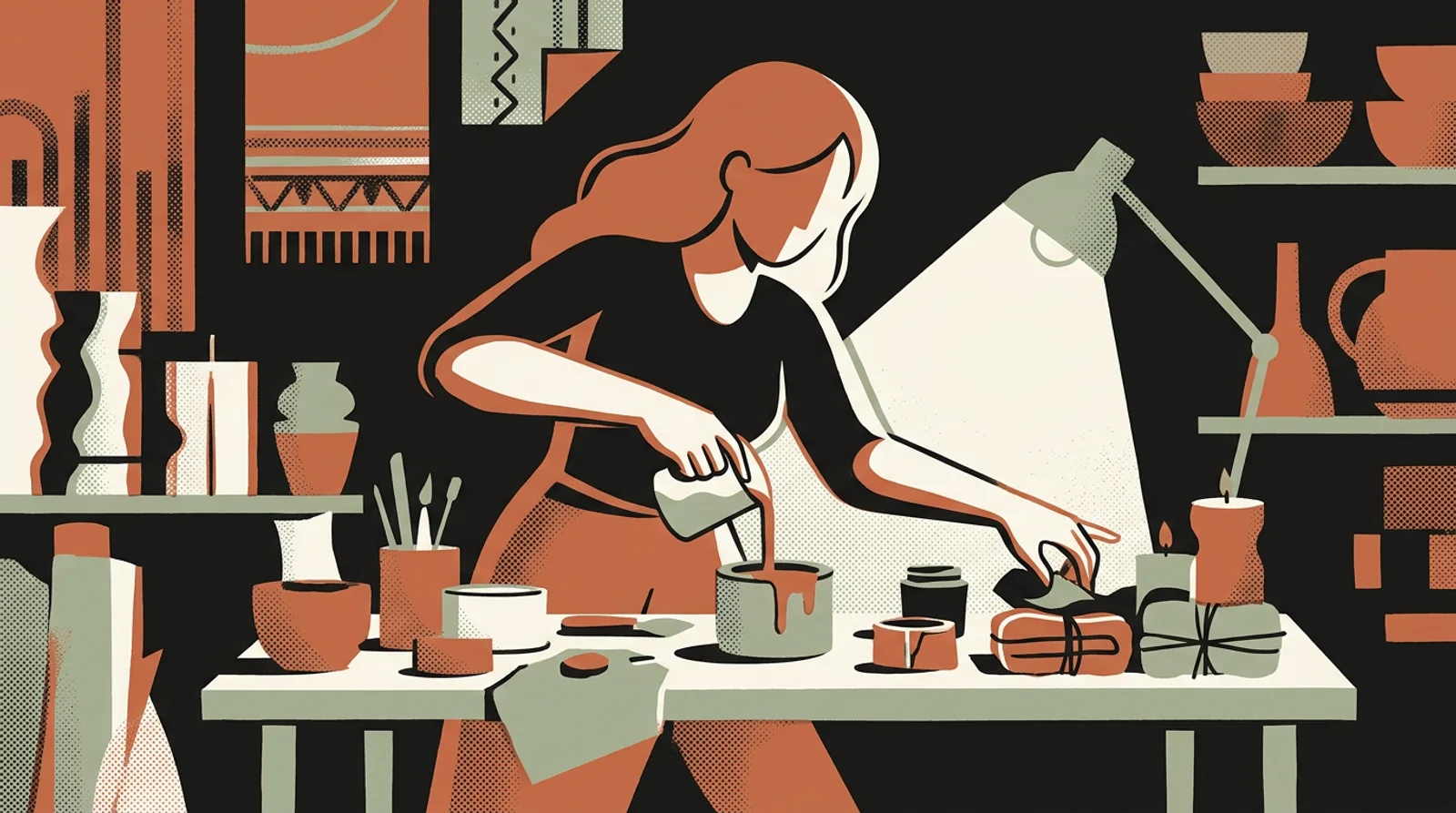
What if your launch lasted all week?
You already have the new piece, ReadyToPost builds the week that makes people want it.
Build my launchA launch isn't an announcement, it's a five-beat arc: you intrigue, you reveal, you tell the origin, you prove, you invite the buy. Lay out those five beats before the release date. Each beat then becomes a decided task — the teasing, then the story of the scent — set in advance, not a blank page to fill the morning of. That's the only real thinking: once the arc is set, everything else follows.
Five beats, five days. Jot them on a sticky note before anything else.
Shoot the real piece in its different states: mid-making, just finished, held in your hand. No studio needed. Each slightly rough shot works as a starting point, because the styling happens after, not in the camera. A candle cooling, the mold being released, soap freshly cut: those are your seeds. Take them while you're making anyway, phone propped up beside you.
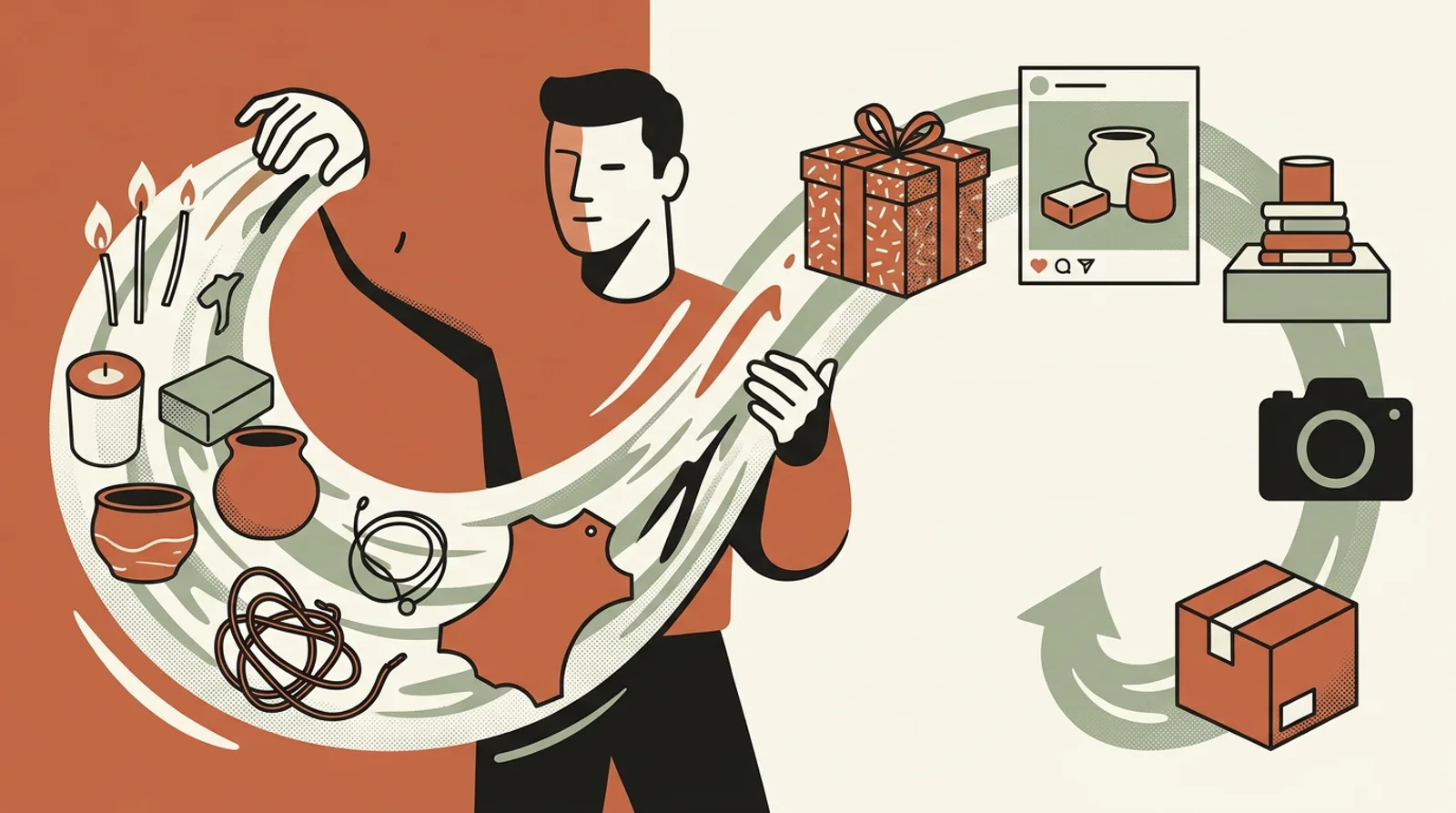
From the same real photo, each beat becomes its own visual: an atmospheric scene for the teasing, a clean lifestyle composition for the reveal, a textured close-up for the origin, a graphic template with text for the proof. ReadyToPost takes your bench snapshot — poor light, cluttered background — and dresses it up. The product stays yours, real: the app showcases it, it doesn't invent it. One source, distinct images, no new photo shoot.
The visual of the day carries copy written for where it lands. The long story of the scent on Facebook, the beautiful, desirable image on Instagram, and the pin worth saving on Pinterest. The same beat becomes several posts, with no copy-pasting, each caption native. Your real channels — Instagram, Pinterest, Facebook — each get the tone that fits them ... while you wrote nothing.
On Pinterest, think "saveable": a visual someone keeps for a gift idea.
Build and schedule the entire week in the same session, in the order that grows anticipation right up to the buy. Plan it before the release date. The launch then runs on its own while you've gone back to making stock — the most strategic moment of the year no longer competes with production, as explored in prepping a craft market without burning your evenings. Afterward, look at which beat triggered the orders: that's your compass for the next drop.
Schedule the "call to buy" for the exact day the product goes live, not before.
You capture the moment, ReadyToPost writes the week.
One shoot is enough, ReadyToPost writes and adapts the week for each network.
Schedule my weekDo
Don't
Situation
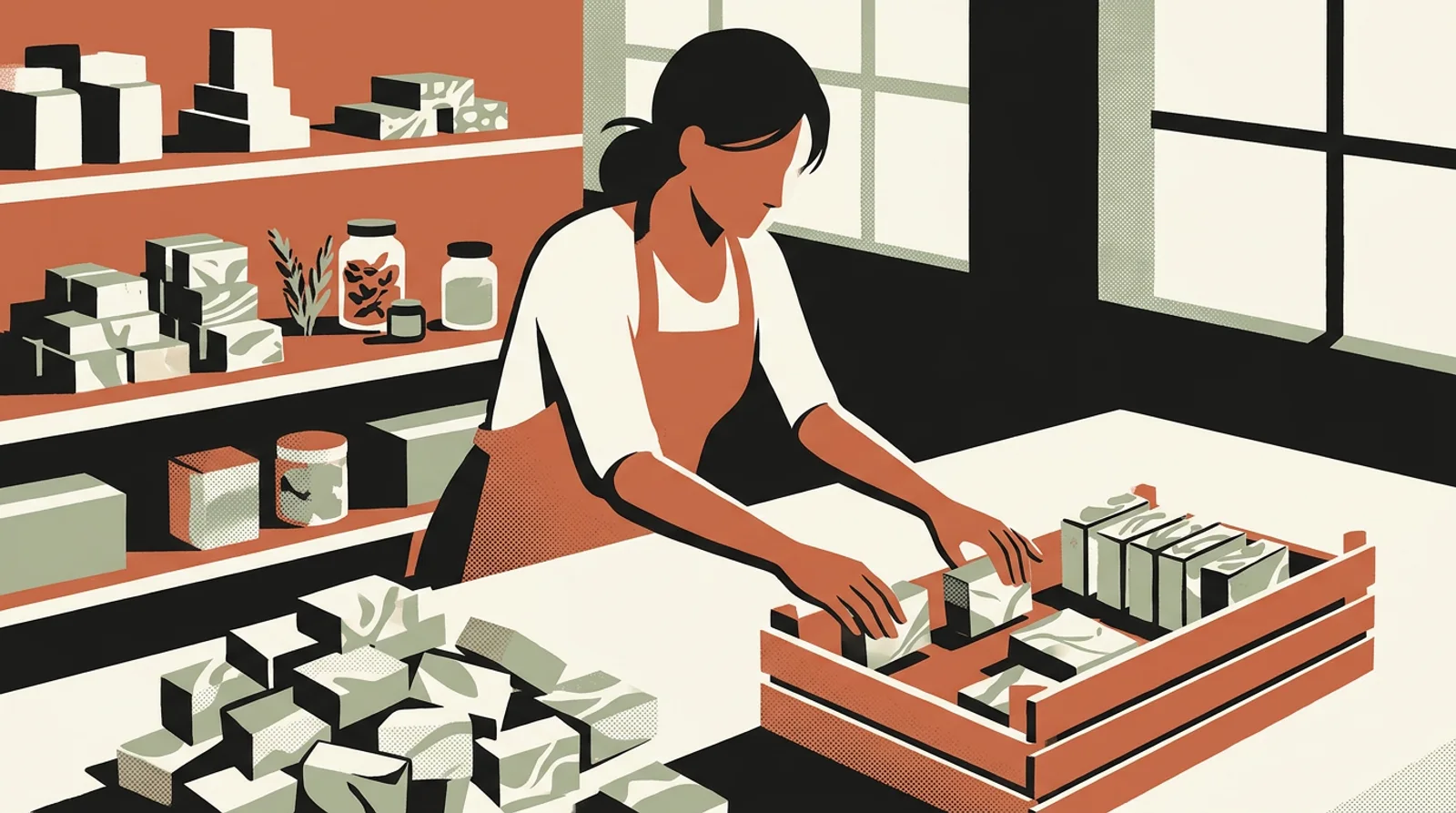
Maya runs a small soap studio. She's dropping a seasonal edition — an olive oil and orange blossom soap — for the weekend makers' market. In past years, she'd post a photo on Saturday morning, from the stall, between customers. This time the stock is nearly ready by Tuesday.
Action
On Tuesday afternoon, she grabs her phone and snaps five shots: the batter being poured, the bars being unmolded, a cut bar, a soap in hand, the wrapped stack. In one session, she decides the arc — teasing Wednesday, reveal Thursday, the orange-blossom story Friday, a loyal customer's review Saturday morning, "available at the market" Saturday noon. The app turns each rough photo into a branded visual and writes a long version for Facebook, a beautiful image for Instagram, a pin for Pinterest. Everything's scheduled before she leaves the studio.
Outcome
The week publishes itself while she finishes wrapping. At the stall on Saturday, several people walk up saying they'd seen "the orange blossom soap" all week long. Maya didn't sacrifice a single evening, and her seasonal edition had, for the first time, a real build of anticipation.
One afternoon of photos, a week of content.
Your next piece can follow the same path, ready in a week from the first shoot.
The most common mistake: concentrating all your communication on launch day. With no build-up, your audience discovers the collection at the very moment they can buy it — no desire has had time to form. The five-beat arc exists precisely to spread the wanting across the week, so "it's available" lands on an audience that's already warmed up.
Pushing the launch back because the shots "aren't good enough" is a trap that costs you whole drops. The styling happens after the shot, not during: a slightly blurry photo taken in kitchen light is a good enough seed. That's exactly the app's job — turning that snapshot into a branded visual — so don't wait to hand it over.
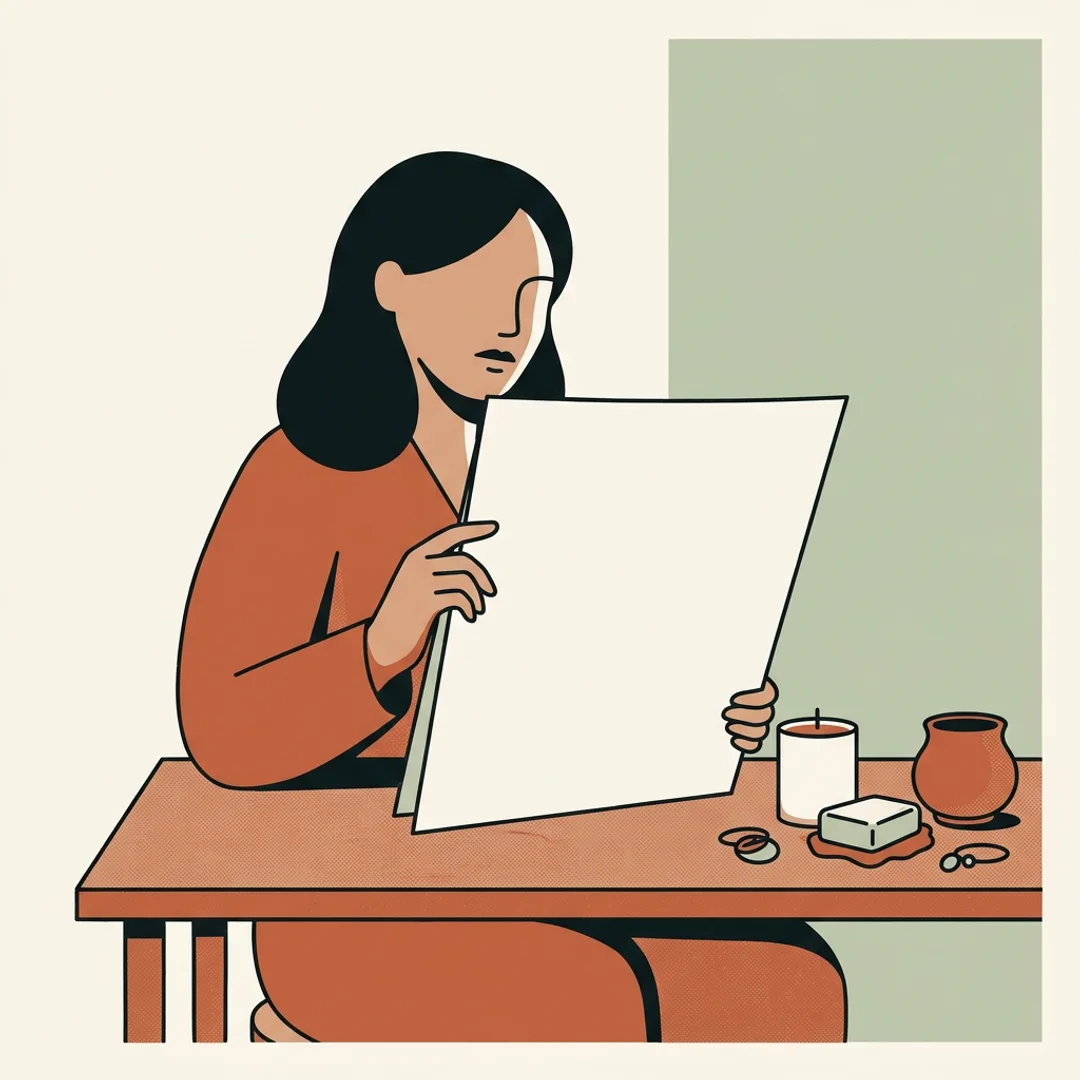
If the week isn't built and scheduled before the drop, it'll compete with making the stock — and communication is always what gets dropped. Prepping ahead, in one session, is what lets the launch run on its own while your hands are deep in the work. Improvising on the day means falling back to the single, flat post.
Pulling these levers every week is already a discipline. Adding communication on five social networks is another — and the one that gets sacrificed first. Readytopost takes the second one off your plate: posts, images, scheduling, calibrated on your work. So the first one keeps all your attention.
Start with ReadyToPostBack to the overview for makers to browse all guides — diagnosis, method, practice — in whichever order fits. Three floors that complement each other: one to understand, one to think, one to act. You go in where it pinches most today, and come back when a new question shows up. No required order.
Back to the overview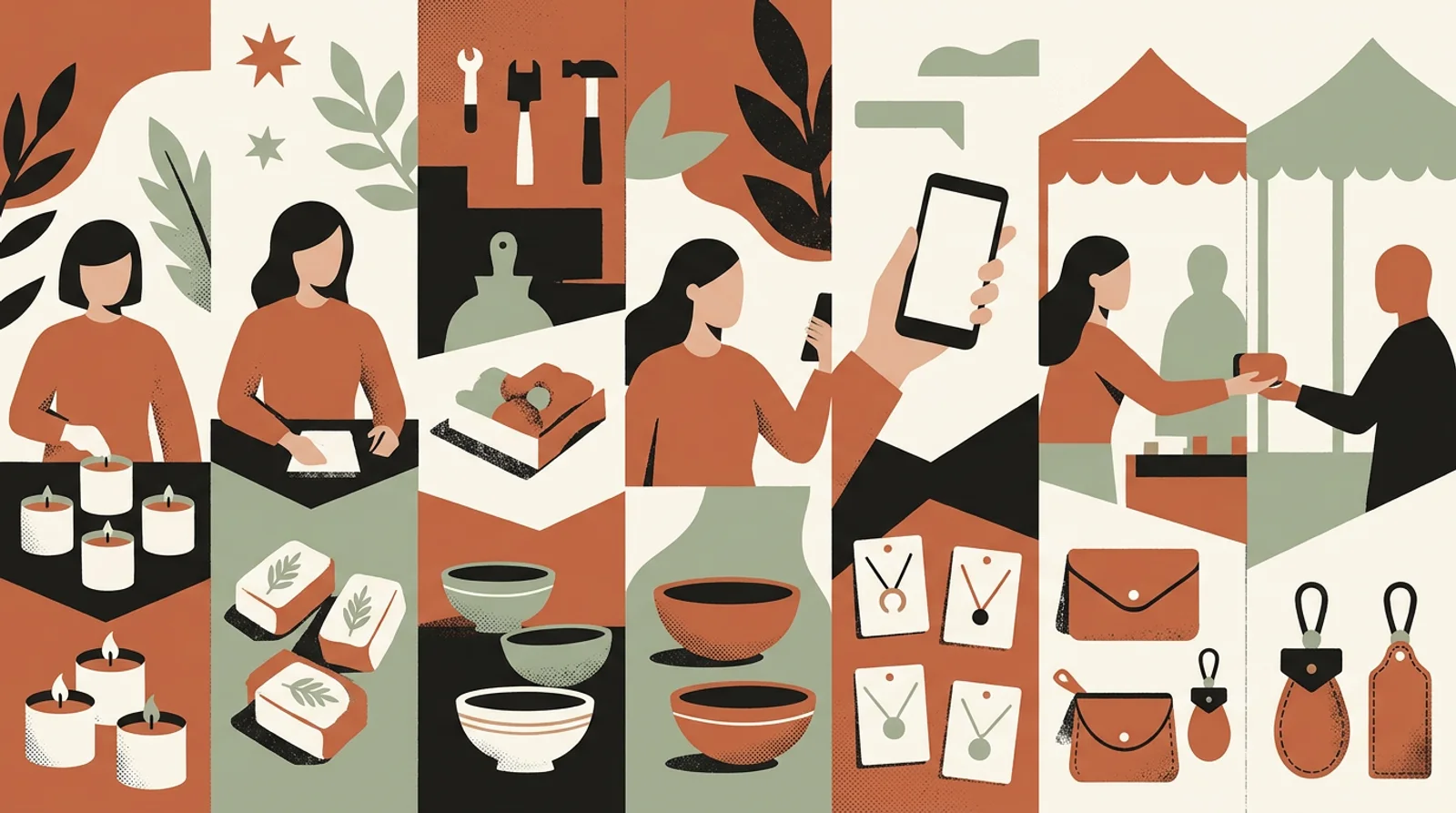
That's exactly the problem this plan solves. The whole week is built in a single session, in a few dozen minutes — one afternoon, say — from five photos taken while you make. Once the arc is decided and the visuals generated, you schedule the entire week ahead. The launch then publishes on its own while you're back at the bench: you don't touch a thing.
Your raw shot is just a starting point. ReadyToPost takes that photo — kitchen light, cluttered background — and dresses it up as a branded visual: product staged in a setting, lifestyle composition, graphic template with text. The styling happens after the shot. You need neither a studio nor a photographer for your drop.
No, and that's an essential point. You already have the piece in your hands: the app starts from your real photo and showcases it. It never creates a product from scratch. The candle, the soap, the jewelry your customers will see are exactly the ones you make — simply presented in a setting worthy of a launch.
You have nothing to rewrite: the app writes each version. The same visual of the day carries a caption tailored to where it's published — the long story on Facebook, the desirable image on Instagram, the saveable pin on Pinterest. A single beat of your arc becomes several tailored posts, with no copy-pasting on your part.
For a handmade brand, it's mostly Instagram, Pinterest and Facebook that matter: your shop fills up through the scroll, not on a Google search. Instagram carries the desirable image and the anticipation, Pinterest catches those who save for later or for a gift idea, Facebook hosts the longer story of the making. The plan naturally spreads your week across these channels.
Build a useful Instagram foundation before chasing reach: clarify the offer, collect real product proof, give each post a job, and repeat the sequence.

Choose one Etsy listing, give each week a clear buyer job, and turn accurate product facts and photos into a connected Instagram campaign.

Sell a digital download on Etsy by solving one buyer task, packaging the files clearly, publishing a complete digital listing, and promoting the offer with a repeatable proof sequence.
The Instagram content mix that keeps handmade brands posting for months: more process shots than finished pieces, not prettier ones.
Etsy sellers copy a block of thirty hashtags from a bigger shop and wait for reach. A niche tag with a few thousand posts does more than #handmade — and even that isn't what grows the shop.
Promote your Etsy shop by showing the product, process and person behind it consistently, using material that already exists in your business.
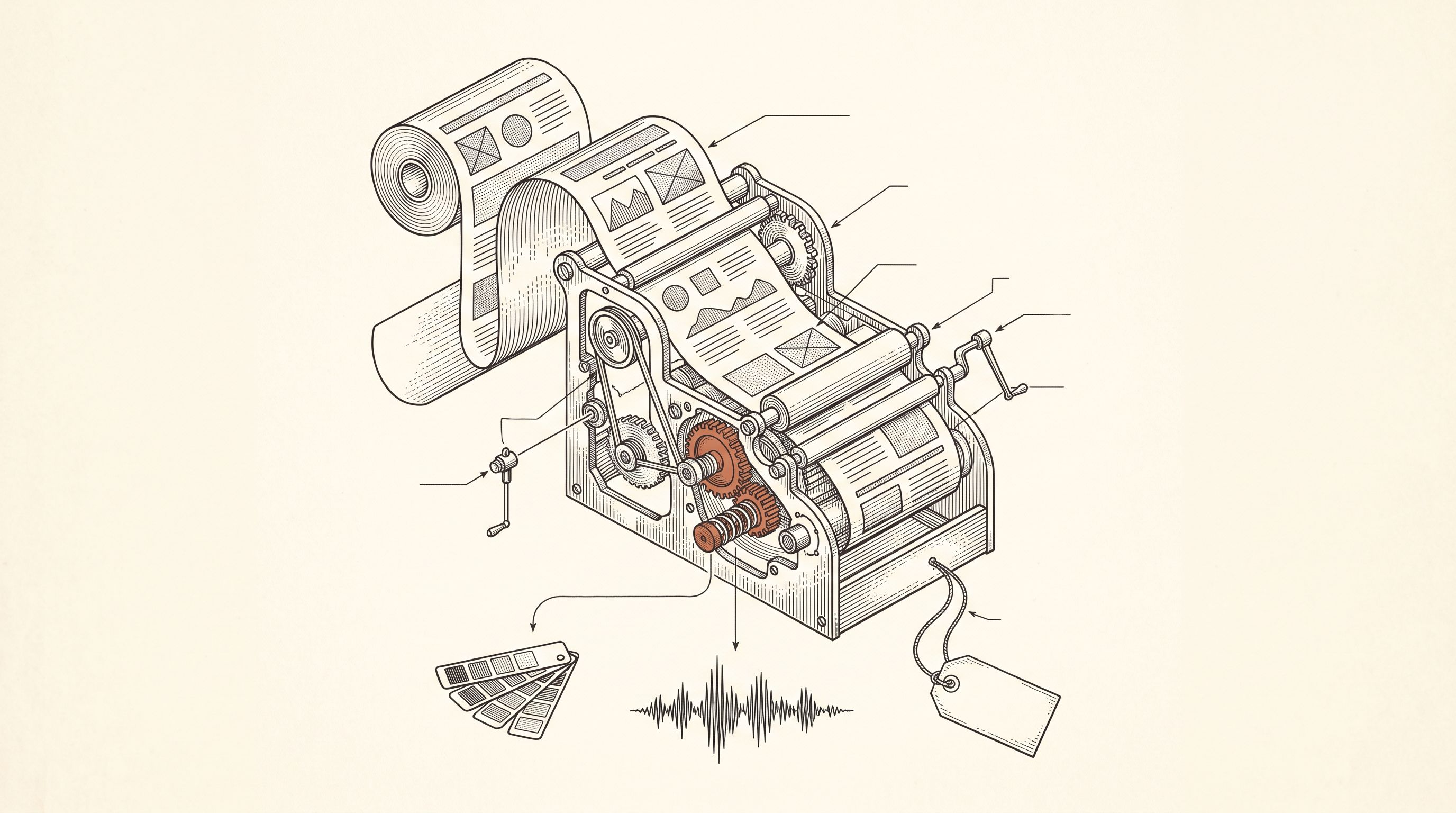
From a single website URL, ReadyToPost builds your brand profile and starts generating on-brand posts — no manual brief to fill.
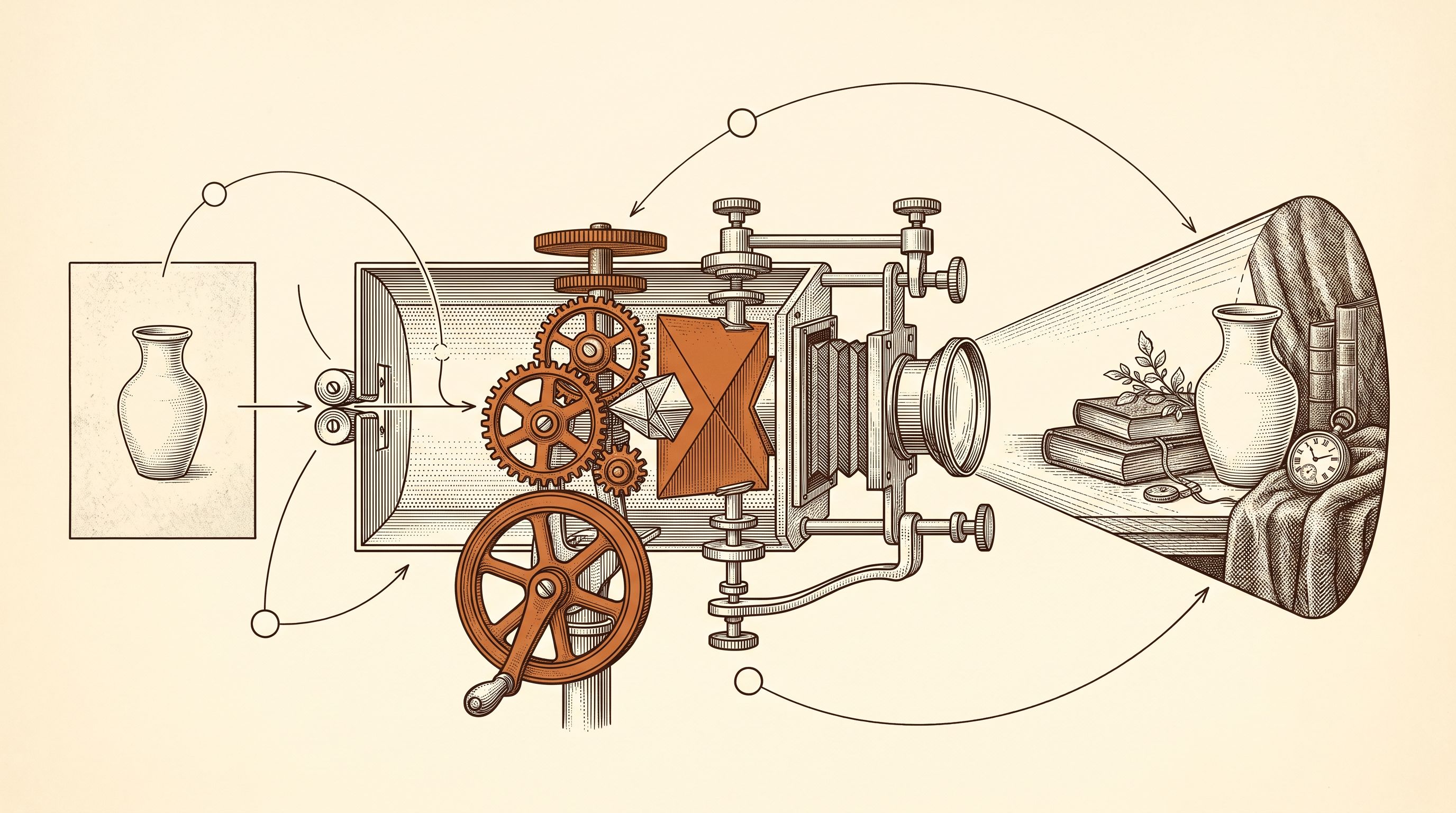
Generate social visuals from your real photos — in your style and fonts, in the right format per network. Fix any detail in one sentence.
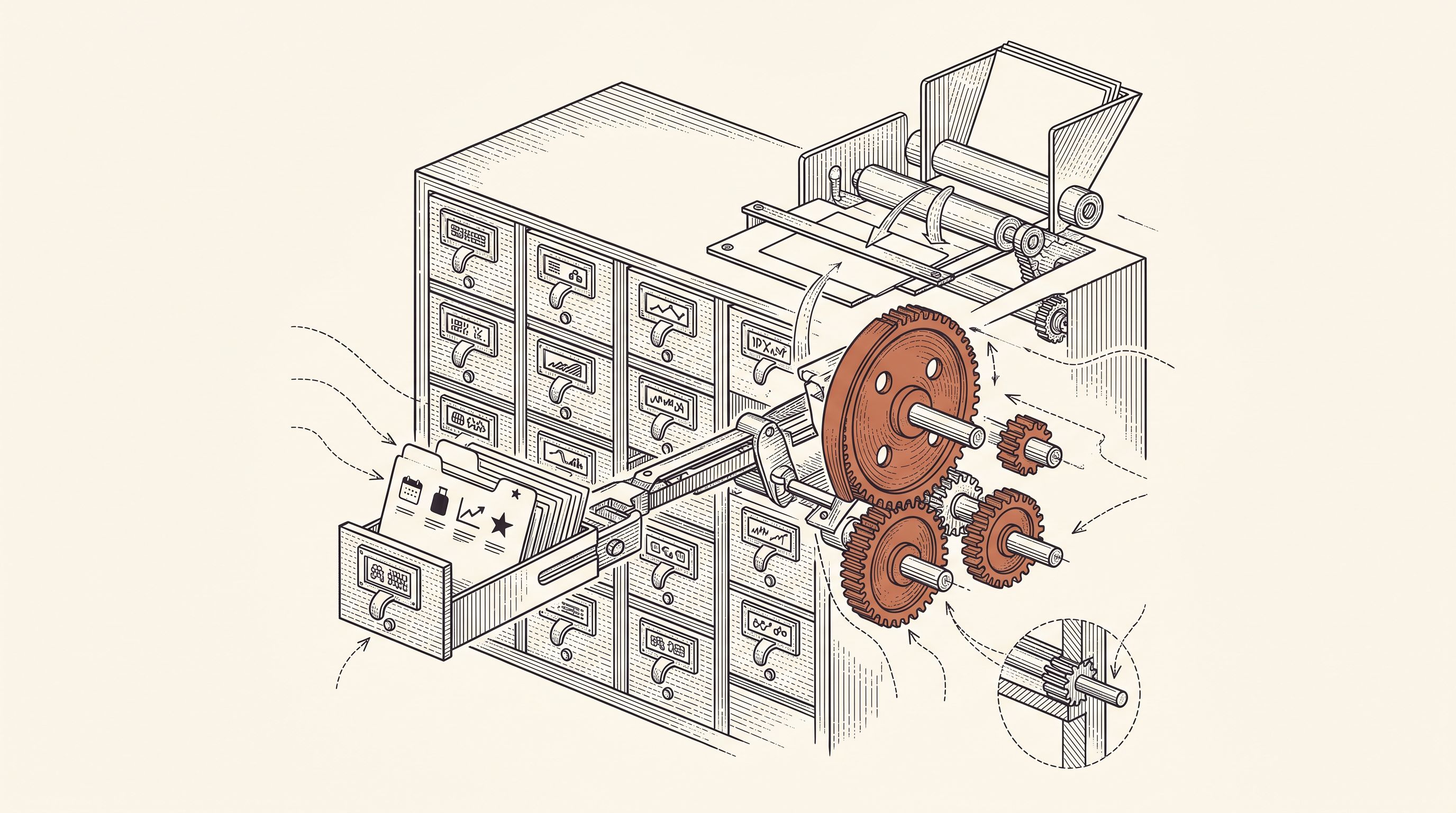
A semantic memory of your brand's real facts, so every post cites what you actually do and have.
Generate on-brand Instagram posts where the 4:5 feed visual and the caption are built together — a scroll-stopping hook, breathable paragraphs, and full-word hashtags grouped at the end, scheduled and ready to publish.
Generate professional LinkedIn posts, mention real people and companies right in the text, then publish to your profile or your company page.
Generate conversational Facebook posts, set your emoji and hashtag level, and schedule them straight to your Facebook Page. Text and visual built for the feed.
You know what to pull each week. Readytopost takes care of the consistency of your communication — your energy stays on the floor.
Monthly plansReady in minutesCancel in one click