
How to Grow a Product Business on Instagram From Zero
Build a useful Instagram foundation before chasing reach: clarify the offer, collect real product proof, give each post a job, and repeat the sequence.
The photo stops the scroll; the caption is what gets the card out.

You post a photo that stops the scroll cold, it picks up likes and saves — and nothing happens. The problem is almost never the photo: it's the caption beneath it. Most makers use it to describe what's already visible ("New season, new bowl") or recite an announcement ("so excited to introduce my new collection"). A caption that sells does something else: it gives the object a reason to be wanted, and the reader a path to act on it.

What if your caption finally sparked a question?
A like stops at the thumb, a caption that sells goes all the way to a question.
Spark the questionThe first line shouldn't repeat the photo, it should extend it. Instead of "Here's my new bowl...", start with the concrete detail the image alone can't tell: "This blue-green glaze, I never know how it'll come out of the kiln." The reader sees the bowl; your first line gives them a reason to linger one more second.
If your first line would work just as well under any competitor's photo, it's too generic.
It's the material and the work of the hands that set your piece apart from a factory object — and that's exactly what a photo can't show. Say the glazed stoneware, the hand-throwing, the drying days, the firing at 1280 degrees. You're not bragging: you're handing the reader the information that justifies the price before they even see it. Perceived value climbs a notch.
One precise, true detail beats ten adjectives ("unique," "authentic," "made with love").

An object with no one in mind stays a pretty thing you look at; an object tied to a use becomes a thing you picture owning. Anchor it in a concrete moment: "the mug that keeps coffee warm to the last sip," "the plate you bring out when people come over." The reader projects themselves in — and it's the projection that tips desire over the edge.
Write for one specific person, not for "your community."
A caption that doesn't say what to do next collects compliments, not orders. Always close with a concrete reason (a small batch, a one-off piece, a restock that sells out fast) and a frictionless path: the price, where to order, the link. You're not "pushing" the sale — you're removing the obstacles between the wanting and the cart.
One action per post. If you ask people to like, comment, save and buy all at once, you get nothing.
The announcement tone — "thrilled to present," "available now," exclamation marks in bursts — makes your brand sound like every other one. The test: read your caption out loud. If you'd never talk that way to a customer at your stall, rewrite it in your own words. A caption that sounds like you is recognizable a mile off.
Swap "We are delighted to announce" for the fact said plainly: "The winter batch is out."
You know your craft, ReadyToPost finds the words.
From your real details — material, gesture, use — ReadyToPost writes the caption that sells, for every network.
Find the wordsDo
Don't

Situation
Maya is a ceramicist. She posts a lovely shot of a glazed stoneware mug, captioned "New mug available 🙂". Thirty-odd likes, a few saves, zero orders for the week.
Action
She rewrites it with the method: a first line about the glaze that shifts with every firing, then the hand-thrown stoneware, the mug made for the morning coffee, and finally "Batch of six, in the shop, link in bio." She lets ReadyToPost adapt it for Instagram, Pinterest and Facebook from those real details.
Outcome
Three orders within two days, and a customer who writes: "It was the glaze story that sold me." Same photo, same product — only the caption changed.
Your material has a story, your caption can tell it.
One true detail — the glaze, the gesture, the firing — is sometimes enough to decide a sale.
You spend an hour on the image and thirty seconds on the text, written last, right before posting. But it's the caption that turns the stop into a sale. Give it the same care as the photo: it's what covers the last yard to the order.
If the caption says what the eye already grabbed ("a pretty blue bowl"), it does nothing. The text has to say what the image can't: why this piece, who for, what happened in the making. Image and text complete each other, they don't repeat each other.

Three ideas in one post — a new release, an anecdote, a tip — and each one blunts the others. One caption, one intention. The leftover ideas aren't lost: they're next week's posts.
A method is set — still, you need time to put it to work. Readytopost frees that time by taking one front off your plate: your presence on the five social networks. Everything written, illustrated, scheduled — calibrated on your work, week after week. So your energy stays on the trade.
Start with ReadyToPostSee how these principles play out day to day. Practice for makers gives you concrete, illustrated, adaptable levers — directly applicable the following week. No quarterly plans, no annual roadmaps: weekly gestures that touch something right away.
See it in practice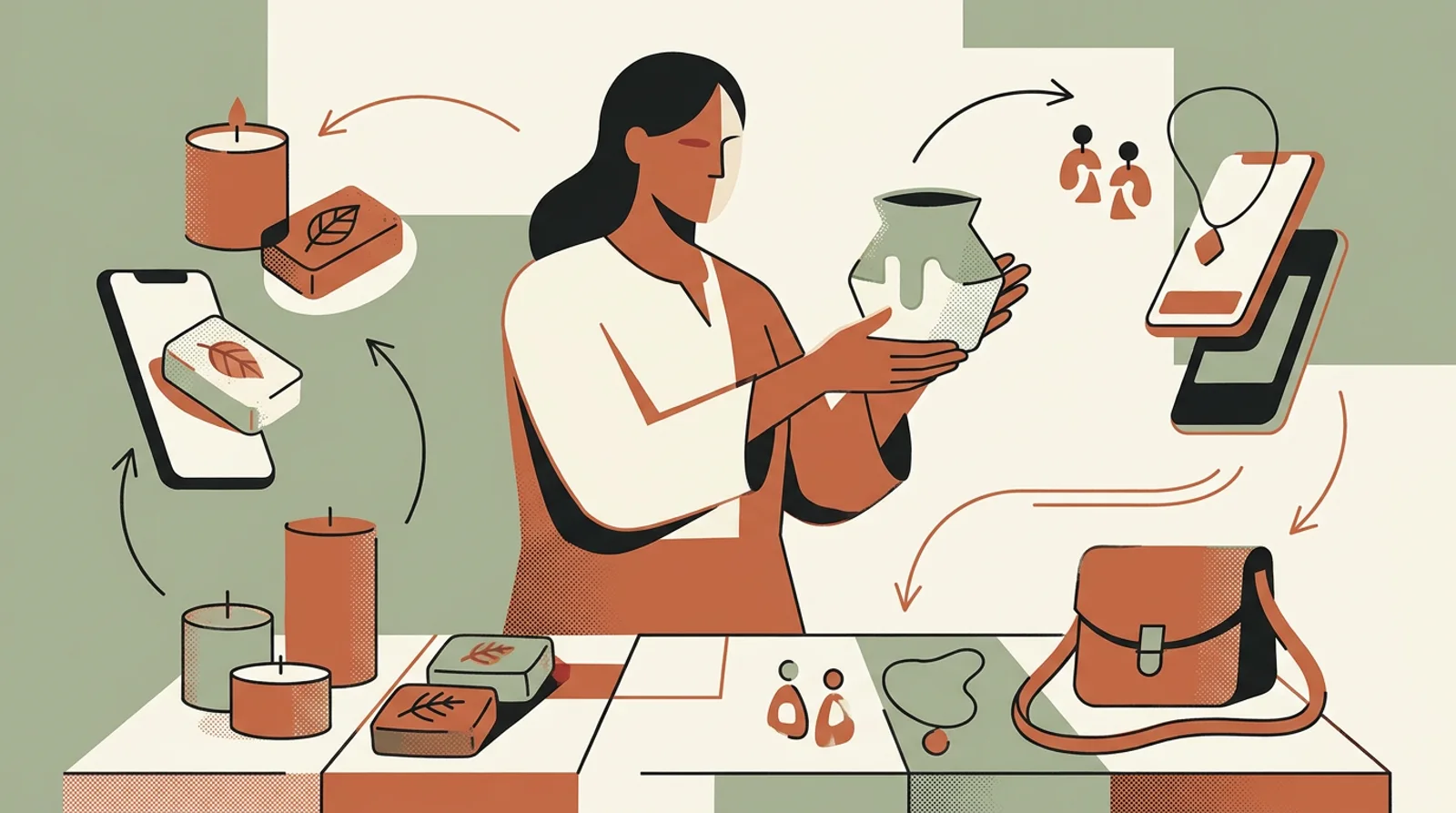
Short enough to be read, long enough to carry its parts: the opening detail, the material and process, who it's for, then the reason to buy and the path. In practice, three to six lines is plenty. What matters isn't the length, but that no line is filler.
Usually, yes. Hiding the price adds friction: an interested reader has to ask, and many won't. Showing it qualifies the desire and moves it closer to an order. If you can't show it, at least say clearly where to find it.
Yes, on one condition: that it starts from your real details. AI with no context produces a generic "here's a nice bowl." Fed your material, your process, your price, it writes a caption only you could have written, and adapts it to each network at once, so you never rewrite it four times.
You don't have to turn every post into a pitch. Alternate: some captions tell the process or the material without asking for anything, others clearly invite a purchase. It's the constant hard-sell that drives people off, not the act of offering your work.
Start from what a customer asks you at the market, or from a decision you made while making it: why this glaze, why this shape, what nearly went wrong. Those answers are your best caption material — they already exist, you just have to write them down.
Build a useful Instagram foundation before chasing reach: clarify the offer, collect real product proof, give each post a job, and repeat the sequence.

Choose one Etsy listing, give each week a clear buyer job, and turn accurate product facts and photos into a connected Instagram campaign.

Sell a digital download on Etsy by solving one buyer task, packaging the files clearly, publishing a complete digital listing, and promoting the offer with a repeatable proof sequence.
Etsy sellers copy a block of thirty hashtags from a bigger shop and wait for reach. A niche tag with a few thousand posts does more than #handmade — and even that isn't what grows the shop.
Promote your Etsy shop by showing the product, process and person behind it consistently, using material that already exists in your business.
Most lists of artist content ideas ignore what you actually sell. Originals, prints, commissions and classes each need different posts. The four compared, with ideas for each.

From a single website URL, ReadyToPost builds your brand profile and starts generating on-brand posts — no manual brief to fill.

Create AI product images and social media visuals from your photos or from scratch. ReadyToPost applies your brand style in the right format for each network.

A semantic memory of your brand's real facts, so every post cites what you actually do and have.
Generate on-brand Instagram posts where the 4:5 feed visual and the caption are built together — a scroll-stopping hook, breathable paragraphs, and full-word hashtags grouped at the end, scheduled and ready to publish.
ReadyToPost prepares LinkedIn posts in your voice every week. Review and approve your content, then publish to your profile or company page on schedule.
ReadyToPost prepares Facebook images and posts in your voice every week. Review and approve them, then schedule publication to your Facebook Page.
You hold the principles. Readytopost takes the communication off your plate, every week — so your method stays your method.
Monthly plansReady in minutesCancel in one click