Readytopost.ai
Essential68 €/mo
Your brand · 5 connected accounts
Studio149 €/mo
Your brand + 2 workspaces · 12 connected accounts total
Business299 €/mo
Your brand + 9 workspaces · 24 connected accounts total
Updated July 2026
Readytopost.ai creates the post for you: starting from your brand, it generates the visual and the caption, ready to schedule — with no design skills required. Canva, on the other hand, is a design tool you drive yourself: every post has to be designed, written and exported by hand.
Monthly plansReady in minutesCancel in one click
With Canva, each post is yours to design in the editor. Readytopost.ai starts from your brand and generates the complete post — visual and caption — ready to schedule.
Readytopost.ai
The complete post — visual and caption — is generated from your brand, ready to schedule. All you have to do is approve it.
Canva
It's up to you to design, write, lay out and export each post, one by one.
| Feature | Readytopost.ai | Canva | Edge |
|---|---|---|---|
| Post creation | The visual and the caption are generated automatically from your brand. You get a finished post, ready to schedule in seconds, without assembling anything. | Canva provides an editor and a large library of templates: you compose each post by hand, element by element, before exporting it. | Readytopost.ai |
| Creative control & templates | Readytopost.ai doesn't expose a pixel-level editor: adjustments are requested in natural language, and the model regenerates the image. | Canva offers pixel-level control and a vast library of templates, photos, elements and fonts. That's its real strength for anyone who wants to control everything. | Competitor |
| Grounding in the brand's facts | The Knowledge Vault ingests your documents, URLs, products, events and testimonials, then anchors each post in your real facts. | Canva offers a visual Brand Kit (logos, colors, fonts), but no documented fact base to feed the content itself. | Readytopost.ai |
| Onboarding & voice detection | From sign-up, Readytopost.ai detects your voice and style from your website and your visuals, then pre-configures your brand. | With Canva, the Brand Kit is set up manually: you enter logos, colors and fonts yourself. | Readytopost.ai |
| Range of use cases | Readytopost.ai focuses on images and captions for social: a deliberately calibrated scope. | Canva goes well beyond social: presentations, documents, print materials, video… a true Swiss Army knife of design. | Competitor |
| Skill & time required | No design skills required: the post arrives ready in seconds, with no design time to factor in. | With Canva, you need to know how to design and spend time on it, post by post. | Readytopost.ai |
| Image editing approach | Adjustments are dictated in natural language (“warmer light”, “add a plant”) and the model regenerates the image. | Canva offers a manual visual editor with full control. Two equally valid philosophies, depending on whether you prefer to drive or delegate. | Even |
| Brand consistency | Each post automatically applies the detected brand, with no input from you. | With Canva, it's up to you to apply the Brand Kit on each post: consistency depends on your diligence. | Readytopost.ai |
Post creation
Creative control & templates
Grounding in the brand's facts
Onboarding & voice detection
Range of use cases
Skill & time required
Image editing approach
Brand consistency
Readytopost.ai
Your brand · 5 connected accounts
Your brand + 2 workspaces · 12 connected accounts total
Your brand + 9 workspaces · 24 connected accounts total
Canva
Premium content costs extra.
1 person.
Now Canva Business for new accounts.
Readytopost.ai
When you want polished, consistent image and text posts for Instagram, LinkedIn, Facebook, Pinterest and X, without building a team or learning a design tool. It's the right choice if you prefer automatic generation anchored in your real facts, with edits simply dictated in natural language.
Start with Readytopost.aiCanva
If you need a versatile design tool that goes far beyond social — presentations, print materials, documents, video — with full creative control and a vast library of templates. It's the right choice when you want to design everything yourself, down to the pixel.
Readytopost.ai generates posts in full and schedules them, for 5 networks. Buffer schedules and analyzes content you've already created, across 11 networks.
Readytopost.ai generates posts and schedules them, for 5 networks. Hootsuite manages social accounts for businesses and agencies, from content already created.
Readytopost.ai builds posts from your real photos and brand facts: polished visuals, not generic AI content. Predis.ai generates at volume across 8 channels.
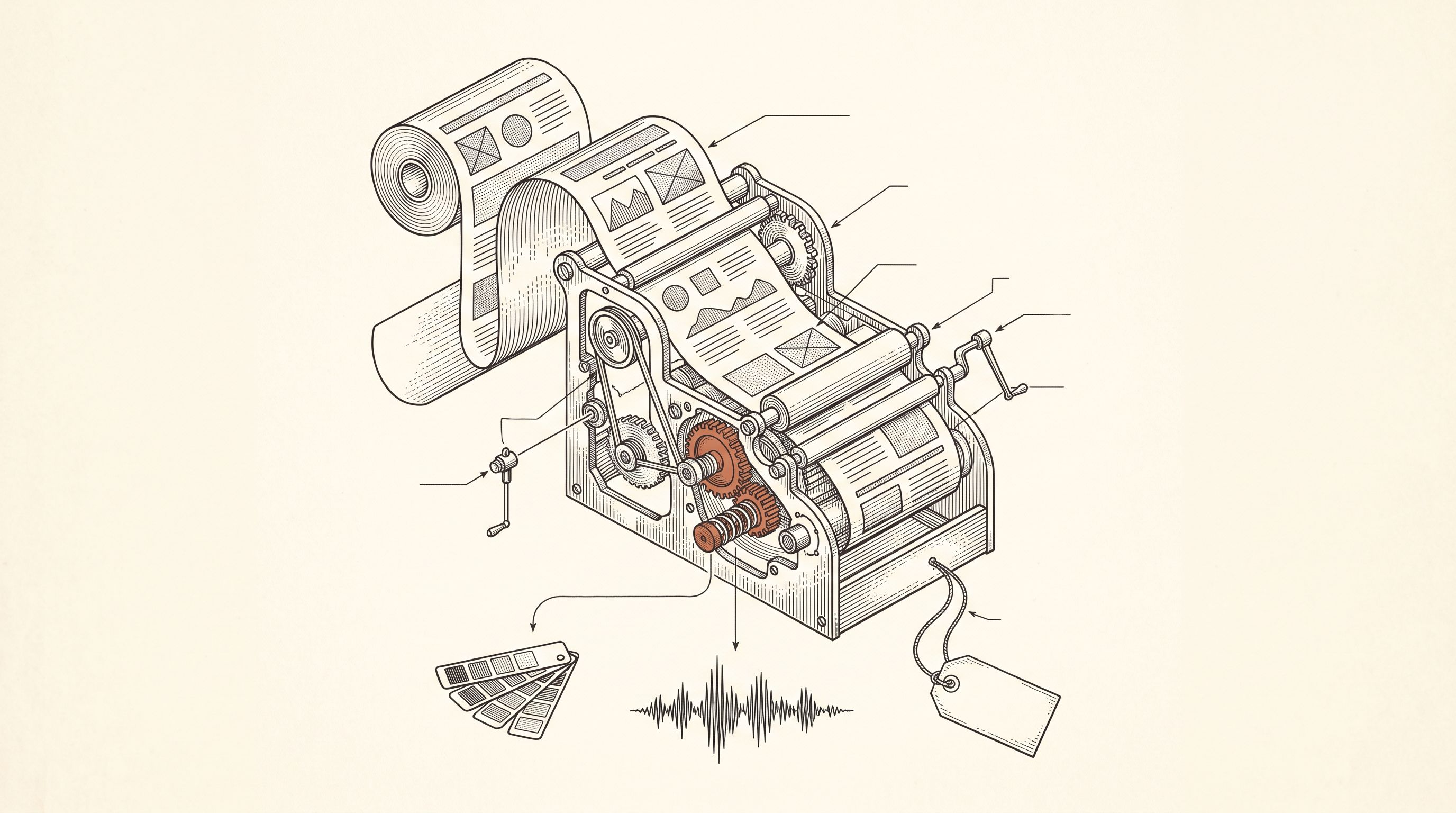
From a single website URL, ReadyToPost builds your brand profile and starts generating on-brand posts — no manual brief to fill.
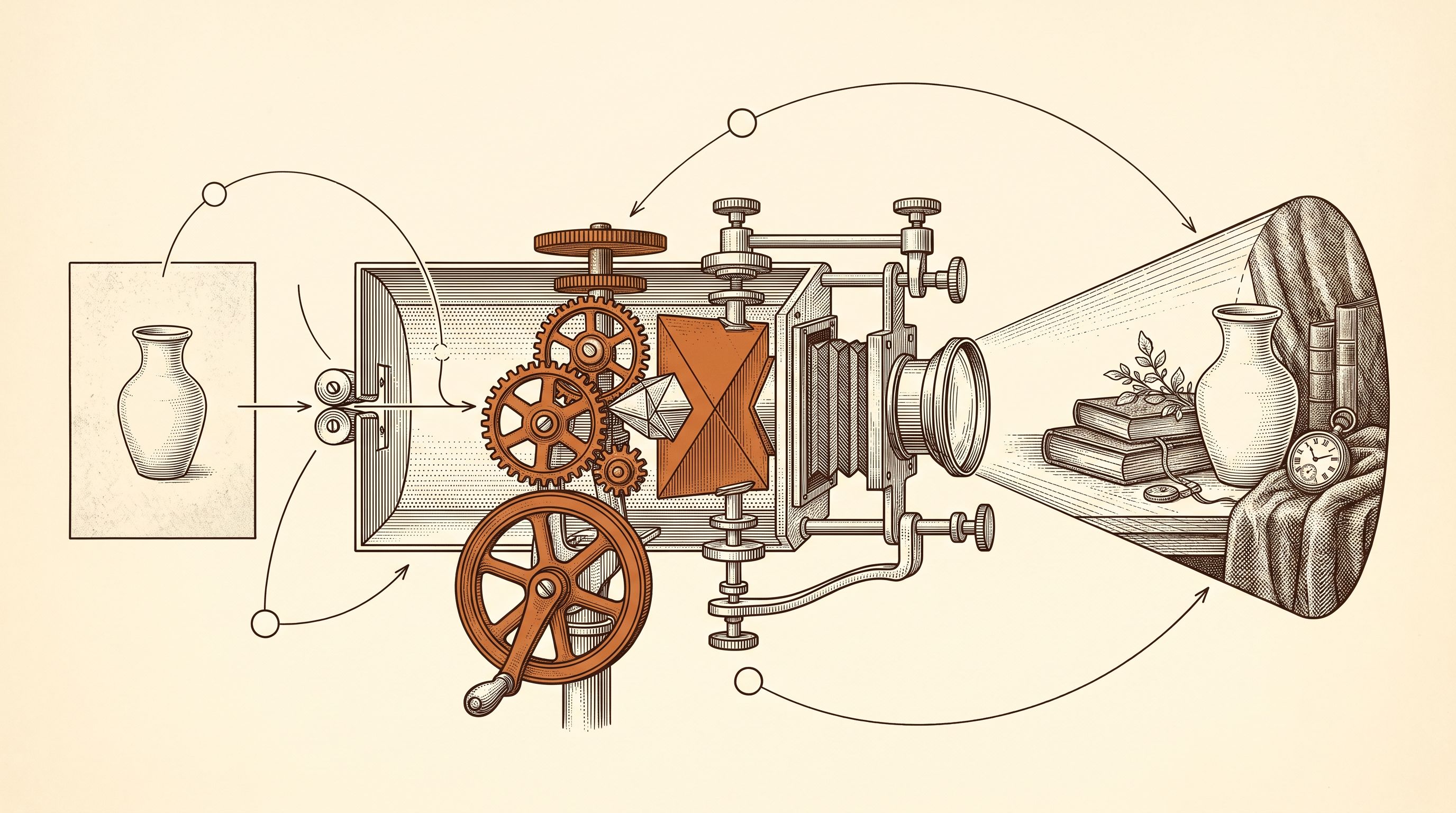
Create AI product images and social media visuals from your photos or from scratch. ReadyToPost applies your brand style in the right format for each network.
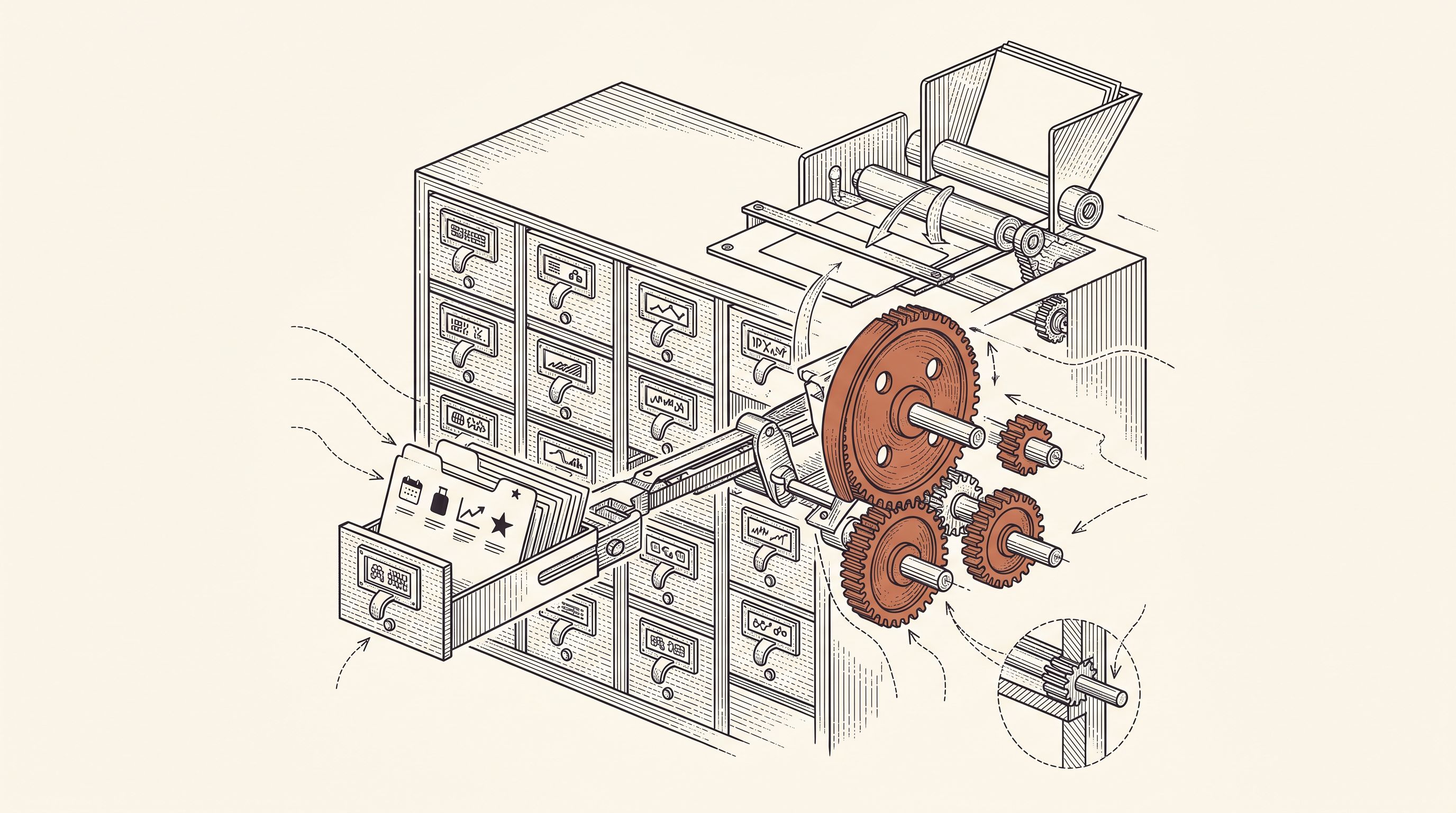
A semantic memory of your brand's real facts, so every post cites what you actually do and have.
Generate on-brand Instagram posts where the 4:5 feed visual and the caption are built together — a scroll-stopping hook, breathable paragraphs, and full-word hashtags grouped at the end, scheduled and ready to publish.
ReadyToPost prepares LinkedIn posts in your voice every week. Review and approve your content, then publish to your profile or company page on schedule.
ReadyToPost prepares Facebook images and posts in your voice every week. Review and approve them, then schedule publication to your Facebook Page.
Most lists of artist content ideas ignore what you actually sell. Originals, prints, commissions and classes each need different posts. The four compared, with ideas for each.
Most eBay promotion advice says to share each listing. But listings end, and eBay can send a sold item's link to other sellers. Promote your store and its categories instead, every week.
Bookkeeping clients show up at predictable moments: a CPA sends the file back, a deadline hits, a lender asks for numbers. Six patterns that hide you then, and the fix for each.
Generate your images and captions for social media — without spending your days on it.
Monthly plansReady in minutesCancel in one click