
From your website
From a single website URL, ReadyToPost builds your brand profile and starts generating on-brand posts — no manual brief to fill.
ReadyToPost reads every photo for what it actually is, applies your style and — if you want — your fonts, then generates the right visual in the right format: from your real photos, or from scratch whenever you choose.
Monthly plansReady in minutesCancel in one click
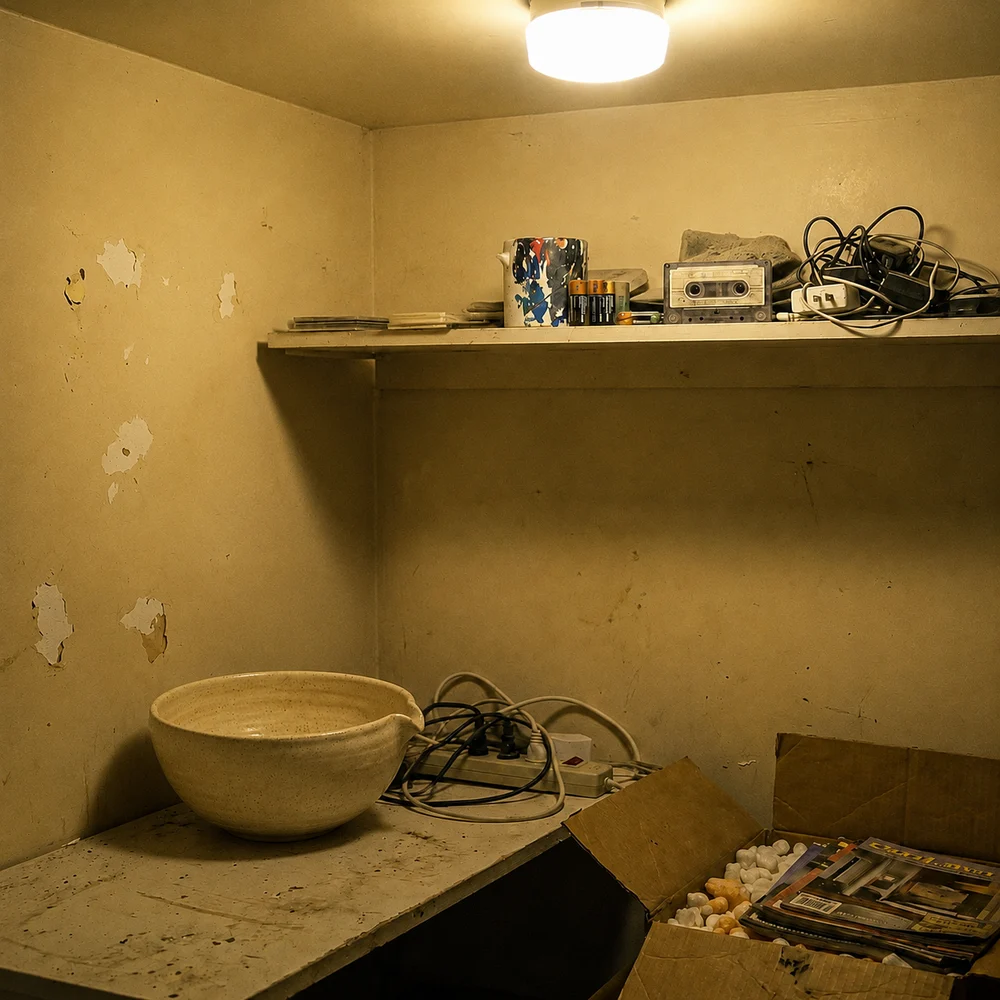
Your photo

Your style

Handmade in our workshop, in small batches — each piece is one of a kind, built to last.
… see moreGenerated
Most generators start from a prompt and return a slick image with no tie to your real photos or your identity. The result: visuals that could belong to anyone — sometimes pretty, but never recognizable as yours.
Most AI gives everyone the same look. ReadyToPost recreates yours from your brand references — your light, your mood, your layouts, your type and your logo — and applies it to every generation. Your visuals become recognizable at a glance.

Reference
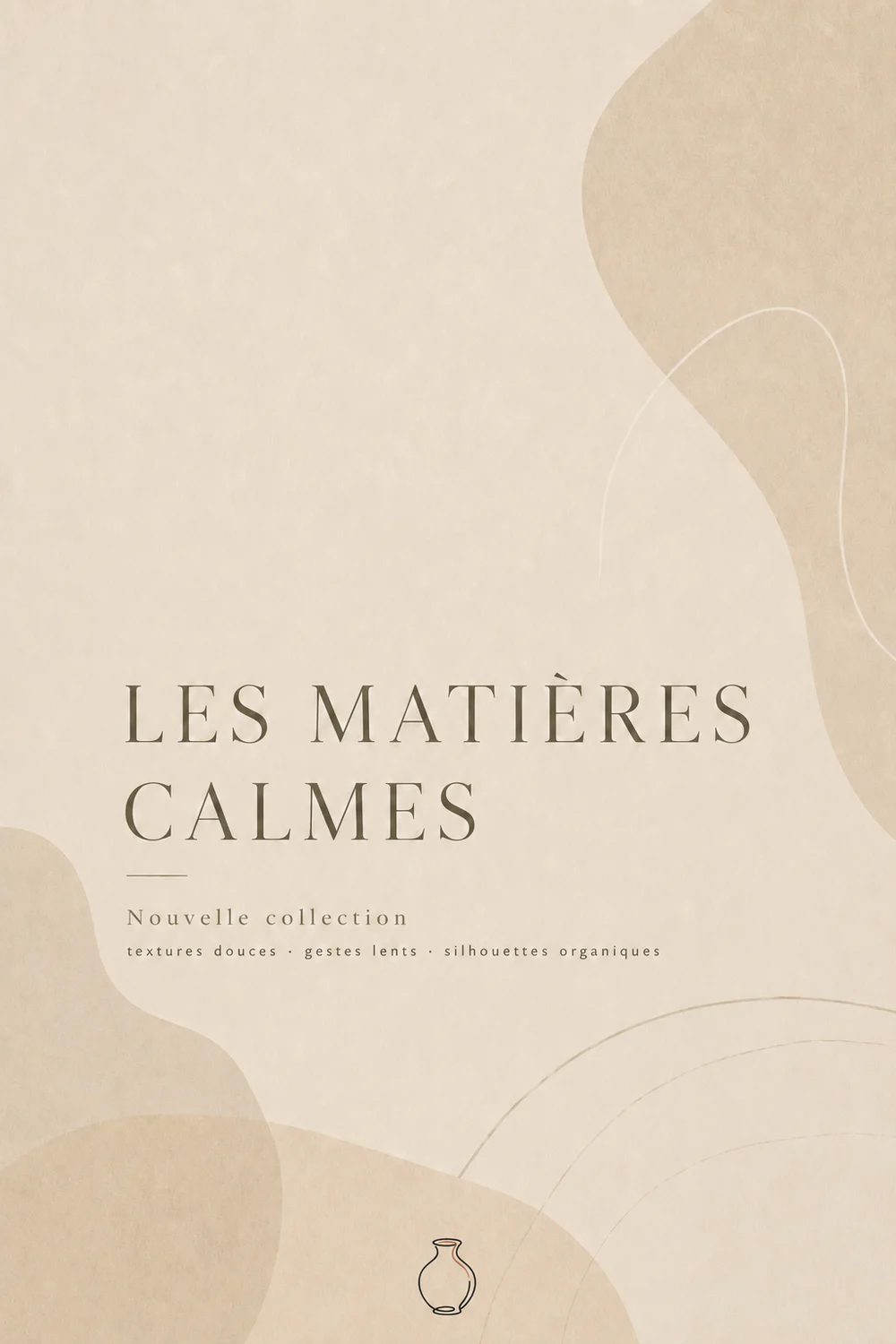
In your style
Why choose between your photos and a polished visual?
ReadyToPost reads your photos and turns them into visuals in your style, never generic stock.
Elevate my photosA product shot on a plain background becomes a visual worth wanting: ReadyToPost stages it in a believable setting — or composites it straight into a scene from your bank when there's a match.

Product

In scene
An empty setting doesn't sell. ReadyToPost adds life — a customer settling in, guests at the table, someone walking by — and keeps your setting exactly as it is, indoors or out. The quality of a real photo shoot, without having to arrange one.

Scene

Alive
A visual that's almost perfect? Say in one sentence what should change — 'remove the sign in the background', 'warm up the light' — and ReadyToPost edits only that detail, without redoing the whole thing. Every version is kept: compare and roll back whenever you want.

3 versions kept


Your products deserve better than a white background.
ReadyToPost stages your products in settings that respect your world.
Before any processing, each image you upload is classified — scene, product, screenshot, or already ready to post. Then, based on the image and your settings, ReadyToPost picks the right mode: keep it as-is, stage it, drop it into a graphic template, or generate a visual from scratch.




Every visual is generated directly in the format the target network expects — 4:5 and 9:16 for Instagram and Facebook, 1:1 for LinkedIn, 16:9 for X, 2:3 for Pinterest. No stretched square, no rough crop: the right ratio, right from generation.



Yes. Everything starts from the photos you upload, and the system reads what each one is — a scene, a product, a screenshot — before deciding how to handle it. A photo that already works is kept as is, and with no photo at all it can generate a visual from scratch.
For a scene, it adds people — a customer, a guest, a passer-by — and keeps your setting exactly as it is, indoors or out. It brings your space to life without ever swapping it for another.
They're added mid-action or naturally posed, matched to your brand and the post. The whole point is believable life — nothing like the plastic feel of stock photography.
Yes. Your headline can be rendered on the visual as close as possible to your brand font, for a far more designed result than some random typeface. Text rendering is set globally, your choice: always, case by case, or never.
Already nailed it? It's kept as is — no AI redoing what already works. No photo? ReadyToPost creates a visual from scratch, calibrated to your business — including a typographic visual, for a LinkedIn statement, say.
Instagram, LinkedIn, Facebook, Pinterest and X. Every visual is generated directly in the format the target network expects — 4:5, 1:1, 9:16, 16:9 or 2:3. Each post is generated for its destination, not one visual stretched everywhere.
From a single website URL, ReadyToPost builds your brand profile and starts generating on-brand posts — no manual brief to fill.

A semantic memory of your brand's real facts, so every post cites what you actually do and have.

Plan a whole week from one brief and let it auto-publish to your five networks at the right time.
Generate on-brand Instagram posts where the 4:5 feed visual and the caption are built together — a scroll-stopping hook, breathable paragraphs, and full-word hashtags grouped at the end, scheduled and ready to publish.
ReadyToPost prepares LinkedIn posts in your voice every week. Review and approve your content, then publish to your profile or company page on schedule.
ReadyToPost prepares Facebook images and posts in your voice every week. Review and approve them, then schedule publication to your Facebook Page.
Every social media management company sends the same eleven-term proposal. What each term means for a one-to-five person business, which lines are posts, which are coordination, and the asset to keep.
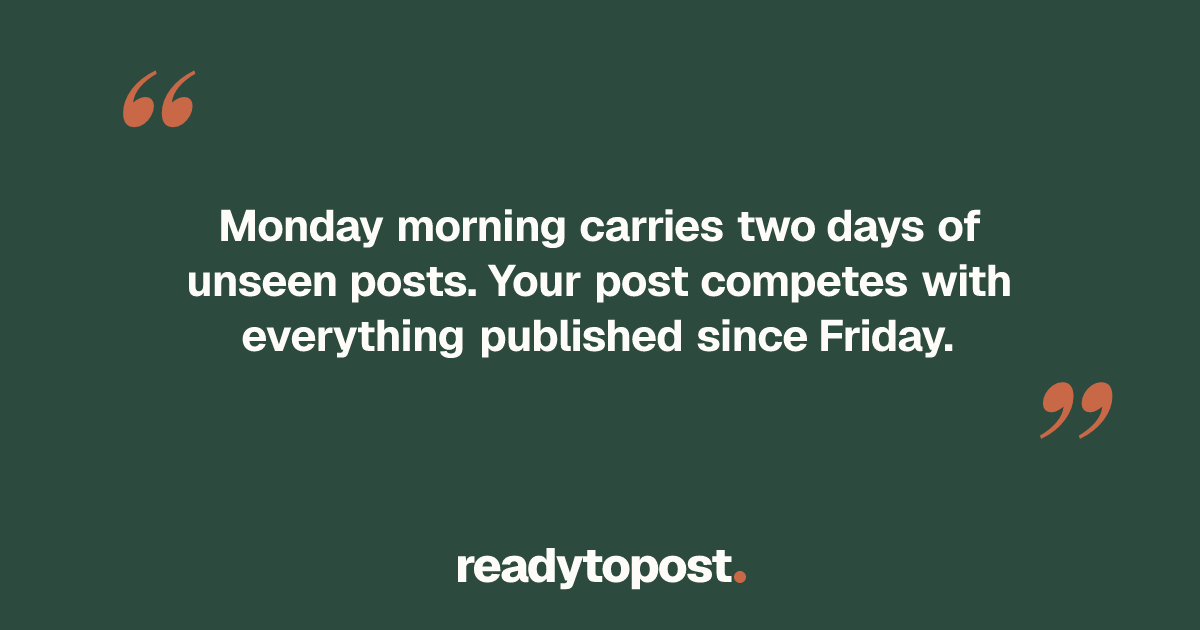
Late Monday morning is where every chart lands. That number averages accounts nothing like yours. Here are the ten mechanisms that set your own Monday window, and the one that outweighs the hour.
Forty-seven saved content ideas, four posts in a year. The ideas a one-person workshop actually publishes come from somewhere else: this week's jobs. Here is why, and the list that fills a week.
Upload your photos — ReadyToPost reads them, applies your style and generates the right visual in the right format.
Monthly plansReady in minutesCancel in one click


