
How to Grow a Product Business on Instagram From Zero
Build a useful Instagram foundation before chasing reach: clarify the offer, collect real product proof, give each post a job, and repeat the sequence.
People rarely drop a handmade purchase over the price. They drop it because ordering takes too many steps.

To sell your handmade creations on Instagram, treat your account as a storefront, not a gallery: every product post needs the piece, the price and the way to order, on a rhythm buyers can rely on. The attention you already have; this guide builds the path from scroll to sale.

Tired of compliments that never become orders?
The gap is usually the missing price and order path, not your follower count.
Show my priceA buyer who lands on your profile decides in seconds whether ordering looks possible. Your bio should say what you make, where you ship and how to order, in plain words. Pin highlights that work like shop windows: available now, how to order, happy customers. And point your bio link at the page where people can actually pay, not at a press feature.
Read your bio as a stranger would: if it doesn't answer "can I buy this today?", rewrite it.
A product post that sells holds four things: a photo that does the piece justice, what it is, the price, and how to order. The photo decides first — see why your product photo decides before anyone sees your product. Then the caption does the closing work: name the material, the hours, who it's for, and end with the ordering path. The full method is in writing a caption that sells.
State the price in the caption. "DM for price" filters out ready buyers, not curious ones.
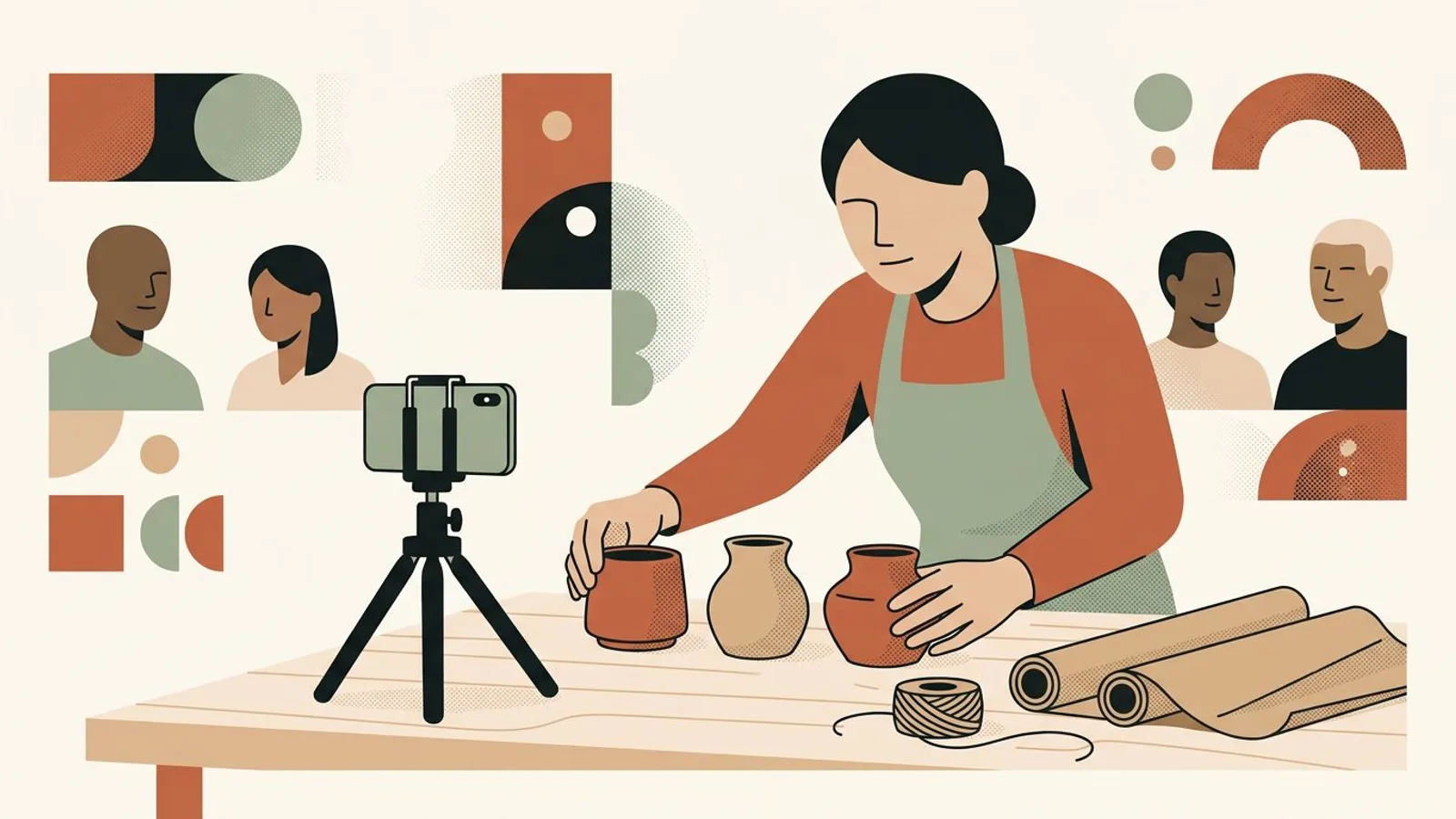
One glorious post when a batch is finished doesn't build a shop; three steady posts a week do. Alternate product (the piece, the price, the path), process (hands, material, workbench) and proof (a customer photo, a review). Regularity is what earns trust from buyers and the algorithm alike — Instagram works when you show up. If the making leaves no time for the posting, an AI Instagram post generator built on your real photos keeps the storefront stocked while you stay at the bench.
Plan the week in one sitting: three posts decided in 20 minutes beat three evenings of doubt.
On Instagram the checkout is often a conversation. Treat every DM question as an almost-order: reply within the day, and give the price, the timeframe and a direct way to pay in one message. Keep a saved reply for the three questions you always get. And once the parcel ships, that same conversation sets up your next sale — see waking up a customer who bought just once.
A DM answered within the hour sells; the same DM answered three days later gets "sorry, I found something else".
What if every post already said how to order?
ReadyToPost writes your captions from your photos and the product details you provide — price and ordering path included.
Caption my productsDo
Don't

Situation
A ceramicist with 900 followers posted finished pieces with poetic captions and no price. Compliments piled up, but Instagram brought only about 3 sales a month; the rest came from markets.
Action
She rewrote her bio around ordering, added the price and "DM to order or tap the link" to every product caption, pinned an "available now" highlight, and held a rhythm of three posts a week: product, process, proof.
Outcome
Within a month, DM questions tripled and Instagram brought 11 direct orders — more than three times the month before, with the same pieces at the same prices.
Your feed could triple its DM orders too.
State the price, post three times a week, answer DMs the same day — ReadyToPost keeps the rhythm.
"DM for price" feels elegant, but it adds a step exactly where buyers hesitate. Most people don't ask; they scroll on and buy from the maker who states it. A visible price filters in serious buyers — it never scares away someone who was going to pay.
A beautiful feed with no path to order is a museum: people visit, admire and leave. If your last nine posts don't show the price or the way to order at least three times, you are exhibiting, not selling.

Sales follow presence. Three weeks of silence while the kiln runs means starting from zero attention when you come back. If irregularity is your pattern, read posting when you remember — the fix is a system, not more willpower.
A method is set — still, you need time to put it to work. Readytopost frees that time by taking one front off your plate: your presence on the five social networks. Everything written, illustrated, scheduled — calibrated on your work, week after week. So your energy stays on the trade.
Start with ReadyToPostSee how these principles play out day to day. Practice for makers gives you concrete, illustrated, adaptable levers — directly applicable the following week. No quarterly plans, no annual roadmaps: weekly gestures that touch something right away.
See it in practice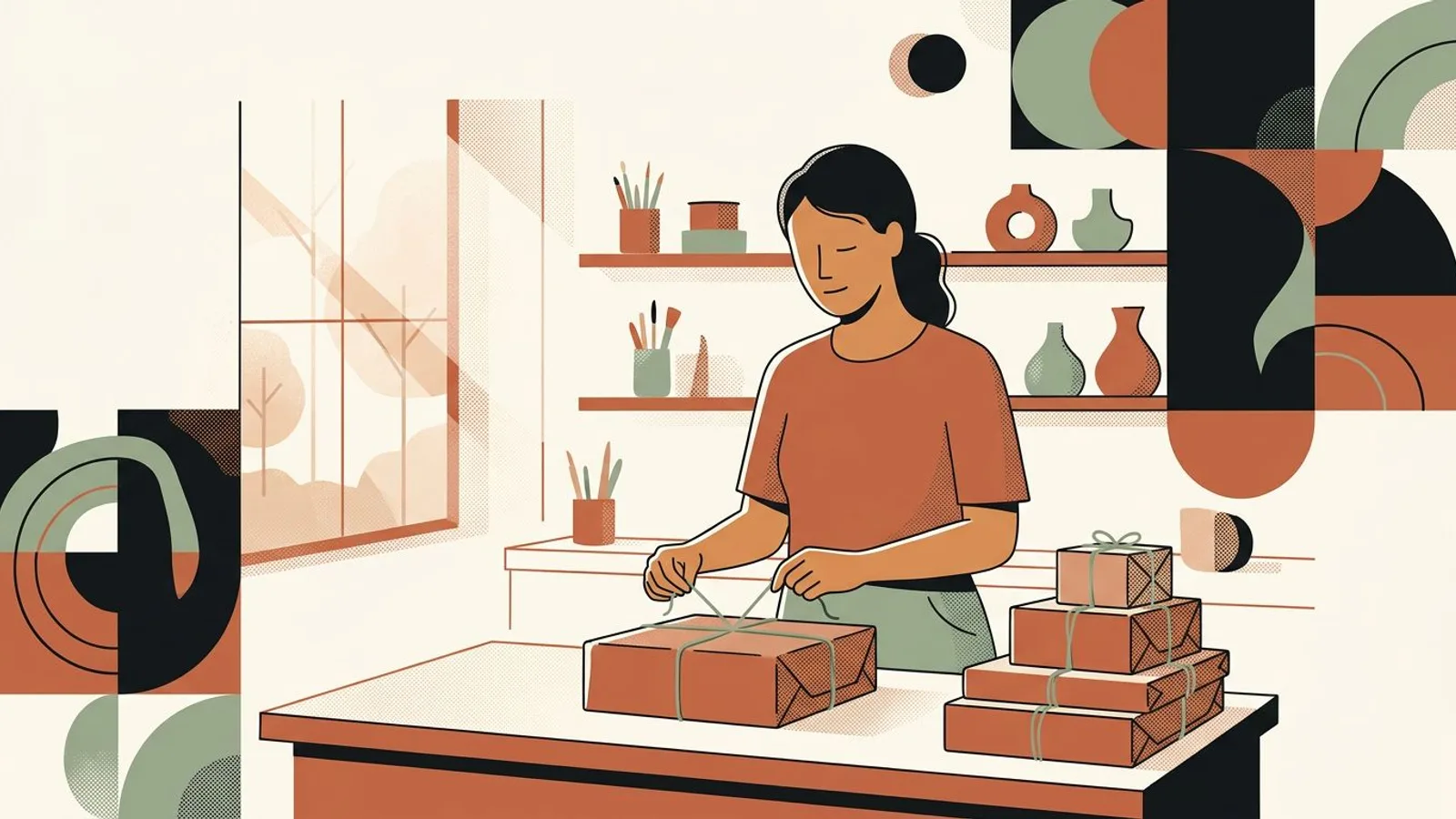
No. Plenty of makers sell entirely through DMs with a payment link (PayPal, Stripe, a simple checkout page). A website removes friction for bigger orders, but the deciding factor is the same either way: every product post must say how to order.
Yes. A stated price turns a browser into a decider on the spot; a hidden one adds a step where most buyers quietly drop off. If writing the selling text is the hard part, here is how to write a caption that sells.
Fewer than you think. Small accounts sell every day because their audience is precise; big accounts with vague feeds don't. If you have likes but no orders, the problem is usually the buying path, not the audience size — read the real signal.
Three times a week, held steadily, beats a daily sprint that dies after ten days. Steady presence is what compounds — Instagram works when you show up.
Yes, and you should: Pinterest is where people search for gift ideas months ahead, and a pin keeps selling long after you post it. Start from the same product photo and adapt it per network (one piece, the right post on each network); an AI Pinterest pin generator makes that a few minutes' work.
Build a useful Instagram foundation before chasing reach: clarify the offer, collect real product proof, give each post a job, and repeat the sequence.

Choose one Etsy listing, give each week a clear buyer job, and turn accurate product facts and photos into a connected Instagram campaign.

Sell a digital download on Etsy by solving one buyer task, packaging the files clearly, publishing a complete digital listing, and promoting the offer with a repeatable proof sequence.
One Etsy listing can support several useful Pins. Give each Pin a distinct buying question, a clear destination and a reason to open the product page.
Turn each product into a useful Instagram sequence: show the material, explain a making decision, prove the result, then make the offer clear.
Linking your Etsy shop to Instagram is a five-minute bio setting. The reason clicks don't turn into orders is different: your feed and your shop look like two different sellers. Here's the fix.

From a single website URL, ReadyToPost builds your brand profile and starts generating on-brand posts — no manual brief to fill.

Create AI product images and social media visuals from your photos or from scratch. ReadyToPost applies your brand style in the right format for each network.

A semantic memory of your brand's real facts, so every post cites what you actually do and have.
Generate on-brand Instagram posts where the 4:5 feed visual and the caption are built together — a scroll-stopping hook, breathable paragraphs, and full-word hashtags grouped at the end, scheduled and ready to publish.
ReadyToPost prepares LinkedIn posts in your voice every week. Review and approve your content, then publish to your profile or company page on schedule.
ReadyToPost prepares Facebook images and posts in your voice every week. Review and approve them, then schedule publication to your Facebook Page.
You hold the principles. Readytopost takes the communication off your plate, every week — so your method stays your method.
Monthly plansReady in minutesCancel in one click