In practice · Instagram Reel size

Instagram Reel size: 1080 × 1920 and how to frame a hotel for the full screen

A Reel is not cropped in the edit. It is cropped by the screen, so frame for the screen before you press record.
The one Reel size Instagram shows full screen, with no bands and no crop
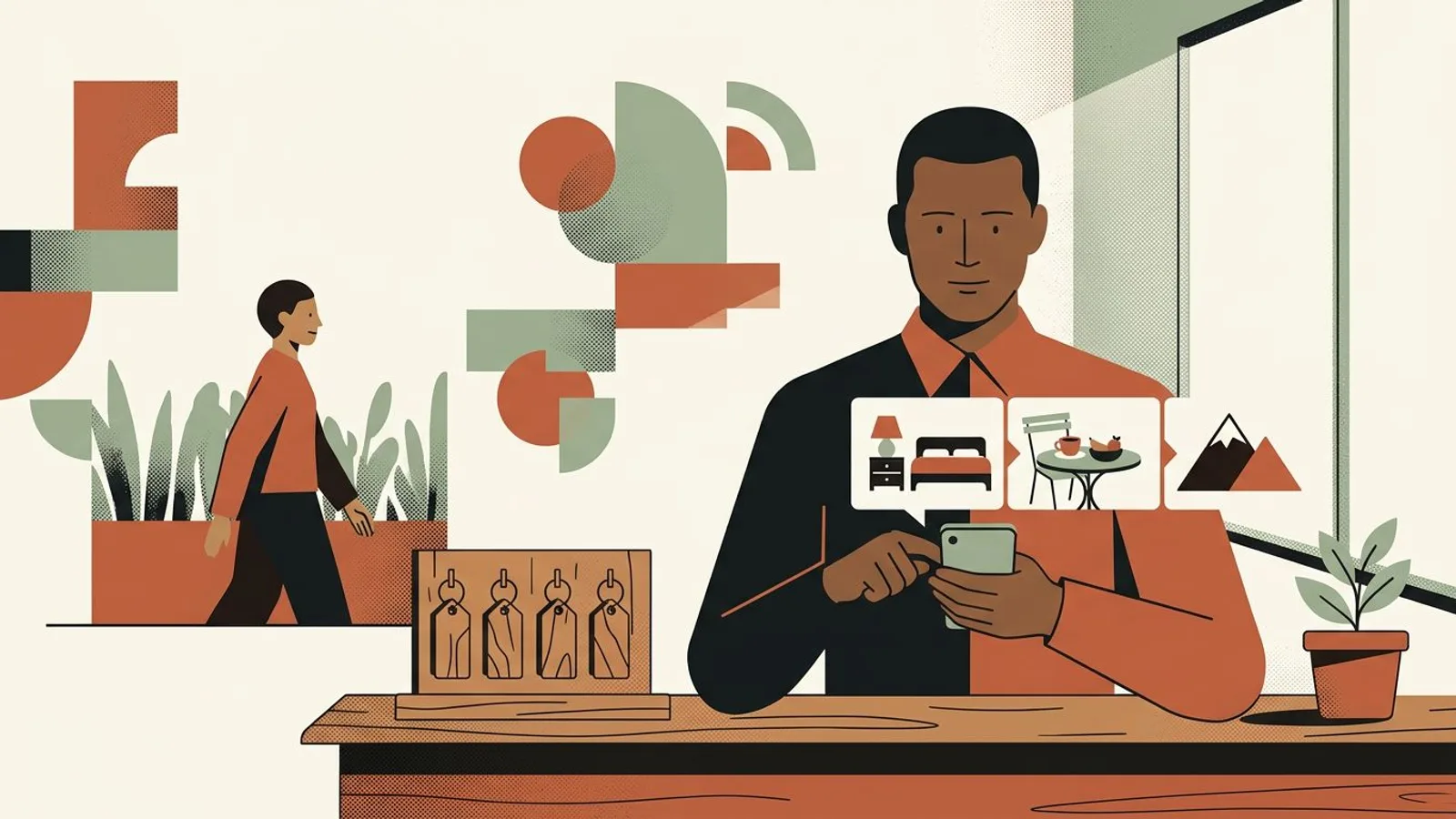
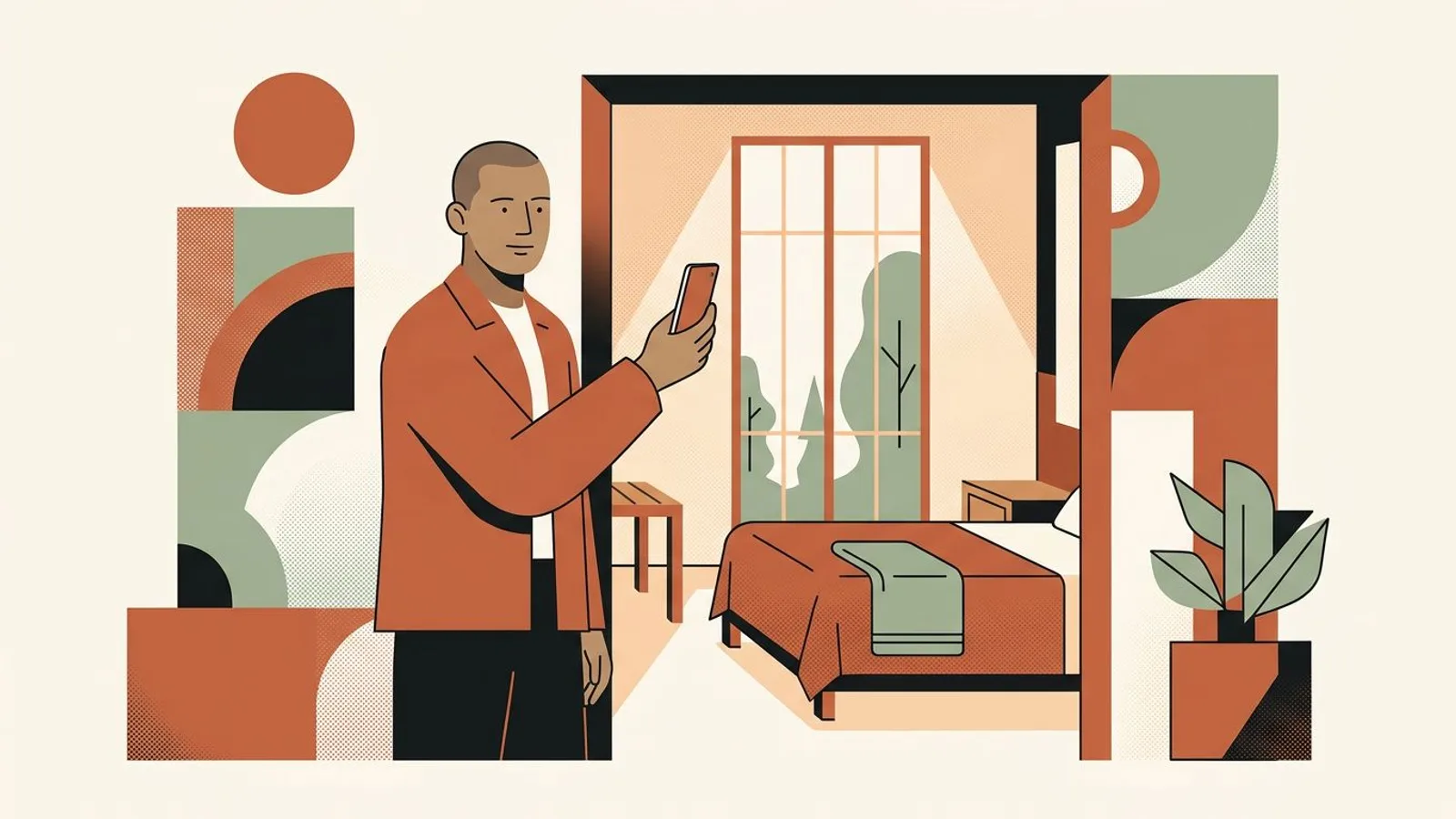
A hotel owner frames a sunlit guest room with his phone held upright, bed and tall window in one vertical shot.
The setup

An Instagram Reel is 1080 by 1920 pixels, a 9:16 frame that fills the phone screen edge to edge, and that is the only size worth shooting and uploading. What decides whether a traveler actually sees your room is what the app lays over that frame and how it crops the cover into your profile grid. This guide sets the frame once for a small hotel: the exact size, the zones to keep clear, how to shoot rooms and terraces upright, and a cover that still looks like your hotel at grid size, so the Reel pulls its weight next to the feed posts an Instagram post generator built for small brands drafts from your own photos.

Symptoms

You might recognise these signs.

  • Your Reel of the junior suite plays between two dark bands, because it was shot with the phone sideways and then squeezed into the upright frame.
  • The headboard or the chandelier sits under your username, and the edge of the pool disappears behind the caption and the audio line.
  • The cover looked right full screen, then landed in your profile grid as a slice of wall with half a lamp.
  • The same room gets shot three times in three orientations because nobody decided once which one goes out.
  • You crop every clip by hand the evening before it goes out, and the result never sits the same way twice.
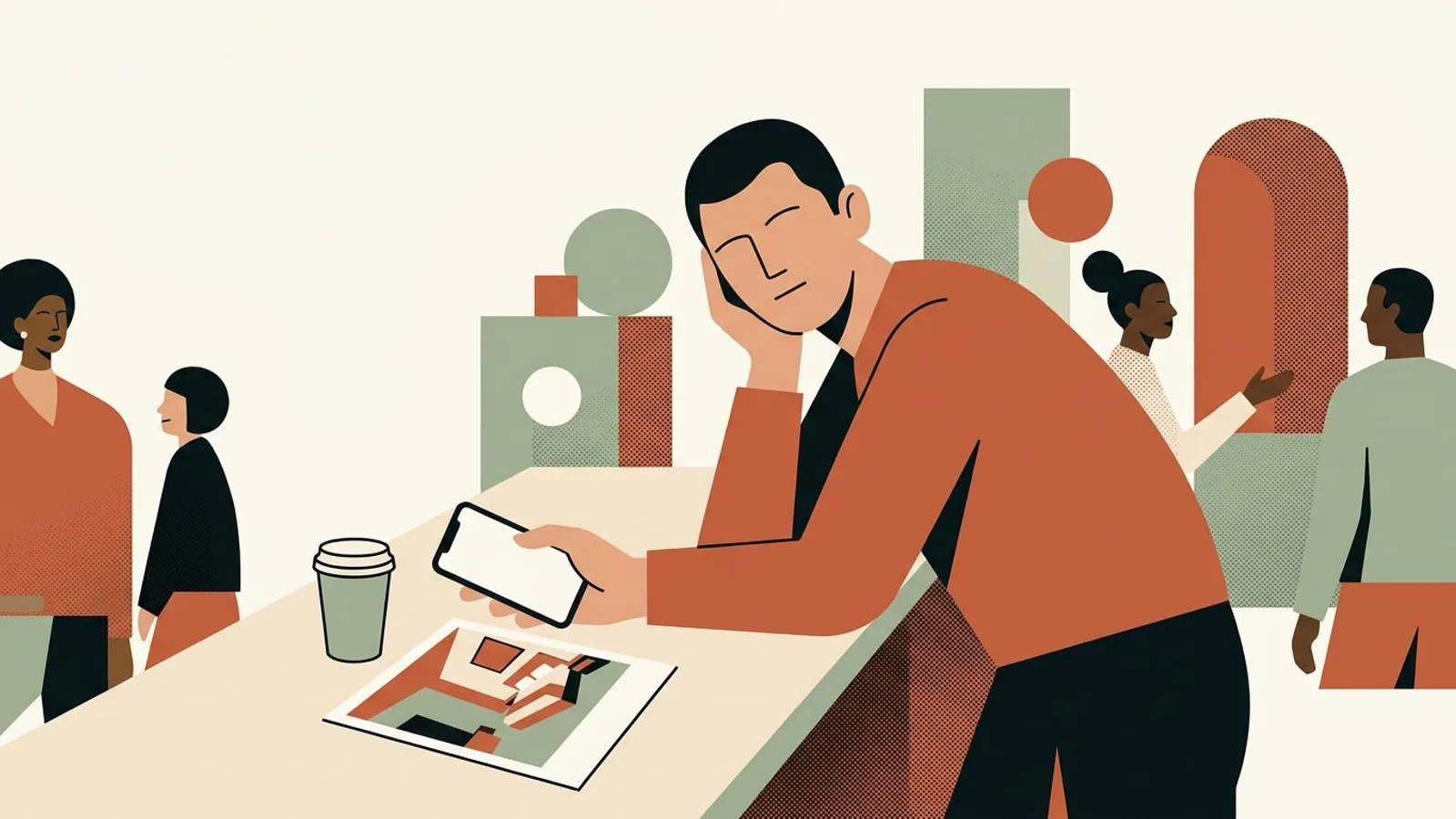
A tired hotelier at the front desk holds his phone sideways next to a printed room photo trimmed at the top and bottom.

How many hotel Reels lost their best corner to the caption?

ReadyToPost keeps the rest of your week whole on a phone: feed posts and captions drafted from your own photos, in the frame Instagram shows in full.

Fill my feed
Method

Step by step.

  1. Shoot and export at 1080 by 1920, nothing else

    A Reel has one native size: 1080 pixels wide by 1920 tall, the 9:16 ratio of a phone held upright. Instagram accepts other shapes, but it does not show them full screen: a square or a 4:5 clip plays between two bands, and a 16:9 clip shot sideways either gets bands or loses two thirds of its width to a crop. Keep the file at 9:16 from the moment you shoot it, and upload it at least 1080 wide; anything narrower is stretched to fit, and a room's textures, the linen, the wood, the tiles, are the first thing to go soft.

    Hold the phone upright and leave the camera on its default setting: a phone held upright already records at 9:16. Turning it sideways is what creates the bands.

  2. Keep three zones clear: the top band, the bottom band and the right column

    Full screen, the app draws over your frame. Your handle and the audio sit in the top band, roughly the first 250 pixels; the caption, the handle again and the audio line cover the bottom band, roughly the last 400 pixels; and the column of action icons takes about 120 pixels down the right edge. What is left is a window of about 960 by 1270 pixels in the middle, and that is where the room has to live. In a hotel that means the ceiling light and the top of the headboard stay out of the top band, the bed skirt and the floor stay out of the bottom band, and the horizon of the sea view is not hidden behind the heart. It is the same logic as the first five seconds in the room that the arrival promises: what the guest sees first has to be the thing you meant to show.

    Frame with a finger's width of margin at the top and two at the bottom. The app fills them for you, and nothing you cared about is underneath.

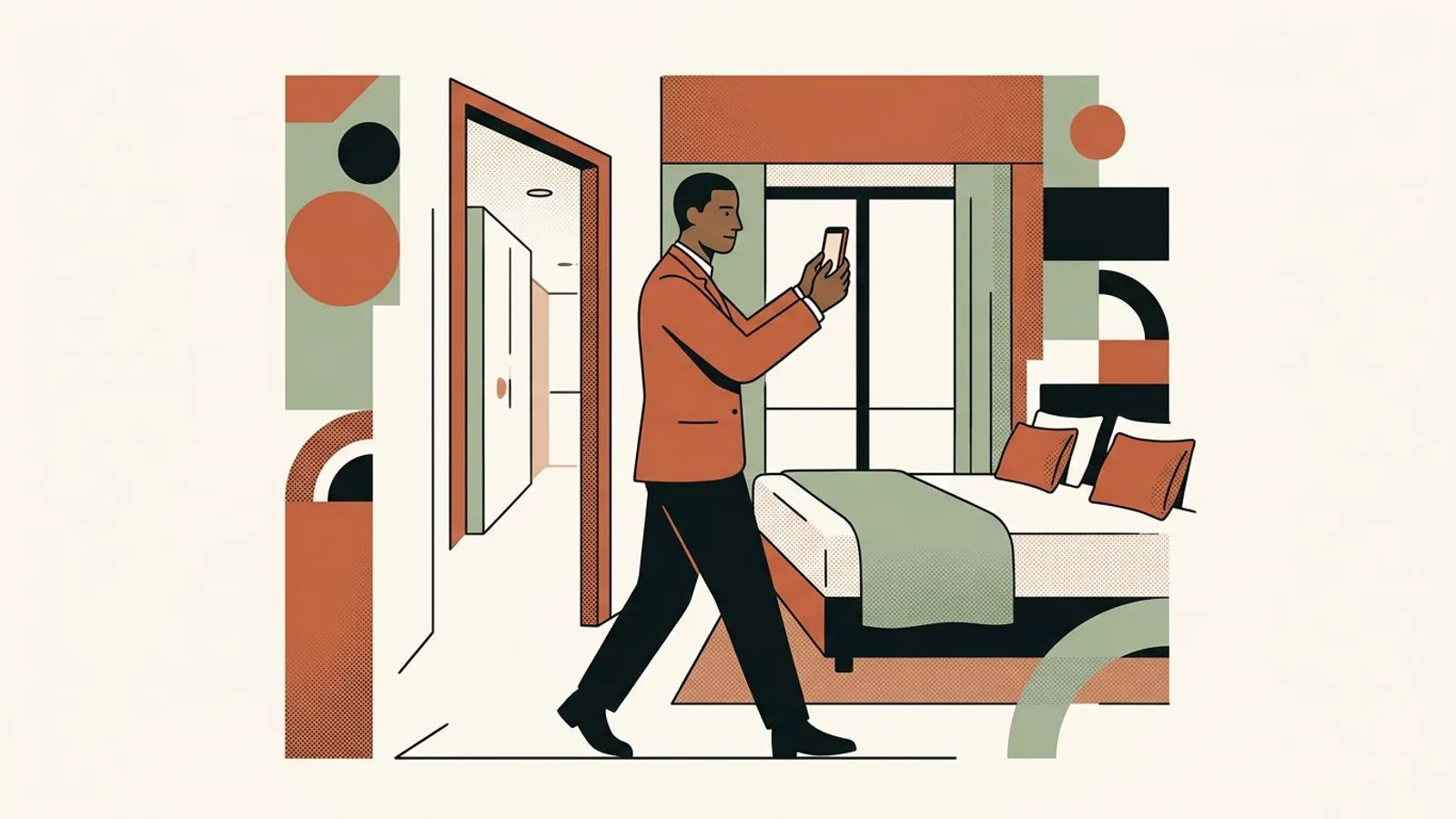
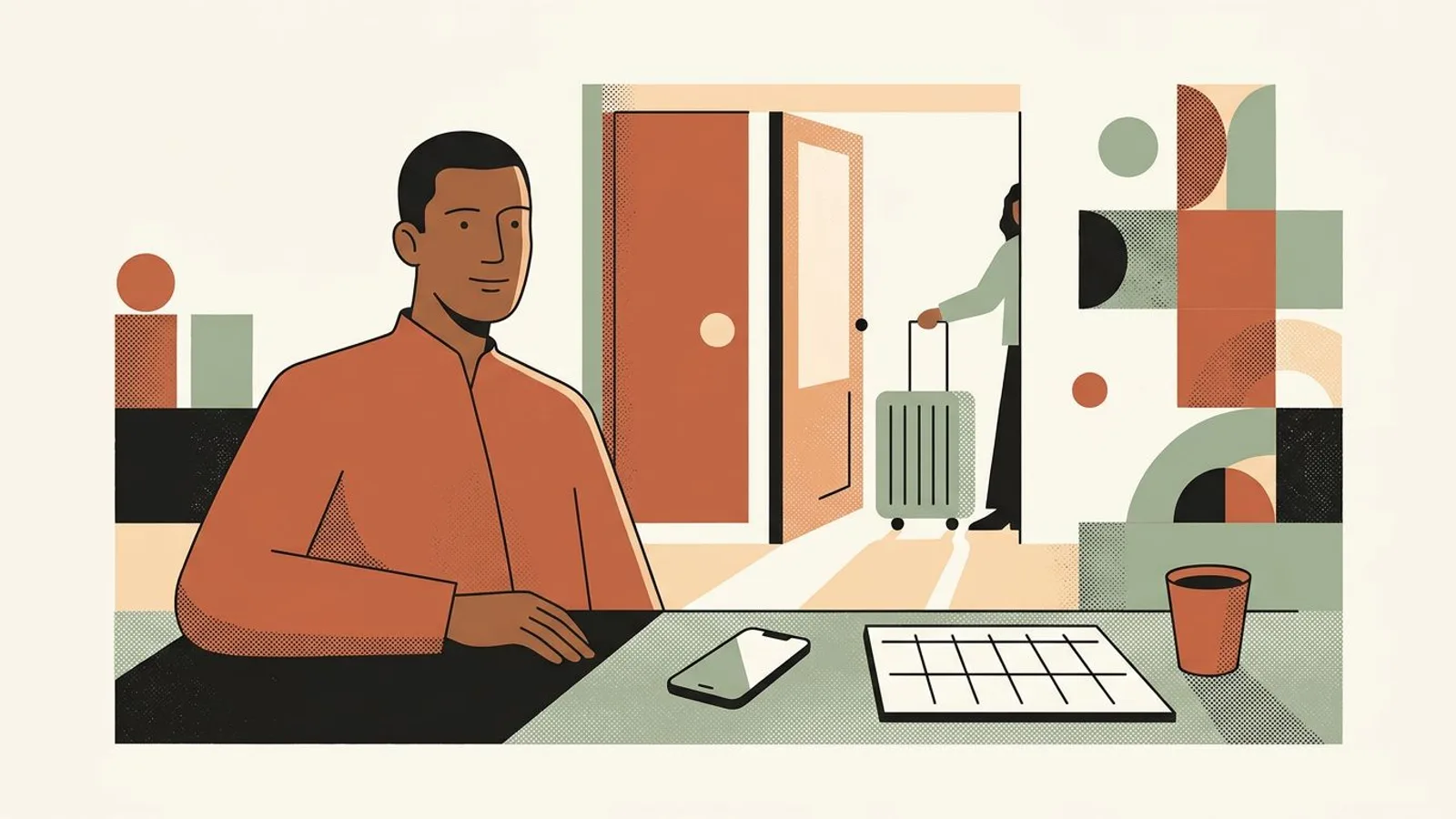
  3. A hotelier walks from the corridor into a room, phone held upright at chest height to frame doorway, bed and window.
  4. Frame rooms, terraces and corridors for an upright screen

    An upright frame rewards depth over width. Stand in the doorway and shoot into the room so the bed leads the eye to the window, rather than along the wall. Shoot the terrace from the table toward the view, not sideways along the balustrade, and let corridors, stairwells and tall windows do what they were built to do: they are vertical already. The facade almost never works upright; keep it for the feed in portrait 4:5, the ratio that a hotel carousel holds from the first slide to the last. And frame for one person: the room shot for the weekend couple is not the room shot for the Tuesday business traveler, which is why deciding which guest you serve comes before the camera.

    Move your feet instead of pinching to zoom. One step forward fills the upright frame without softening the image.

  5. Choose the cover for the grid, not for the full screen

    The cover is the still that represents the Reel: a 9:16 frame, 1080 by 1920, that you pick from the clip or upload as an image. But your profile grid does not show it at 9:16. Since Instagram moved its grid to portrait rectangles, the grid shows a 4:5 crop taken from the middle of the cover, so roughly the top and bottom sixth of it disappear. Pick a frame whose subject sits in that middle band: the bed centered, the breakfast table in the middle third, the view's horizon near the center line. When the feed posts around the Reel come from a visual generator that keeps every image in your hotel's palette, the grid reads as one property instead of a patchwork, for the same reason the profile picture is chosen for the small circle it lives in, not for the big preview.

    Before posting, open the profile grid preview in the cover editor and move the cover inside the 4:5 window until the room is whole.

  6. Set the frame once, then give the Reel a weekly slot

    The decisions above are worth making once, not per post. Write the standard in one line where the desk can see it: upright, 9:16, top and bottom bands clear, cover centered for the grid. Then give the Reel a fixed slot: one a week, shot in the same morning session as the feed photos, with a caption that says where the link is and what the direct rate includes, the handoff that pushes direct bookings. Plan the week in one sitting, the way scheduling Instagram posts in five steps lays it out, and let a planner that builds and schedules the week from your photos and your website carry the feed posts around the Reel, so the standard you just set holds through high season.

    When the light is good, shoot two Reels in one session and keep the second one for the following week.

What if your week were framed before the first check-in?

ReadyToPost turns your room, terrace and breakfast photos into a week of posts in your hotel's voice, scheduled while you run the desk.

Prepare my week
Do / Don't

Do

  • Shoot upright at 1080 by 1920 with the phone's default camera
  • Keep the room inside the middle window, away from the top and bottom bands
  • Check the 4:5 grid crop of the cover before you post

Don't

  • Turn the phone sideways for a room, a terrace or a corridor
  • Put the pool's edge, the sea horizon or the bed skirt in the bottom band
  • Crop a sideways clip into 9:16 after the fact and hope the room survives
An illustrative case
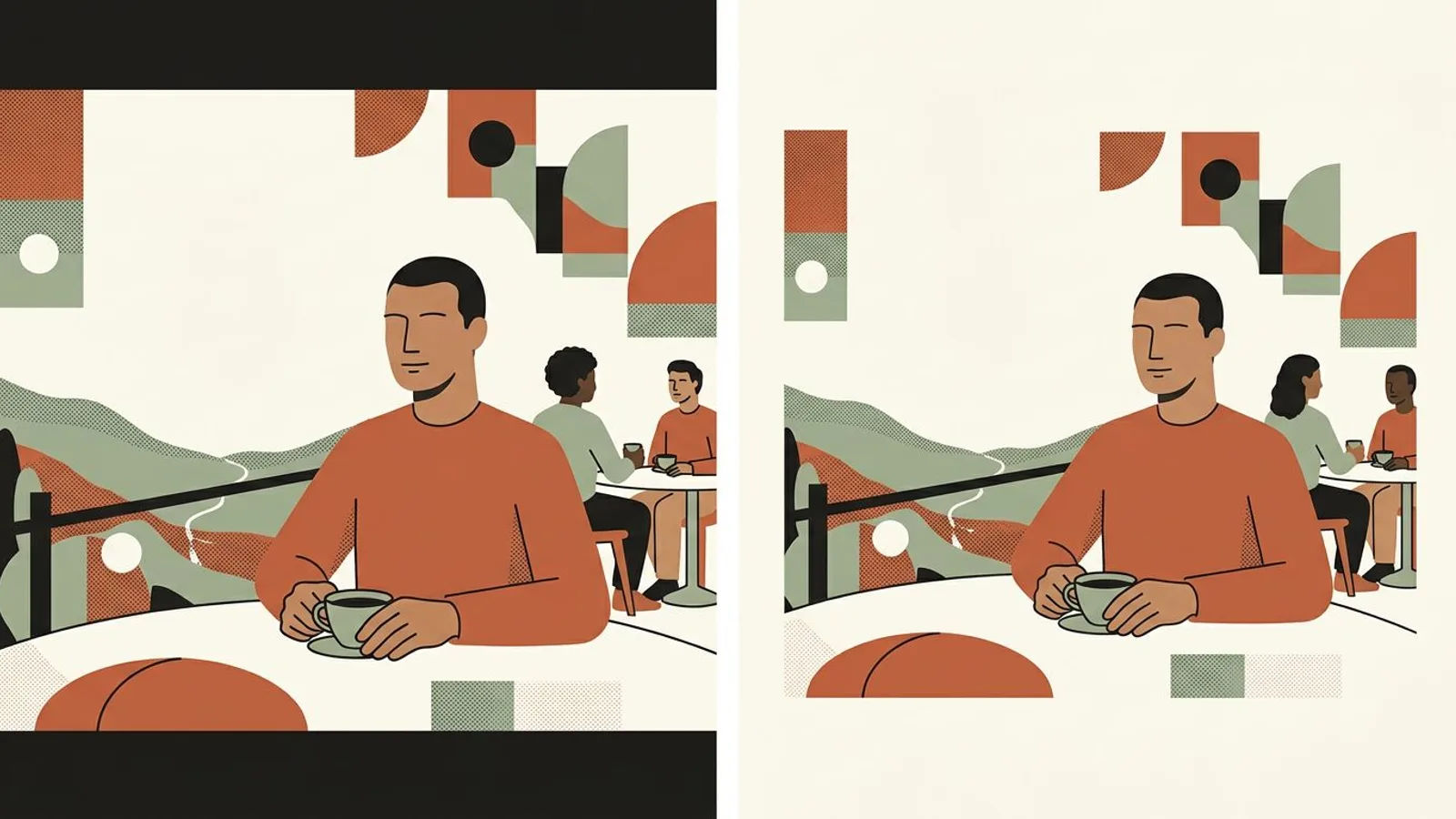
The same hotel terrace at breakfast in two tall panels: cut by dark bands on the left, framed whole on the right.

Situation

Imagine an eighteen-room hotel on a hillside, run by its owner, whose Reels are shot sideways on the terrace and posted with dark bands above and below. In the profile grid each one shows as a strip of sky with a corner of table.

Action

He sets the standard once: phone upright, the terrace shot from the table toward the valley, the balustrade kept out of the bottom band, the cover picked with the table centered so the 4:5 grid crop shows the table and the view. One Reel a week, shot in the same session as the feed photos, planned on Monday and posted on Thursday.

Outcome

Orders of magnitude, not a measurement: the Reel fills the screen, the grid reads as one hotel instead of a row of sky strips, and the bio link starts getting taps from people who mention the terrace by name. What changed is the frame, not the terrace.

Your turn to show the whole room, every week of the season

ReadyToPost keeps the posts around your Reels coming through high season, drafted from your own photos, without an evening at the laptop.

Automate my posts
Common pitfalls

Where it usually goes wrong.

  • The sideways habit

    A hotel's photo library is landscape because the website wanted it that way, and the reflex follows the phone into the Reel. A sideways clip forced into 9:16 keeps a third of its width and none of its purpose. Shoot upright on purpose for the Reel and let the landscape shots keep the job they were made for: a tool that builds social content from your own website draws the feed posts and captions from those photos and from the facts on your site, while the Reel stays upright.

  • A cover chosen at full screen

    What looks balanced at 9:16 is not what the grid shows. The top and bottom of the cover vanish in the 4:5 crop, and a room framed with the bed low in the frame becomes a grid tile of ceiling. Choose the cover in the grid preview, with the subject in the middle band, and the profile stays a hotel rather than a collection of corners.

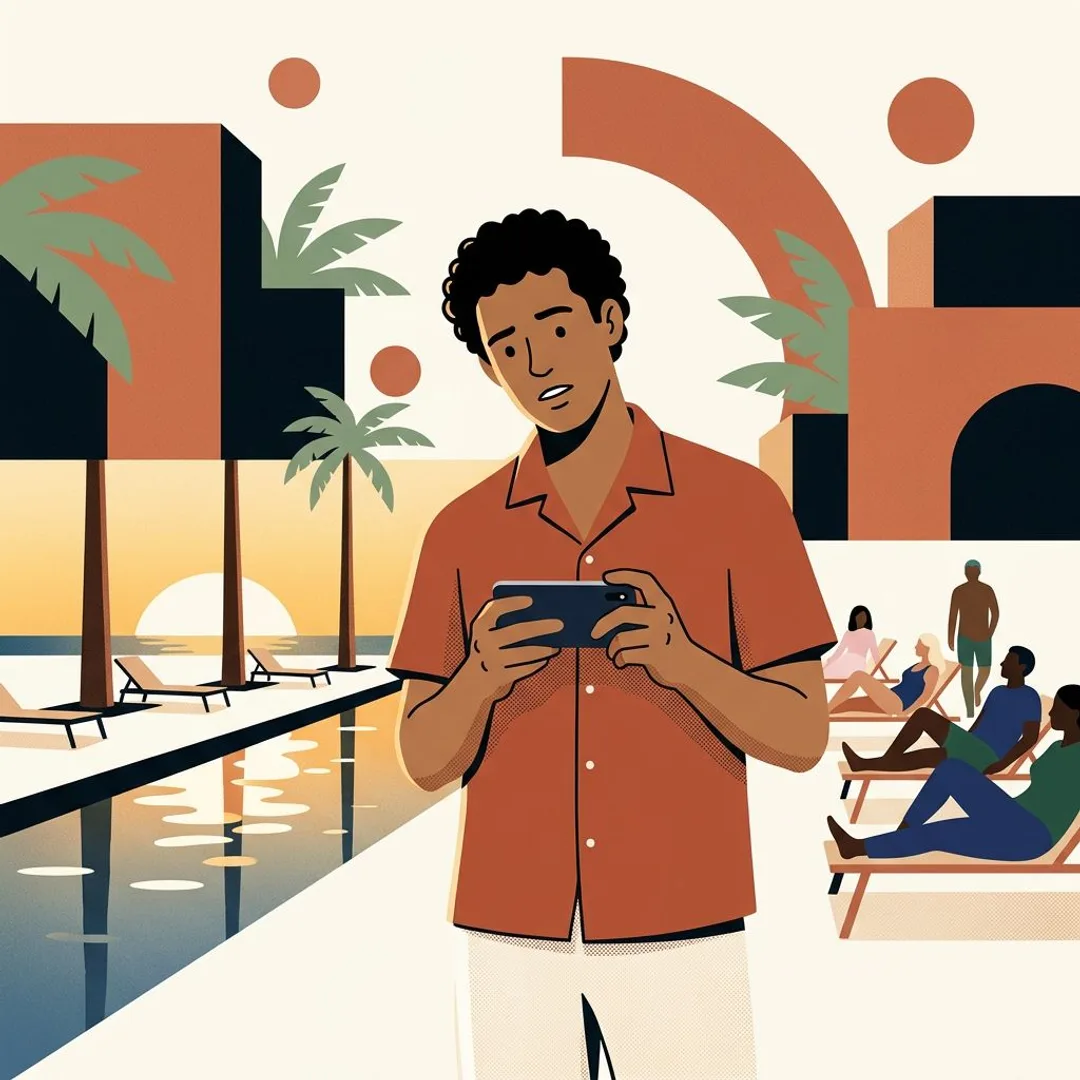
  • A hotelier holds his phone sideways in front of a long pool, palm trees and loungers spilling out of the narrow frame.

    Fixing the crop in the caption

    No caption rescues a room cut at the headboard. The caption has one job, the handoff: the direct rate, what it includes, where the link is. In low season that handoff can carry an offer without discounting the room, the way the moves in rescuing a slow week do, but only if the frame above it already showed the stay.

Takeaway

Your checklist.

  • Every Reel shot upright and exported at 1080 by 1920
  • Nothing essential in the top band, the bottom band or the right column
  • Rooms shot from the door toward the window, terraces from the table toward the view
  • Cover checked in the 4:5 grid preview before posting
  • Next week's Reel already shot and scheduled alongside the feed posts
What's next?

Levers spotted. Now pull them weekly.

With ReadyToPost

Pulling these levers every week is already a discipline. Adding communication on five social networks is another — and the one that gets sacrificed first. Readytopost takes the second one off your plate: posts, images, scheduling, calibrated on your work. So the first one keeps all your attention.

Start with ReadyToPost
Up next

Back to the overview for independent hotels to browse all guides — diagnosis, method, practice — in whichever order fits. Three floors that complement each other: one to understand, one to think, one to act. You go in where it pinches most today, and come back when a new question shows up. No required order.

Back to the overview
A calm hotelier leans on the reception counter beside a paper weekly planner and a coffee as a guest's suitcase arrives.
Questions

Frequently asked.

  • What size should an Instagram Reel be?

    1080 by 1920 pixels, the 9:16 ratio of a phone held upright, uploaded at least 1080 wide. Instagram accepts squarer shapes but plays them between bands, so a room loses screen it did not need to lose. The same size holds for a Reel shared to Facebook, where it sits next to the feed posts a Facebook post generator can draft for the hotel's page.

  • What is the safe zone for Instagram Reels?

    Roughly the middle of the frame: keep about 250 pixels clear at the top, about 400 at the bottom and about 120 down the right edge, which leaves a window of around 960 by 1270 pixels for the room, the table or the view. The exact overlay shifts with app updates, which is why a finger's width of margin at the top and two at the bottom is a safer rule than a pixel count.

  • What size is an Instagram Reel cover and why does it look different in my grid?

    The cover is a 9:16 image, 1080 by 1920, the same as the Reel. The profile grid shows a 4:5 crop taken from the middle of it, so the top and bottom of the cover are gone in the grid. Use the grid preview in the cover editor to position the room inside the 4:5 window before you post.

  • Can I post a square or 4:5 clip as a Reel?

    You can, and Instagram will play it between two bands rather than full screen. For a hotel that is a third of the phone left empty around a room that deserved all of it. Keep 4:5 for the feed and the carousel, and shoot the Reel upright from the start: cropping a sideways clip afterwards loses the width of the room, and cropping a square one loses nothing but gains nothing either.

  • How long should a hotel's Instagram Reel be?

    Instagram allows up to three minutes; a room, a terrace or a breakfast needs fifteen to thirty seconds. One moment per Reel, shot upright, is enough to make someone want to stand where the camera stood, and a short Reel of the first snow or the first terrace morning of the season is the kind of reminder that brings guests back every year.

hotel

Other guides for independent hotels

View all guides
Instagram carousel for hotels: the method for a swipe that books
The hotel Instagram carousel

Instagram carousel for hotels: the method for a swipe that books

An Instagram carousel is the closest thing to a walk through your hotel a traveler gets before booking. One moment per post, the strongest image first, five to seven slides in one ratio, and a closing slide that hands over the booking link. The method, plus the weekly routine that keeps it going through high season.

Four Monday indicators: piloting a boutique property
Weekly piloting for indie hotels

Four Monday indicators: piloting a boutique property

Four indicators read every Monday are enough to pilot an independent hotel. Not ten, not twenty: four — pickup J+7 vs J+30, ADR vs local market, direct/OTA channel mix, review sentiment last 7 days. Each triggers a clear decision at every reading. The rest is dashboard that reassures without changing anything. And it all fits in a shared spreadsheet — no €400/month revenue manager required.

The method for guests who come back every year
Come back every year

The method for guests who come back every year

In hotels, the guest who returns a second time costs almost nothing to acquire — no OTA commission, no campaign, no Booking discount. And they're worth five times the margin of a new guest captured at 18% commission. Yet most independent hotels pilot acquisition and forget the cadence of return. A word, an attention, a well-placed email is enough — but it has to land at the right time.

The blog

Related blog articles

All articles
Instagram marketing for restaurants: 3 playbooks
Platform guides

Instagram marketing for restaurants: 3 playbooks

Restaurant Instagram marketing is three playbooks: plate, room and offer. Each converts a different diner and costs different hours. Four criteria, then the ratio that fits how people book you.

What font does Instagram use for captions?
Platform guides

What font does Instagram use for captions?

Instagram has no caption font. Captions show in the reader's phone font, and the fancy letters from font generators are different characters. We tested what they break, and where a typeface belongs.

Features

What ReadyToPost does

All features
From your website
Capability

From your website

From a single website URL, ReadyToPost builds your brand profile and starts generating on-brand posts — no manual brief to fill.

AI visuals
Capability

AI visuals

Generate social visuals from your real photos — in your style and fonts, in the right format per network. Fix any detail in one sentence.

Knowledge base
Capability

Knowledge base

A semantic memory of your brand's real facts, so every post cites what you actually do and have.

Social networks

Network by network

All networks
Instagram Post Generator

AI Instagram Post Generator

Generate on-brand Instagram posts where the 4:5 feed visual and the caption are built together — a scroll-stopping hook, breathable paragraphs, and full-word hashtags grouped at the end, scheduled and ready to publish.

LinkedIn Post Generator

AI LinkedIn Post Generator & Scheduling

Generate professional LinkedIn posts, mention real people and companies right in the text, then publish to your profile or your company page.

Facebook post generator

AI Facebook Post Generator and Scheduling

Generate conversational Facebook posts, set your emoji and hashtag level, and schedule them straight to your Facebook Page. Text and visual built for the feed.

Resources

Guides by profession

All guides
Makers

Makers

Your hands shape the object; the image is what sparks the wanting. People reach for it because they first fell for the way it looked.

22 resources
coach

coach

No product to shoot, no storefront: just your expertise to make visible — enough for a prospect to book a call.

17 resources
restaurant

restaurant

Bring them in, bring them back, grow the team. The independent restaurateur's toolbox — no marketing sermons.

14 resources

The levers are there. Now pull them.

You know what to pull each week. Readytopost takes care of the consistency of your communication — your energy stays on the floor.

No credit cardOne week freeCancel in one click