
Method · The hotel Instagram carousel

Instagram carousel for a small hotel: from the first slide to the booking link

A carousel is the closest thing to a visit a traveler gets before booking. Build it like a tour, not a collage.
Instagram can re-show a carousel from slide two to people who scrolled past it the first time
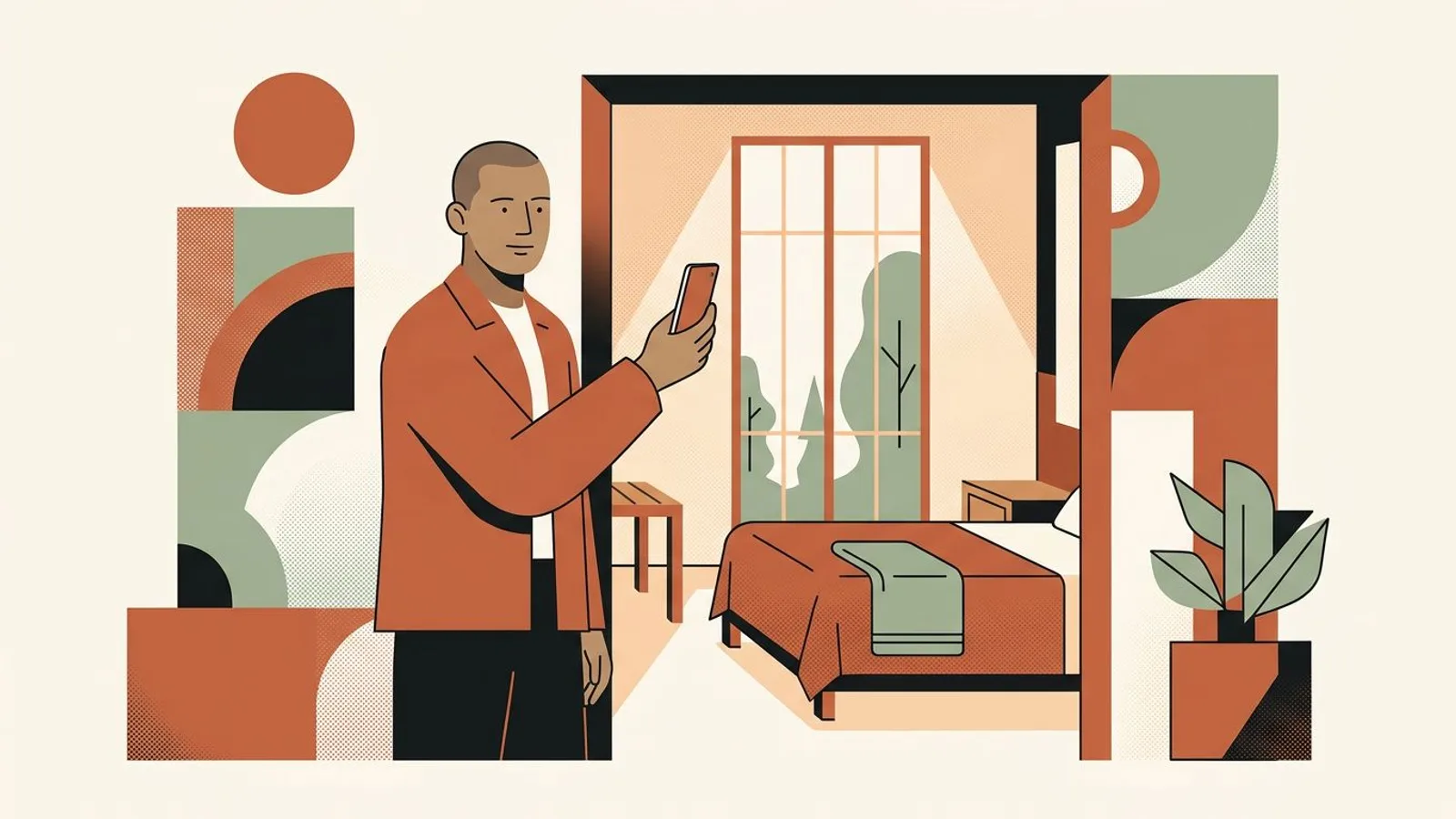
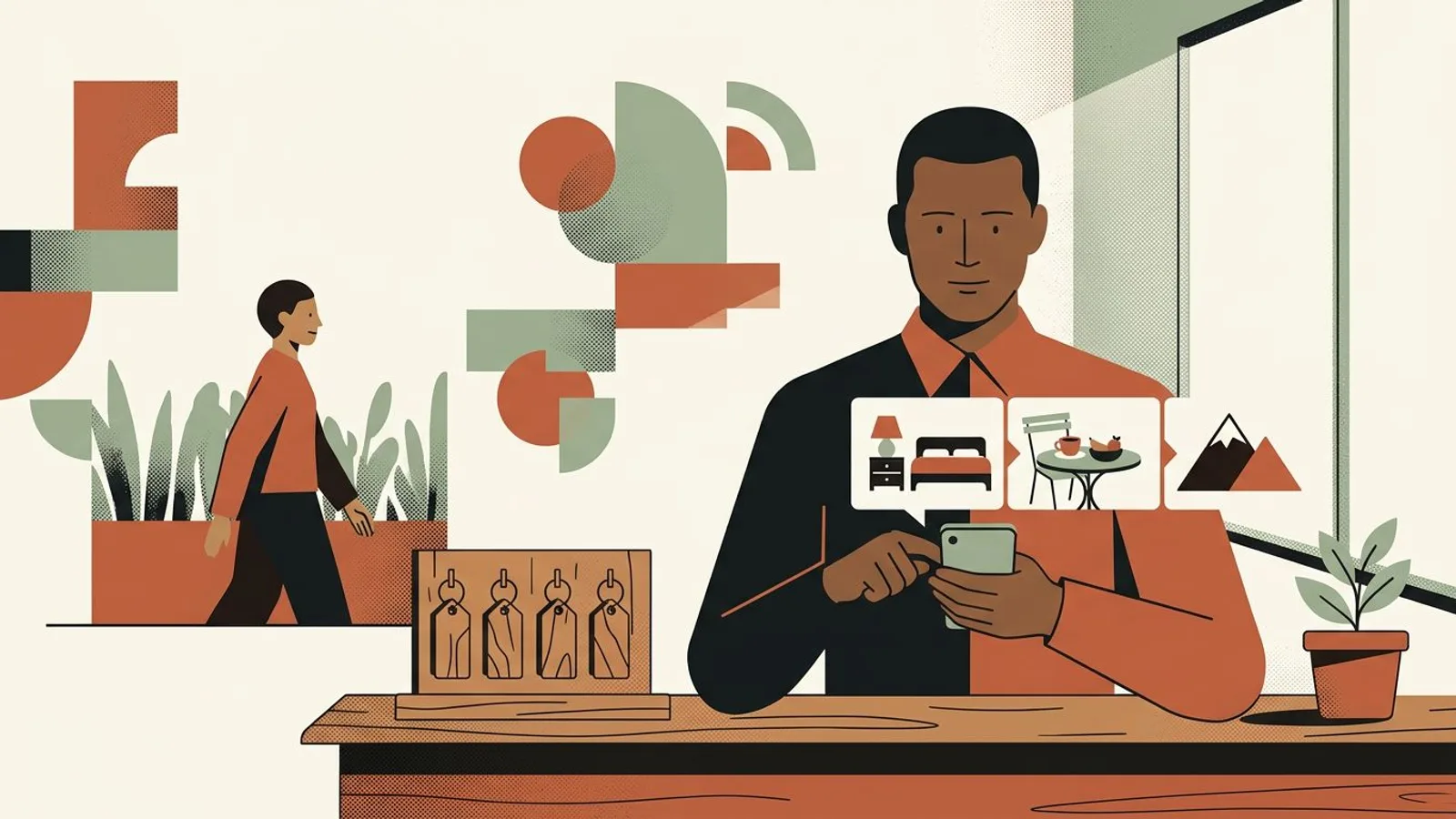
A hotelier at his front desk swipes through photos of a lakeside room, a terrace breakfast and the view
The setup

An Instagram carousel is one post that holds several images a viewer swipes through, and for a small hotel it is the format that comes closest to a walk through the property: the room, the breakfast, the view, the street outside, then the booking link. This guide gives you the slide order that keeps travelers swiping, the ratio that stops the app from cropping your rooms, and a weekly routine that produces one carousel without costing you an evening, the kind of post an Instagram post generator built for small brands can draft from your own photos.

Symptoms

You might recognise these signs.

  • You post one photo of the room, get a handful of likes, and the traveler never sees the breakfast, the terrace or the street that would have sold the stay.
  • Your carousels open on the facade or the logo, and most people scroll past before slide two.
  • Slides land in the feed cropped: the headboard is cut, the view is half gone, because the photos were shot in three different ratios.
  • You have forty good photos on your phone and no idea which six belong together in one post.
  • The last slide says nothing, so even the people who swiped to the end have nowhere to go next.
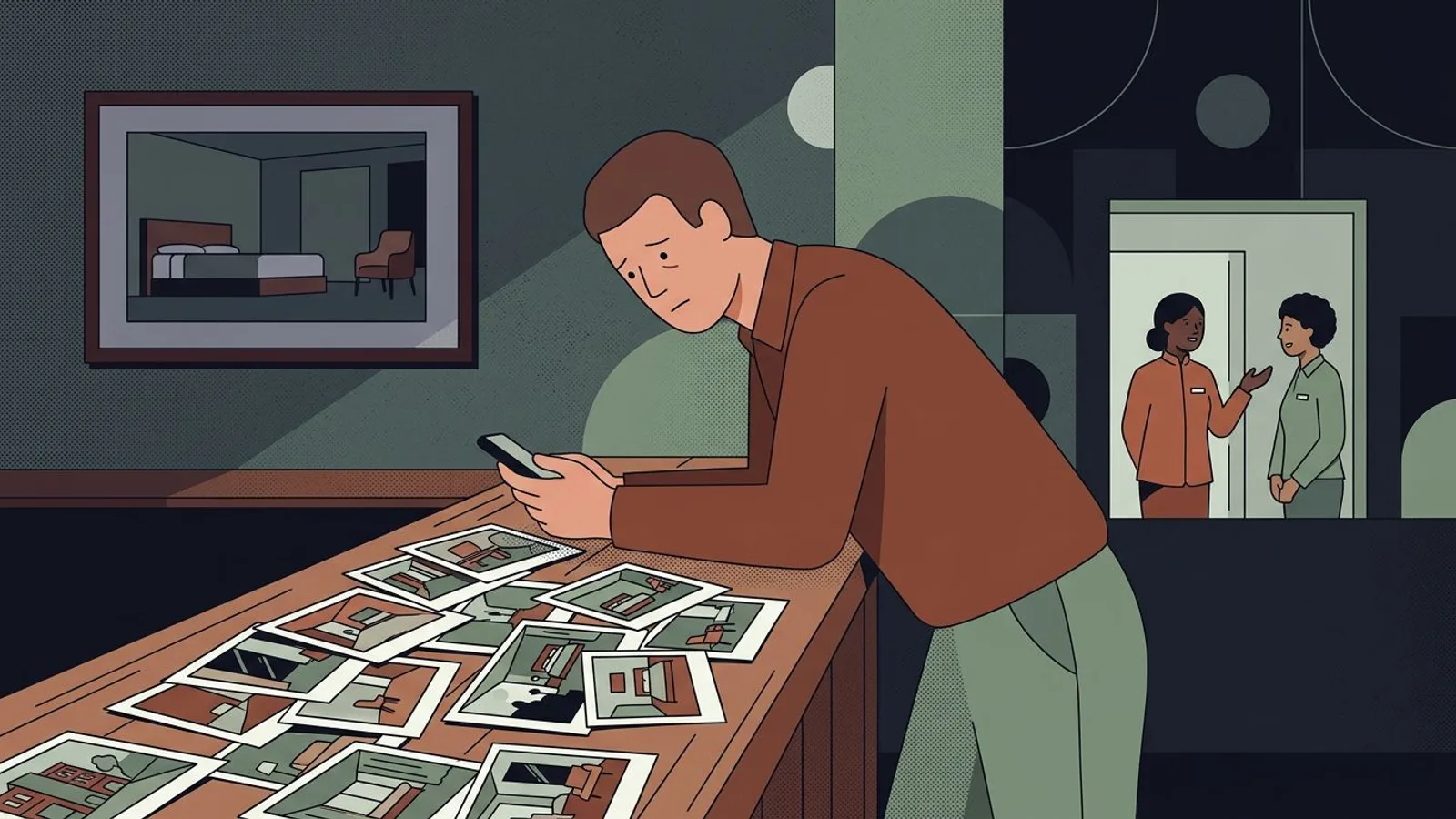
Late at night, a hotelier at the reception counter with dozens of hotel photos scattered in no order

Forty good photos and no carousel yet?

Give ReadyToPost your photos and your website; it groups them into one moment per post and writes the caption to match.

Build my first carousel
Method

Step by step.

  1. Pick the moment the carousel sells

    A carousel that works is not a tour of the whole hotel, it is a tour of one moment: Saturday breakfast on the terrace, a Tuesday check-in after the last train, a rainy afternoon by the fireplace. Write that moment in one line before you open the camera roll, and write it for one type of guest, the one you chose when you decided which guest you serve. Every slide will then answer a question that guest is asking, and the ones that do not belong become easy to drop.

    Keep a running list of moments in your notes app. Each one is a future carousel, and the list ends the Sunday-evening blank page.

  2. Build slide one to stop the thumb

    Slide one is the only slide most people will ever see, so it carries the whole moment on its own: the strongest, most lived-in image you have, readable at phone size, with someone's hands, a cup, an unmade corner of the bed. Not the facade, not a title card, not the logo. It should promise what the arrival promises: that the stay will feel the way the picture feels. Slide two continues the same scene so the swipe feels natural rather than like a change of subject.

    Put your second-best image in position two. Instagram can re-show a carousel from its second slide to people who scrolled past, which gives that image its own chance.

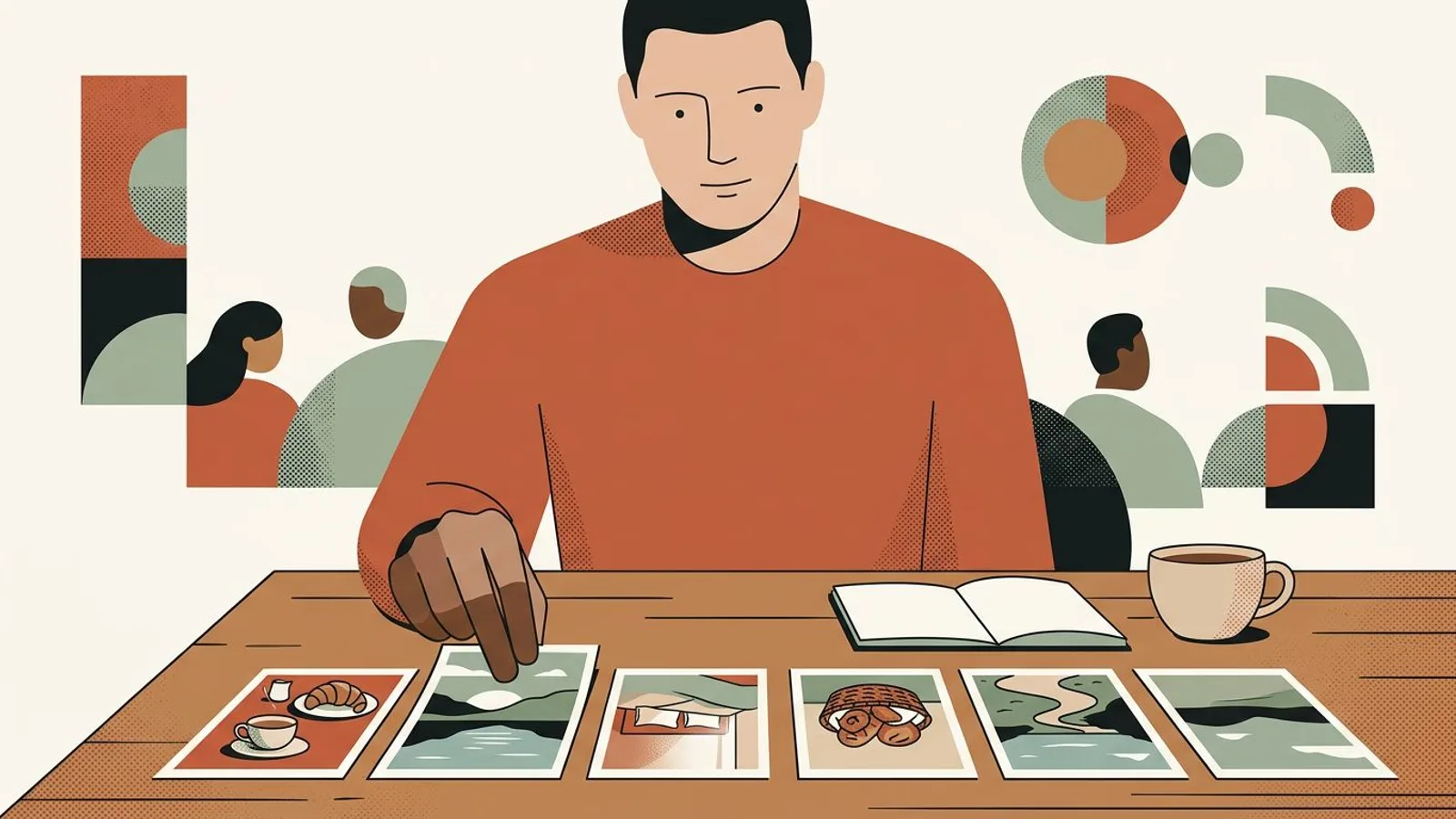
  3. Six hotel photos laid in a row on a desk, a hand ordering them from breakfast table to lake view
  4. Order the middle slides like a tour, and give the last one a job

    Five to seven slides is enough to walk the moment: the wide shot, a detail, the breakfast or the drink, the view or the street, then a line from a recent guest paraphrased over a quiet photo, the kind you collect in your weekly review loop. The closing slide is the handoff: a calm image, and a caption that says where the link is and what the direct rate includes. That handoff is where a carousel starts doing the work of pushing direct bookings, and it is part of how a boutique hotel claws back margin from the commissions it pays elsewhere.

    Reuse the same closing slide on every carousel. Regulars learn to recognize it, and you never have to design it again.

  5. Keep one ratio for every slide

    Instagram fits every slide of a carousel to one frame, so a set shot in three ratios gets cropped: the headboard disappears, the terrace loses its sky. Choose portrait 4:5 (1080 by 1350 pixels) for all slides, it takes the most screen on a phone and shows a room in full. If a photo only exists in landscape, place it on a plain background in 4:5 rather than letting the app decide what to cut. A visual generator that keeps every slide in your hotel's palette removes that step entirely.

    Shoot the whole moment at the same hour so the light matches from slide one to the last, and let the sun do the editing.

  6. Produce one carousel a week from a fixed routine

    The format only pays if it comes back every week, and it comes back only if it has a fixed slot: forty minutes on the same morning, one moment from your list, six photos pulled, the caption written, the post scheduled. Deciding the month in one sitting is what makes a 30-day plan beat living day by day. A planner that builds and schedules the week from your photos and your website takes the routine off your plate without lowering the bar on what goes out.

    When the light is good, shoot two moments in one session and schedule the second carousel for the following week.

What if your carousel built itself while you ran the desk?

ReadyToPost turns your room, breakfast and view photos into a week of posts in your hotel's voice, scheduled before the weekend rush.

Plan my week of posts
Do / Don't

Do

  • Open on the strongest, most lived-in image of the moment
  • Shoot or pick every slide in the same light and the same ratio
  • Close every carousel with the same booking handoff slide

Don't

  • Start with the facade, the logo or a welcome graphic
  • Mix a room, a menu, a staff photo and a promo in one carousel
  • Let the last slide trail off with nothing to do next
An illustrative case
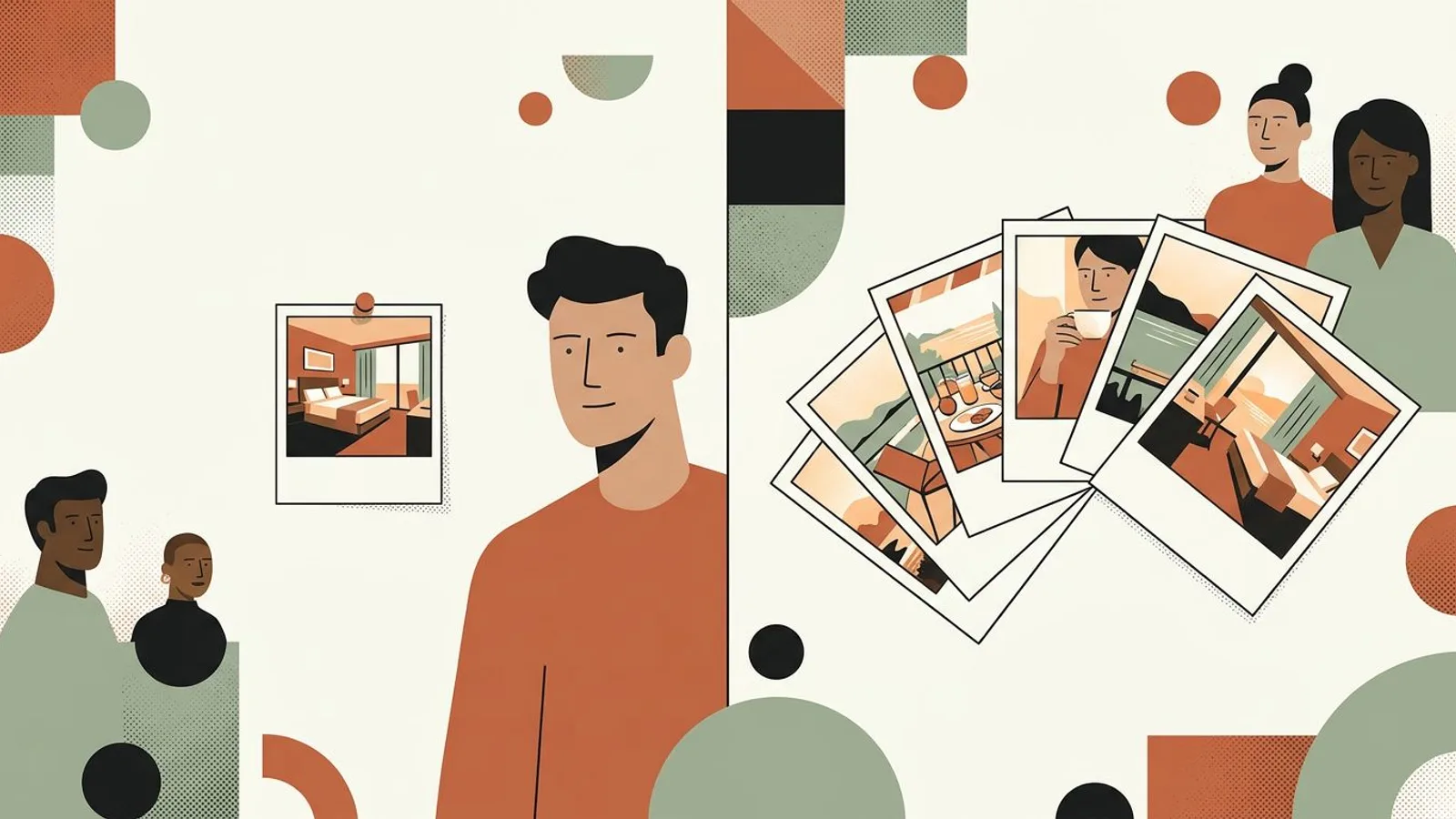
One lonely photo of an empty room next to a fan of slides showing breakfast, a guest with coffee and the view

Situation

Imagine a fourteen-room hotel by a lake, run by a couple, posting one photo of a room every week or so. A dozen likes each time, a bio link nobody taps, and a folder of five hundred photos nobody has sorted.

Action

They pick one moment, Saturday breakfast on the terrace, and build one carousel a week around it: slide one is the table in morning light with a guest's hands on the cup, then the view, the pastry basket, the room they woke up in, the path along the water, a paraphrased line from a recent review, and the same closing slide every time, with the direct rate and what it includes in the caption. Forty minutes on Monday morning, scheduled for Thursday.

Outcome

Over a handful of weeks, saves and shares climb where likes used to plateau, bio taps move from almost none to a few dozen a week, and the direct booking form starts receiving requests that mention the terrace by name. Orders of magnitude, not a promise: what changed is that the post now shows the stay instead of the room.

Your turn to show the whole stay, every week

From breakfast to the booking link, ReadyToPost keeps the carousels coming through high season without an evening at the laptop.

Automate my carousels
Common pitfalls

Where it usually goes wrong.

  • The collage carousel

    Ten unrelated photos in one post is a brochure, not a tour, and the viewer stops swiping the moment the story breaks. If the room, the chef, the pool and the seminar package all need showing, that is four carousels across four weeks. One moment per post, with the image and the caption saying the same thing.

  • A first slide that explains instead of sells

    A title card, a logo slide or the front of the building asks the traveler to wait for the good part. They do not wait. The first slide is the good part, and everything you want to explain goes in the caption, where the people who swiped to the end will actually read it.

  • A traveler's thumb mid-scroll on a phone showing only a flat grey hotel facade, attention already elsewhere

    The heroic first month

    Three carousels a week for a fortnight, then nothing for six weeks, teaches the feed and the followers to expect nothing. One carousel a week, every week, through high season and low, is the cadence that compounds, because Instagram works when you show up, not when you sprint.

Takeaway

Your checklist.

  • One guest moment written in a single line before any photo is picked
  • Slide one readable at phone size, lived-in, with no logo or title card
  • Five to seven slides, all in the same ratio and the same light
  • The closing slide carries the booking handoff, and the caption says where the link is
  • Next week's moment already chosen and its carousel scheduled
What's next?

Method in hand. Time to put it to work.

With ReadyToPost

A method is set — still, you need time to put it to work. Readytopost frees that time by taking one front off your plate: your presence on the five social networks. Everything written, illustrated, scheduled — calibrated on your work, week after week. So your energy stays on the trade.

Start with ReadyToPost
Up next

See how these principles play out day to day. Practice for independent hotels gives you concrete, illustrated, adaptable levers — directly applicable the following week. No quarterly plans, no annual roadmaps: weekly gestures that touch something right away.

See it in practice
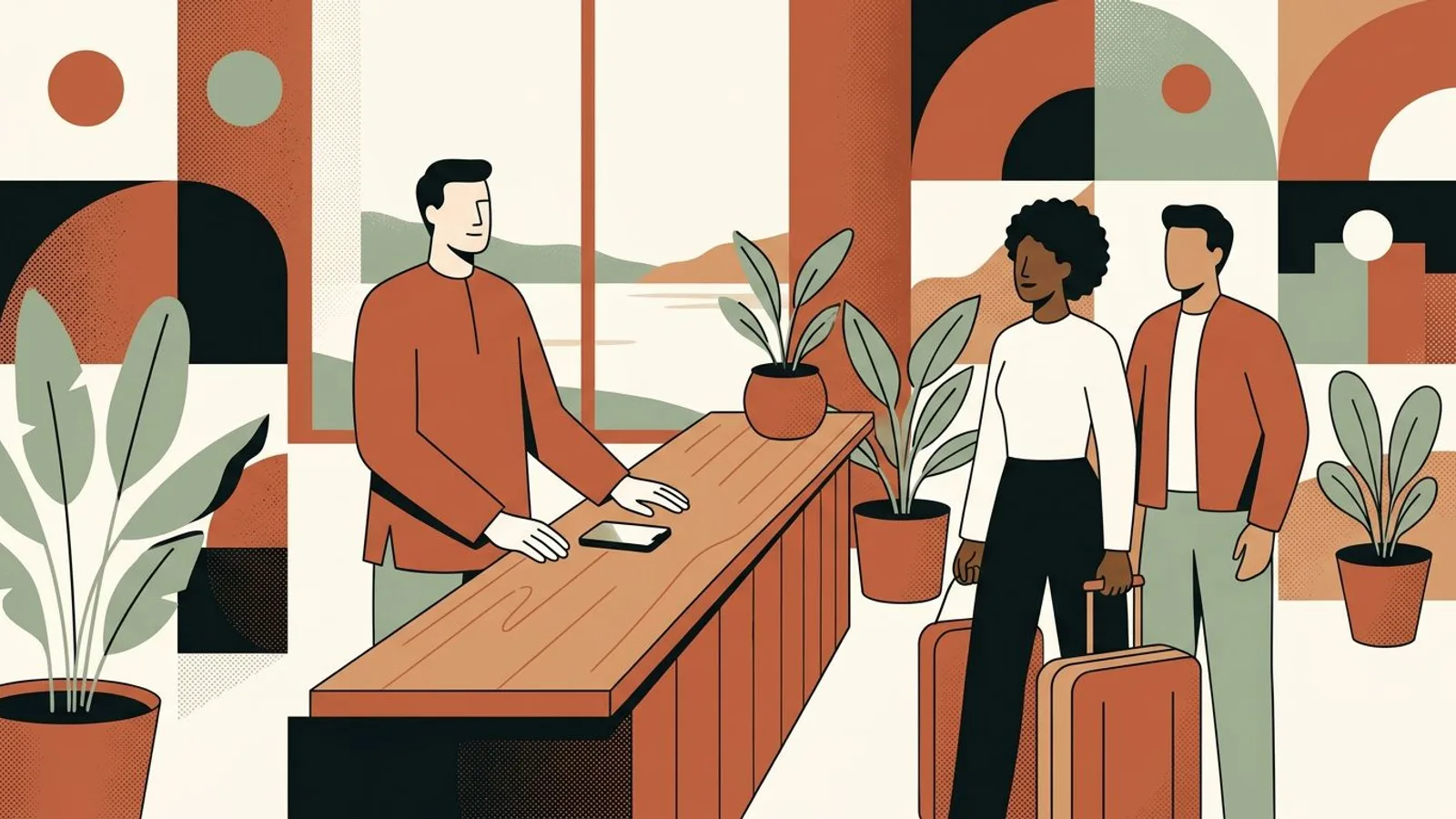
A relaxed hotelier behind the front desk in afternoon light, phone face down, guests arriving with a suitcase
Questions

Frequently asked.

  • How many slides should an Instagram carousel have for a hotel?

    Five to seven. That is enough to walk one moment of the stay, from the wide shot to the closing handoff, and short enough that most viewers reach the end. Instagram allows far more slides, but attention drops with each swipe, so a longer set only makes sense when every slide still answers a question the traveler is asking.

  • What size should Instagram carousel slides be?

    Portrait 4:5, 1080 by 1350 pixels, for every slide in the set. Instagram fits the whole carousel to one frame, so mixing ratios is what gets rooms cropped. Square 1:1 works if every photo is already square; landscape is the weakest choice for a room or a view because it takes the least screen on a phone.

  • Do Instagram carousels perform better than single photos for hotels?

    A carousel asks the viewer for several small actions instead of one, which is why it tends to hold attention longer and earn saves, and Instagram can show it a second time from slide two to people who scrolled past. For a hotel the real advantage is narrative: a single photo shows the room, a carousel shows the stay, and the stay is what gets booked.

  • What should a hotel post in a carousel during low season?

    The moment changes, the format does not. A rainy afternoon by the fireplace, the town's winter market seen from the window, the quiet breakfast room with one table set. Low season is also when a carousel can carry an offer without discounting the room, the way the moves in rescuing a slow week do, and when a carousel aimed at past guests fits the rhythm of bringing them back every year.

  • Can I make an Instagram carousel from photos I already have?

    Yes, if you sort them by moment rather than by date and re-frame them to one ratio. Most hotels already own five carousels' worth of photos and simply never grouped them. The sorting is the slow part, and it is exactly what an assistant that builds social content from your own website and photos does for you, using the real facts of your hotel rather than generic captions.

hotel

Other guides for independent hotels

View all guides
Four Monday indicators: piloting a boutique property
Weekly piloting for indie hotels

Four Monday indicators: piloting a boutique property

Four indicators read every Monday are enough to pilot an independent hotel. Not ten, not twenty: four — pickup J+7 vs J+30, ADR vs local market, direct/OTA channel mix, review sentiment last 7 days. Each triggers a clear decision at every reading. The rest is dashboard that reassures without changing anything. And it all fits in a shared spreadsheet — no €400/month revenue manager required.

The method for guests who come back every year
Come back every year

The method for guests who come back every year

In hotels, the guest who returns a second time costs almost nothing to acquire — no OTA commission, no campaign, no Booking discount. And they're worth five times the margin of a new guest captured at 18% commission. Yet most independent hotels pilot acquisition and forget the cadence of return. A word, an attention, a well-placed email is enough — but it has to land at the right time.

Arrival matters: the moment of truth in a small hotel
Arrival weighs 80% of the stay

Arrival matters: the moment of truth in a small hotel

A guest decides their Booking score within the first twenty minutes: the pre-stay email they received, the smile at the front desk, the first five seconds in the room, the bathroom smell. The rest of the stay confirms or nuances — it no longer overturns. Everything that plays out before and at arrival weighs more than pillow quality or balcony view.

The blog

Related blog articles

All articles
Social media content ideas that get posted
Content creation

Social media content ideas that get posted

Forty-seven saved content ideas, four posts in a year. The ideas a one-person workshop actually publishes come from somewhere else: this week's jobs. Here is why, and the list that fills a week.

Can you schedule Instagram posts?
Platform guides

Can you schedule Instagram posts?

Instagram schedules posts natively and for free, up to 75 days ahead. The queue is the easy part. What decides whether it works is the ten minutes after a post publishes without you.

Features

What ReadyToPost does

All features
From your website
Capability

From your website

From a single website URL, ReadyToPost builds your brand profile and starts generating on-brand posts — no manual brief to fill.

AI visuals
Capability

AI visuals

Generate social visuals from your real photos — in your style and fonts, in the right format per network. Fix any detail in one sentence.

Knowledge base
Capability

Knowledge base

A semantic memory of your brand's real facts, so every post cites what you actually do and have.

Social networks

Network by network

All networks
Instagram Post Generator

AI Instagram Post Generator

Generate on-brand Instagram posts where the 4:5 feed visual and the caption are built together — a scroll-stopping hook, breathable paragraphs, and full-word hashtags grouped at the end, scheduled and ready to publish.

LinkedIn Post Generator

AI LinkedIn Post Generator & Scheduling

Generate professional LinkedIn posts, mention real people and companies right in the text, then publish to your profile or your company page.

Facebook post generator

AI Facebook Post Generator and Scheduling

Generate conversational Facebook posts, set your emoji and hashtag level, and schedule them straight to your Facebook Page. Text and visual built for the feed.

Resources

Guides by profession

All guides
Makers

Makers

Your hands shape the object; the image is what sparks the wanting. People reach for it because they first fell for the way it looked.

22 resources
coach

coach

No product to shoot, no storefront: just your expertise to make visible — enough for a prospect to book a call.

17 resources
restaurant

restaurant

Bring them in, bring them back, grow the team. The independent restaurateur's toolbox — no marketing sermons.

12 resources

The method is clear. Now make it run.

You hold the principles. Readytopost takes the communication off your plate, every week — so your method stays your method.

No credit cardOne week freeCancel in one click