
How to Grow a Product Business on Instagram From Zero
Build a useful Instagram foundation before chasing reach: clarify the offer, collect real product proof, give each post a job, and repeat the sequence.
Your customer isn't always buying for themselves. Often, they're hunting for what to give.

You describe your creation the way you see it: the material, the gesture, the care. Without thinking, you're speaking to the person who'll keep it for themselves. But a large share of your buyers aren't hunting for an object for themselves — they're hunting for what to give, and they don't know what. If your post never says "this would make a beautiful gift," it misses all of that demand. This guide shows you how to present your creation as the gift idea people were looking for, without distorting it.

What if your creation became the gift people wanted?
Those who don't know what to give are searching for an answer, ReadyToPost writes the one that speaks to them.
Become the giftThis is the key shift. Instead of "this cardholder will last you for years," write "the gift for someone who always loses their cards." You hand the undecided buyer the line that solves their problem: who it would suit. The creation doesn't change — only the recipient of the message changes, and that's the person who unlocks the sale.
For each product, ask yourself: "who would you give it to, and for what occasion?" That's your angle.
Gifts have dates: Christmas, Mother's Day, Valentine's Day, birthdays, weddings, new babies. Each is a reason to repost your creation from a fresh angle, without making anything more. Spot the two or three occasions that fit your product and block them in your calendar — the promotion starts well before the date, not the day before.
The same creation can be a "Christmas gift," then a "Mother's Day gift": one product, several seasons.

A gift is recognized by details your product photo doesn't show: careful wrapping, a handwritten note, a gift box, the option to personalize. Stage them. A photo of your cardholder alone says "object"; the same one in its box, with a ribbon, says "ready to give." The app dresses your real photo in a gift mood without inventing a fake product.
If you offer gift wrap or engraving, say so plainly — many people don't dare ask.
A gift has a constraint other purchases don't: it has to arrive in time. That's your best lever. Communicate it clearly — "order before December 18 to get it by Christmas": you're not forcing, you're helping — the undecided buyer finally has a reason to act now. Repeat the date as it approaches: that's what turns interest into an order.
Show the shipping deadline from the start of the season, then repeat it 7 days and 2 days out.
You don't write all this by hand. You hand over your creation, the occasion and the deadline; the app stages the photo as a gift if you ask, and writes the post tailored to each network — the right post on each network, the desirable gift idea on Instagram, the "gift ideas for this occasion" pin on Pinterest, where people search for exactly that, the warmer note on Facebook. One creation, a season of gifts, built in one go.
Pinterest is gold for gifting: people literally type "gift idea" before every holiday.
You speak to the giver, ReadyToPost signs the post.
The gifting angle is yours, ReadyToPost turns it into a post ready for every network.
Speak to the giverDo
Don't
Situation
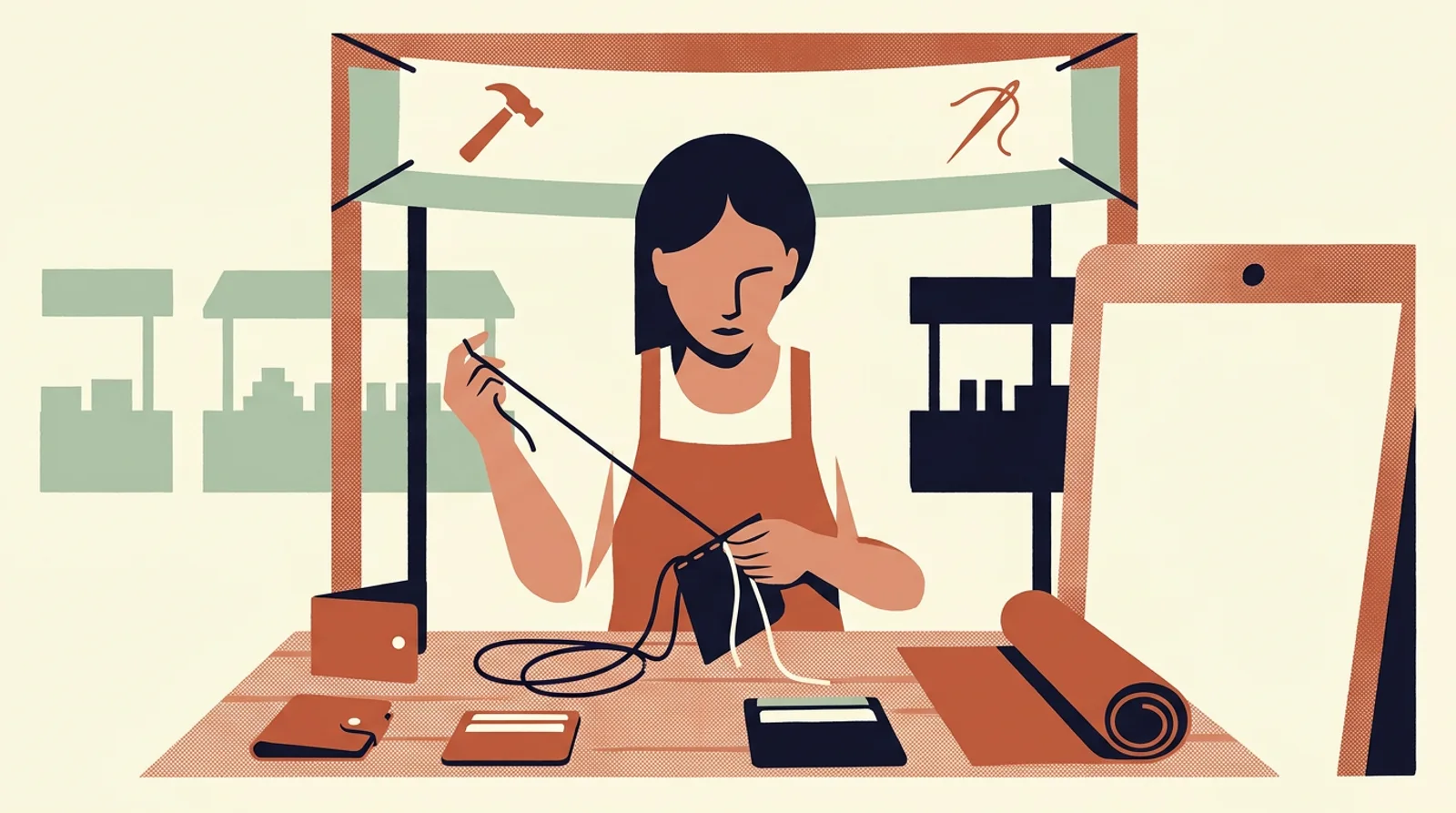
Chloe makes small leather goods — cardholders, leather pouches. Her posts describe the leather and the stitching, never the fact that they're perfect gifts. In November, her sales stall while everyone's hunting for ideas.
Action
She repositions for the holidays. She reuses the photo of her cardholder, stages it in a gift box with a ribbon, and captions it "the gift for someone who always loses their cards — free initial engraving." She posts "order before December 18 to get it by Christmas." ReadyToPost spins it all out: a "gift idea" pin on Pinterest, a beautiful image on Instagram, a warm note on Facebook.
Outcome
December becomes her best month. Half the orders ask for the engraving and the gift wrap — which she'd never have sold by staying quiet. And her "gift idea" Pinterest pin keeps running the following year.
One post, one occasion, one gift sold without hesitation.
Your next occasion on the calendar can follow the same path, all the way to shipping on time.
Christmas is just one occasion among many. Mother's Day, Valentine's Day, birthdays, weddings, new babies: there's a reason to give almost every month. Reducing gifting to December means leaving eleven months of demand on the table.
"Full-grain leather, hand-stitched" speaks to the enthusiast, not to someone torn over a gift. They need to hear who it would delight, and that it's ready to give. Keep the craft detail — it's your proof — but add the line that targets the giver.

A gift is decided days, sometimes weeks before the date. If you post the day before, the buyer has already chosen elsewhere, or no longer has time to receive it on schedule. The gifting season is prepped ahead, not in a rush, much like planning a product launch week by week.
Pulling these levers every week is already a discipline. Adding communication on five social networks is another — and the one that gets sacrificed first. Readytopost takes the second one off your plate: posts, images, scheduling, calibrated on your work. So the first one keeps all your attention.
Start with ReadyToPostBack to the overview for makers to browse all guides — diagnosis, method, practice — in whichever order fits. Three floors that complement each other: one to understand, one to think, one to act. You go in where it pinches most today, and come back when a new question shows up. No required order.
Back to the overview
By being helpful rather than pushy. You impose nothing: you hand someone hunting for what to give the answer they were waiting for — who it would suit, how to give it, by when to order. Presented as help, the gift angle isn't aggressive at all.
The ones that fit your product. Christmas and Mother's Day touch nearly everyone; add Valentine's Day, birthdays, weddings, new babies depending on what you make. No need to chase them all — three or four well prepared beat an overloaded calendar.
If you can, yes — and above all, show it. Careful wrapping is often what tips an undecided buyer over: they have nothing more to do, it's ready to give. Even a simple option (a box, a ribbon, a note) is enough, as long as you make it visible.
Because it's the only honest urgency of a gift: it has to arrive in time. It gives the undecided buyer a reason to act now, without you having to "push." Display it early and remind people of it — it's often what triggers the order.
Yes: you provide your creation, the occasion and the deadline, your intent, and the app stages it gift-style and writes the posts tailored to each network — including the Pinterest pin titled the way people search for a gift. A whole season is built in one session, instead of improvising it holiday after holiday.
Build a useful Instagram foundation before chasing reach: clarify the offer, collect real product proof, give each post a job, and repeat the sequence.

Choose one Etsy listing, give each week a clear buyer job, and turn accurate product facts and photos into a connected Instagram campaign.

Sell a digital download on Etsy by solving one buyer task, packaging the files clearly, publishing a complete digital listing, and promoting the offer with a repeatable proof sequence.
Linking your Etsy shop to Instagram is a five-minute bio setting. The reason clicks don't turn into orders is different: your feed and your shop look like two different sellers. Here's the fix.
The Instagram content mix that keeps handmade brands posting for months: more process shots than finished pieces, not prettier ones.
Etsy sellers copy a block of thirty hashtags from a bigger shop and wait for reach. A niche tag with a few thousand posts does more than #handmade — and even that isn't what grows the shop.

From a single website URL, ReadyToPost builds your brand profile and starts generating on-brand posts — no manual brief to fill.

Create AI product images and social media visuals from your photos or from scratch. ReadyToPost applies your brand style in the right format for each network.

A semantic memory of your brand's real facts, so every post cites what you actually do and have.
Generate on-brand Instagram posts where the 4:5 feed visual and the caption are built together — a scroll-stopping hook, breathable paragraphs, and full-word hashtags grouped at the end, scheduled and ready to publish.
ReadyToPost prepares LinkedIn posts in your voice every week. Review and approve your content, then publish to your profile or company page on schedule.
ReadyToPost prepares Facebook images and posts in your voice every week. Review and approve them, then schedule publication to your Facebook Page.
You know what to pull each week. Readytopost takes care of the consistency of your communication — your energy stays on the floor.
Monthly plansReady in minutesCancel in one click