In practice · Photos cut by the crop

Instagram post dimensions: 1080 x 1350, and how to frame so nothing gets cut

Instagram does not crop your dish at random. It crops what you framed with no room to spare.
The portrait post that takes the most vertical room in a phone feed.
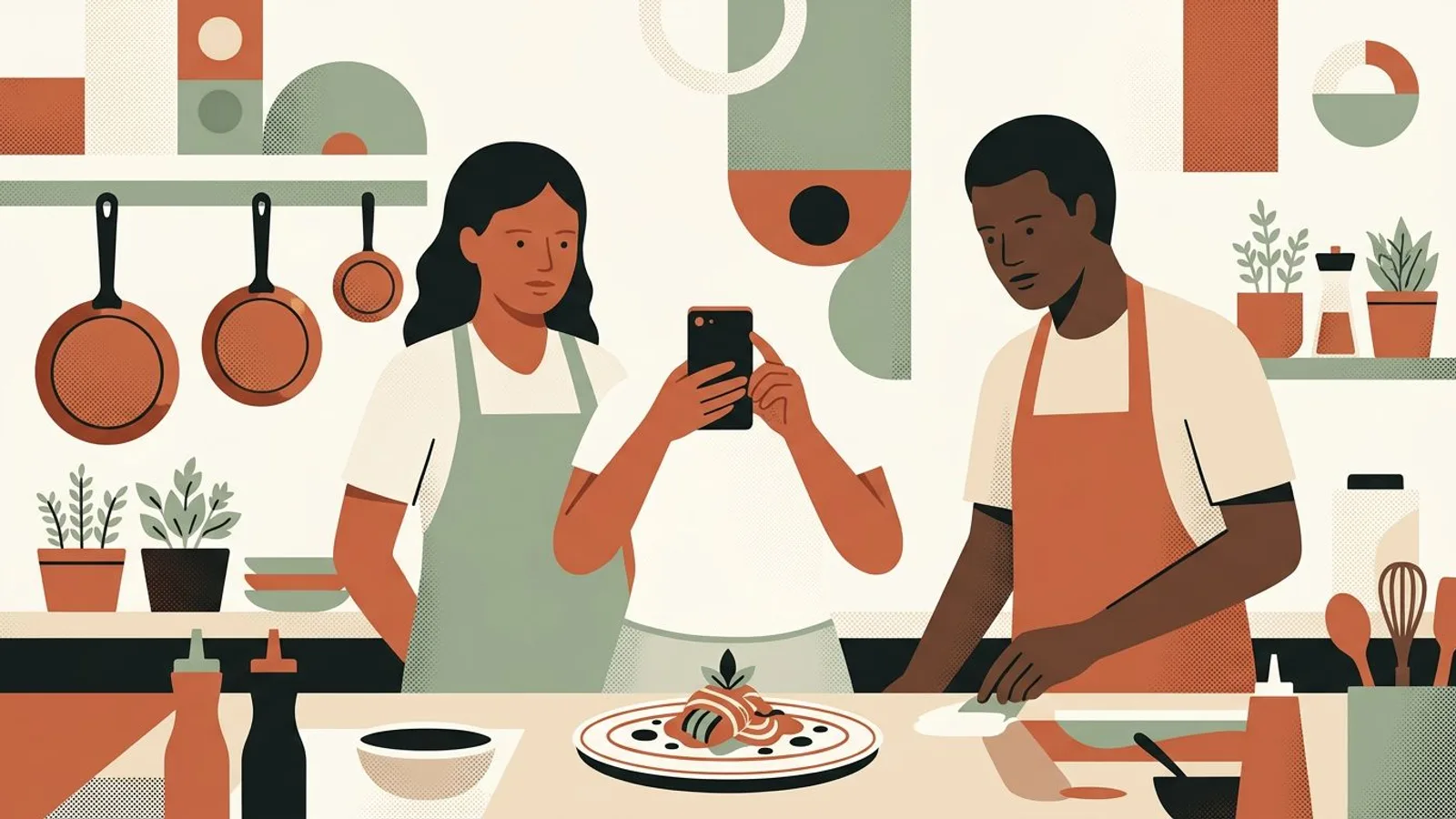
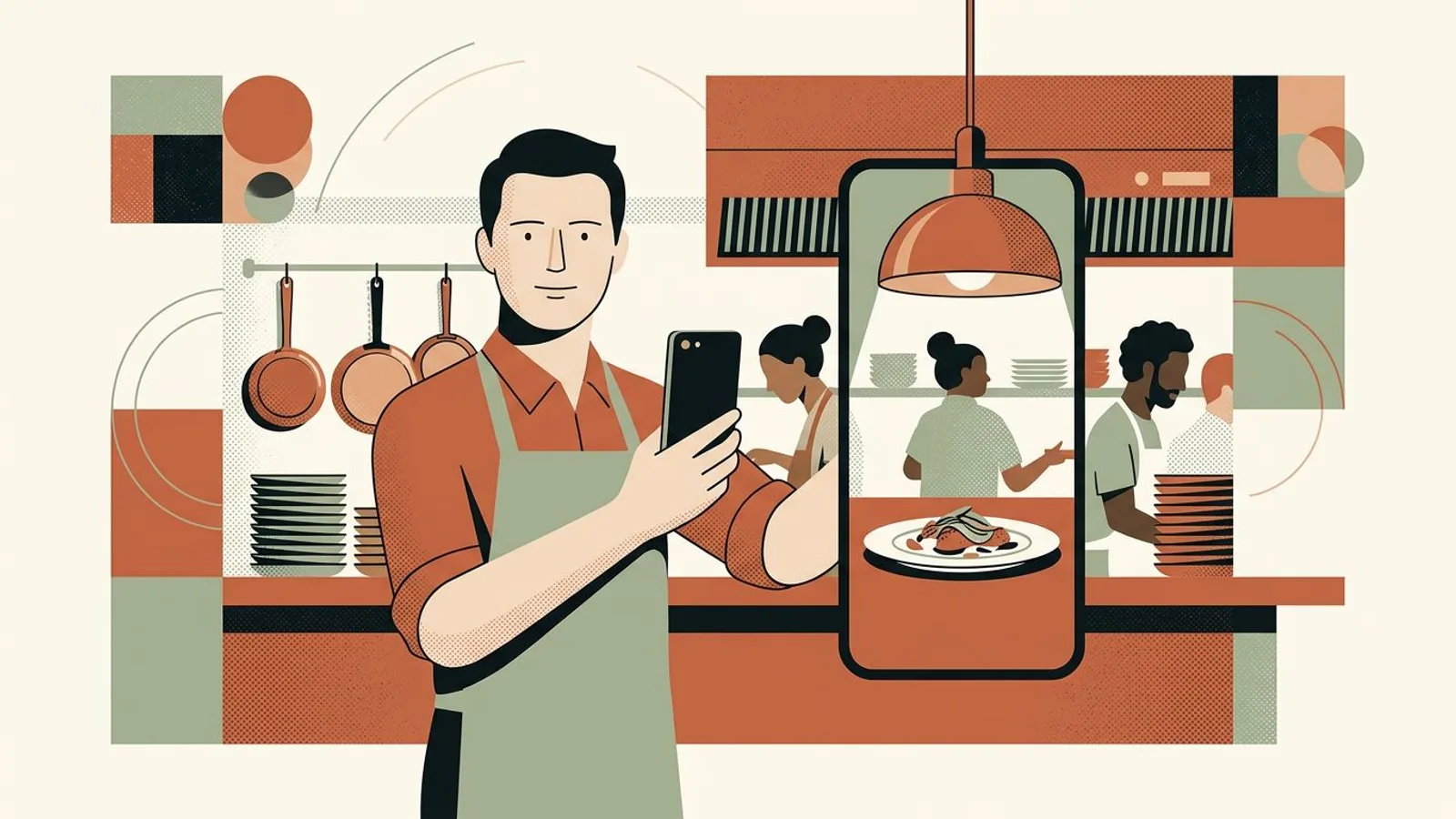
A restaurant owner holds a phone straight above a plated main course on a linen-covered bistro table.
The setup

Instagram post dimensions are 1080 x 1350 pixels for a portrait post, 1080 x 1080 for a square and 1080 x 1920 for a story — and which of the three fits a dish, a room or the daily special is a separate call. This guide is the practice side of the same problem: how to frame a shot once so it survives every one of those formats, and how to rescue the photos already sitting on your phone.

Symptoms

You might recognise these signs.

  • You post a dish you were proud of and the feed shaves the top of the glass off.
  • Your phone shoots one shape, Instagram shows another, and you find out after the post is live.
  • The same photo gets cropped once for the post, once for the story, once for the listing in your window.
  • A staff photo works in the grid and loses two people the moment it goes to a story.
  • You have hundreds of usable service photos and a handful that fit a portrait post without surgery.
A tired restaurant owner leans on the pass beside a cooling plate, his phone face up among stacked dishes.

Tired of re-cropping the same plate for every feed?

ReadyToPost sizes every visual for the network it lands on, from the photos and the site you already have.

Free up my evenings
Method

Step by step.

  1. Fix the three dimensions once, then stop deciding

    Portrait is 1080 x 1350 pixels (4:5) and takes the most vertical room in a phone feed, which for a restaurant simply means the dish is bigger on screen. Square is 1080 x 1080 (1:1). Story is 1080 x 1920 (9:16). Landscape exists at 1080 x 566 and gives a plate the least room of all, so skip it. Three numbers, written somewhere the kitchen can see them, and the format stops being a question asked mid-service.

    Shoot at full resolution and never above 1x zoom — you can crop later, you can never un-crop.

  2. Frame inside the middle square

    Portrait, square and story share one thing: whatever sits in the middle square of your frame survives all three. So shoot vertical, put the plate in that middle square, and treat the top and bottom bands as sacrificial. A vertical phone photo is slightly taller than a 4:5 post, so those bands are exactly what gets trimmed — leave a finger of empty tablecloth above and below the dish and the trim costs you nothing. Same reflex for people: nobody's head lives in the top band.

    Turn the camera grid on and treat the middle third as the safe zone — it is the closest thing to a preview of the crop.

  3. A restaurant owner crouches to table height and slides a wine glass aside before shooting a bowl of pasta.
  4. Triage the library you already have

    Open the last two months of service photos and sort them into three piles, no editing yet: survives a portrait crop, survives only as a square, unusable. Most shots taken at arm's length across the pass land in the third pile, and that is information rather than a loss. Then repair only the pile you will actually post this month — a dish coming off the menu in three weeks does not deserve a reshoot. If you are unsure what earns a post at all, the post ideas worth the effort for a business is a decent filter.

    Sort on a closed day, in one pass, without opening the editor once.

  5. Repair without reshooting

    Crop from the original file, never from a screenshot or from a photo you already posted — every re-export costs pixels you will see on a plate. Recentre on the dish, keep the crop at 1080 pixels wide or more, and accept losing the sides of the table; the table was never the subject. What cannot be saved goes on a short reshoot list, and that reshoot happens on a quiet Tuesday in daylight, not at eight on a Saturday night. For the dishes that never got a decent frame at all, a visual generator that works from your own brand material fills the gap without holding the week hostage.

    Keep one master crop per dish in a folder on your phone, and derive the story version from it rather than re-cropping the post.

  6. Put the format decision before the week, not inside it

    The framing habit only holds if nothing downstream forces you to reopen the photo. Decide the week's posts in one sitting, with the format attached to each one, and the crop stops being a nightly decision. That is where a generator that builds Instagram posts from your own material and a calendar that holds the whole week earn their keep: one pass on Monday, sized per network, instead of five improvised uploads. Then check whether any of it moves covers — measuring what the platforms actually bring you closes the loop.

    Batch the crops and the captions in the same sitting; the photo and the words are one decision, not two.

What if every dish landed on the feed whole?

ReadyToPost frames and sizes each visual for the network it goes to, so the dish you plated is the dish people see.

Fill my feed
Do / Don't

Do

  • Shoot vertical, with a band of empty tablecloth above and below the plate.
  • Keep the dish and any faces inside the middle square of the frame.
  • Crop from the original file, at 1080 pixels wide or more.

Don't

  • Send a landscape service photo to a portrait post and hope the crop is kind.
  • Zoom past 1x at capture — cropping later is free, un-cropping is not.
  • Re-crop the same photo network by network instead of deriving every version from one master.
An illustrative case
The same plate twice: shot from the side with the table cutting in, then from above with space all around it.

Situation

Picture a forty-cover bistro that shoots everything on a phone between services. Two years of photos, most of them landscape, taken at arm's length across the pass. Every post turns into a fight with the crop, and the dishes that photograph worst are the ones that sell best.

Action

The owner writes the three dimensions on a card inside the pass, switches to vertical with a finger of tablecloth top and bottom, and spends one closed Monday sorting the library into portrait-safe, square-only and unusable. A dozen dishes make the reshoot list; the rest are recentred from the originals. The week's posts are then decided in one sitting, format attached, the way a short campaign is planned rather than improvised.

Outcome

By the second week the crop has stopped being a decision. The shots come out of the phone already usable, the evening upload takes a couple of minutes instead of a quarter of an hour of pinching and re-framing, and the plate that reaches the feed is the plate that left the kitchen.

Your turn: a week of dishes, sized before service

Pick the dishes, ReadyToPost writes the captions and builds the visuals in the format each network expects.

Plan my next service
Common pitfalls

Where it usually goes wrong.

  • The arm's-length shot across the pass

    It is the fastest photo to take and the hardest to use: shot horizontally, from above shoulder height, with two other plates and a pan in the frame. Cropping it to portrait means throwing away most of the width, and what is left is a plate seen from an angle nobody eats from. One step around the pass and one vertical frame costs five seconds and saves the photo.

  • Cropping inside the upload screen

    Pinching a photo to fit while the caption is half-written is how a dish loses its rim and a face loses a forehead. The crop belongs to the moment you shoot, or to a calm pass over the library — never to the thirty seconds before publishing, when you will accept anything that fits.

  • A hand holds a phone horizontally, far too close to a steaming plate on a crowded kitchen pass.

    One identical file for every network

    Portrait works on Instagram and travels to Facebook without complaint. Pinterest is the outlier: it rewards taller, narrower images and behaves like a search engine rather than a feed, so a pin generator that builds for Pinterest's own shape is not the same job as a feed post. Deriving each version from one master is the point; shipping one identical file everywhere is not.

Takeaway

Your checklist.

  • The three dimensions are written somewhere the kitchen can see them.
  • The camera grid is on and the phone shoots vertical by default.
  • The last two months of photos are sorted: portrait-safe, square-only, unusable.
  • Every dish that stays on the menu has one master crop on the phone.
  • Next week's posts are decided in one sitting, with a format attached to each.
What's next?

Levers spotted. Now pull them weekly.

With ReadyToPost

Pulling these levers every week is already a discipline. Adding communication on five social networks is another — and the one that gets sacrificed first. Readytopost takes the second one off your plate: posts, images, scheduling, calibrated on your work. So the first one keeps all your attention.

Start with ReadyToPost
Up next

Back to the overview for restaurants to browse all guides — diagnosis, method, practice — in whichever order fits. Three floors that complement each other: one to understand, one to think, one to act. You go in where it pinches most today, and come back when a new question shows up. No required order.

Back to the overview
A restaurant owner sits with a coffee in an empty dining room at dusk, his phone face down on the table.
Questions

Frequently asked.

  • What is the best Instagram post size in pixels?

    1080 x 1350 pixels, the 4:5 portrait. It occupies the most vertical space in a phone feed, which for a restaurant means the dish is simply bigger on screen. 1080 x 1080 square is the safe fallback when the same photo has to work outside Instagram too, and 1080 x 1920 is the story size.

  • Why does Instagram crop my photo after I post it?

    Because the shape you shot and the shape Instagram displays are not the same. A vertical phone photo is slightly taller than a 4:5 post, so the top and bottom get trimmed, and a landscape photo pushed into a portrait post loses most of its width. Framing with empty space around the subject is what makes that trim harmless.

  • Do I need to resize my photos before uploading them to Instagram?

    No. Uploading at 1080 pixels wide or more and letting Instagram handle the rest is fine. What matters is the crop, not the resize: choose the shape yourself, from the original file, rather than accepting whatever the upload screen proposes at eleven at night.

  • What size should a restaurant photo be for stories?

    1080 x 1920, in 9:16. Keep anything that matters out of the top and bottom fifth of the frame — that is where the interface and the sticker layer sit. In practice, a story derived from a portrait master already works if the dish was framed in the middle of the shot.

  • Are the dimensions the same on Facebook, Pinterest and X?

    Facebook takes the same portrait file without complaint. X shows a wider crop in the timeline, so the middle-square rule matters even more there. Pinterest is the outlier: it wants taller, narrower images and works like a search engine, which is why a pin is written to be found rather than scrolled past.

restaurant

Other guides for restaurants

View all guides
Instagram post size for restaurants: 4:5, 1:1 and 9:16 in pixels
Instagram post size for restaurants

Instagram post size for restaurants: 4:5, 1:1 and 9:16 in pixels

The Instagram post size that shows a restaurant photo largest in the feed is 4:5 portrait, 1080 x 1350 pixels. One size for the dish, one for the room, one for the daily special, set once on your phone, and no more re-cropping.

Working Google reviews: the loop that lifts
Working your Google reviews

Working Google reviews: the loop that lifts

Google reviews don't just arrive — they're worked. Five concrete moves to place this week that turn a passive listing into a system of asking, answering and adjusting.

Running a short campaign without breaking margin
Running a short campaign

Running a short campaign without breaking margin

A tasting, a partnership with the wine shop next door, a one-off dish on a Thursday night: a short campaign can restart momentum — or devalue the rest of the menu and chip away at the margin without leaving anything behind. Five concrete moves to design it, frame it financially, and track it from Monday to Sunday.

The blog

Related blog articles

All articles
How to Grow Your Instagram as a Photographer
Platform guides

How to Grow Your Instagram as a Photographer

Chris Burkard’s account shows how a clear photographic territory makes a feed easy to understand. Use that principle to turn each client shoot into a coherent series of posts.

How to Promote Your Art on Instagram
Platform guides

How to Promote Your Art on Instagram

Five current guides repeat the same useful pattern: clarify what you make, show more than the finished piece, explain the work, and keep a clear next step.

Instagram Content Ideas for Clothing Brands
Content creation

Instagram Content Ideas for Clothing Brands

Your clothing brand does not need a new garment for every post. One piece can support a useful sequence about fit, movement, layers, fabric, care, and real wear.

Features

What ReadyToPost does

All features
From your website
Capability

From your website

From a single website URL, ReadyToPost builds your brand profile and starts generating on-brand posts — no manual brief to fill.

AI visuals
Capability

AI visuals

Generate social visuals from your real photos — in your style and fonts, in the right format per network. Fix any detail in one sentence.

Knowledge base
Capability

Knowledge base

A semantic memory of your brand's real facts, so every post cites what you actually do and have.

Social networks

Network by network

All networks
Instagram Post Generator

AI Instagram Post Generator

Generate on-brand Instagram posts where the 4:5 feed visual and the caption are built together — a scroll-stopping hook, breathable paragraphs, and full-word hashtags grouped at the end, scheduled and ready to publish.

LinkedIn Post Generator

AI LinkedIn Post Generator & Scheduling

Generate professional LinkedIn posts, mention real people and companies right in the text, then publish to your profile or your company page.

Facebook post generator

AI Facebook Post Generator and Scheduling

Generate conversational Facebook posts, set your emoji and hashtag level, and schedule them straight to your Facebook Page. Text and visual built for the feed.

Resources

Guides by profession

All guides
Makers

Makers

Your hands shape the object; the image is what sparks the wanting. People reach for it because they first fell for the way it looked.

22 resources
coach

coach

No product to shoot, no storefront: just your expertise to make visible — enough for a prospect to book a call.

17 resources
hotel

hotel

Twenty keys don't run like a chain. Occupancy, RevPAR, traveller, front desk: the calls no one will make for you.

13 resources

The levers are there. Now pull them.

You know what to pull each week. Readytopost takes care of the consistency of your communication — your energy stays on the floor.

No credit cardOne week freeCancel in one click