Diagnosis · Instagram story dimensions

Instagram story dimensions: 1080 x 1920, and the 250 pixels Instagram covers at each end

The dimensions fit on one line. Where Instagram's buttons land on your plate is the line nobody writes down.
The story canvas in pixels; the top and bottom 250 px sit under Instagram's own interface
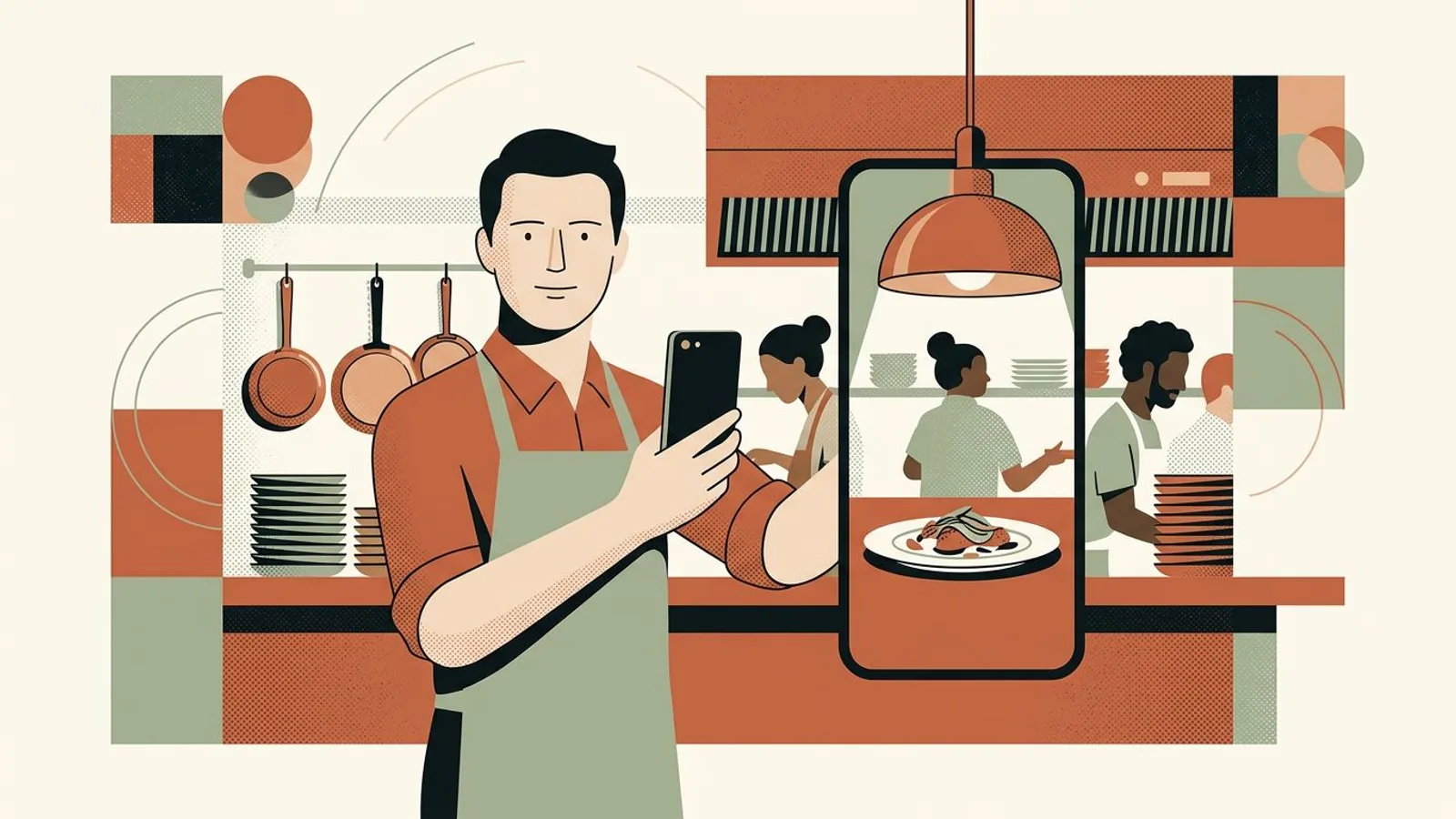
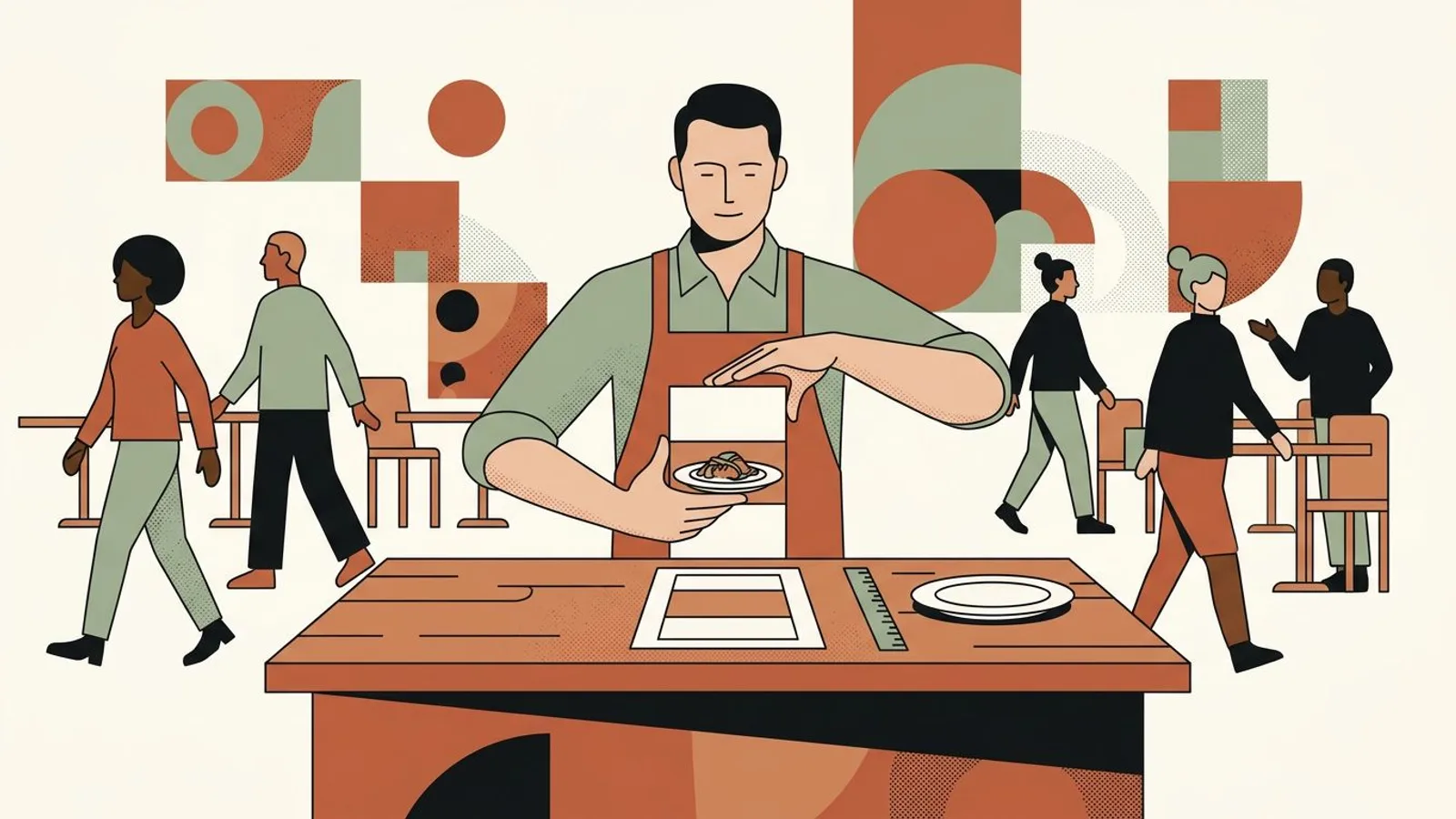
A restaurant owner at the pass holds his phone upright to photograph a plated special for a vertical story.
The setup

Instagram story dimensions are 1080 x 1920 pixels, a 9:16 vertical frame that fills the phone screen edge to edge. That line answers the search. It does not explain why the special you posted at noon came out with its price hidden under the reply field, or why a photo of the dining room floated between two blurred bands. This guide is the diagnostic side of the question: four ways a restaurant story goes wrong on screen, what each one looks like, and the single cause behind it, so the fix takes one gesture instead of a reshoot. The feed sizes, and the habit of framing a shot so it survives every format, live in Instagram post dimensions: frame so nothing gets cut.

Symptoms

You might recognise these signs.

  • Your special of the day went up with the price on a sticker at the bottom of the screen, and a regular messaged you to ask what it cost.
  • You shared a feed photo of the dining room to your story and it appeared small, floating between two blurred bands, like a screenshot of a screenshot.
  • The top of the plate, the garnish you placed for the photo, sits under your own profile name and the progress bar.
  • A photo that looked sharp on your phone looks soft once it is a story, as if someone had zoomed in on it.
  • You pinch and drag every story into place inside the upload screen, service after service, and the framing never lands in the same spot twice.
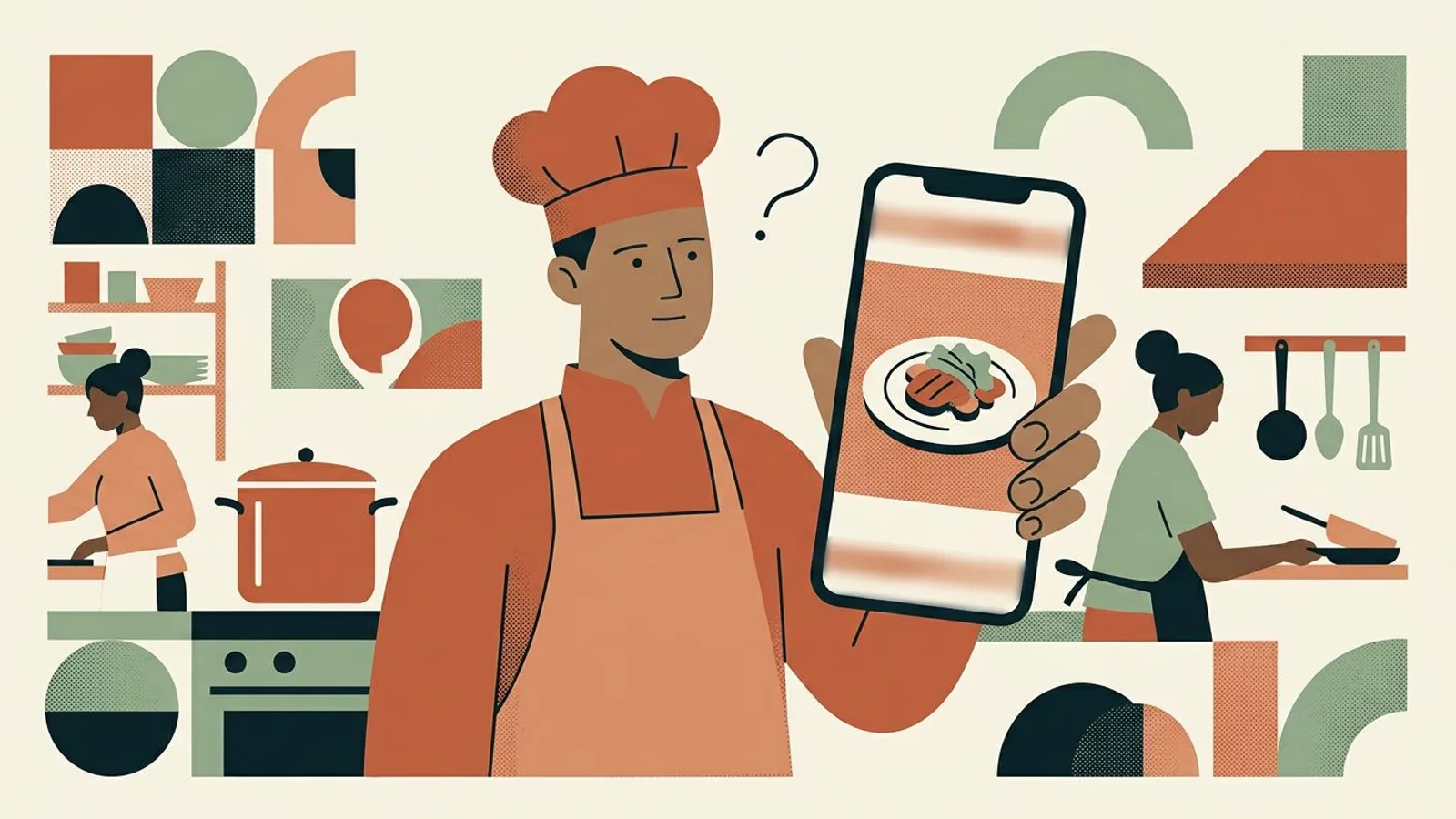
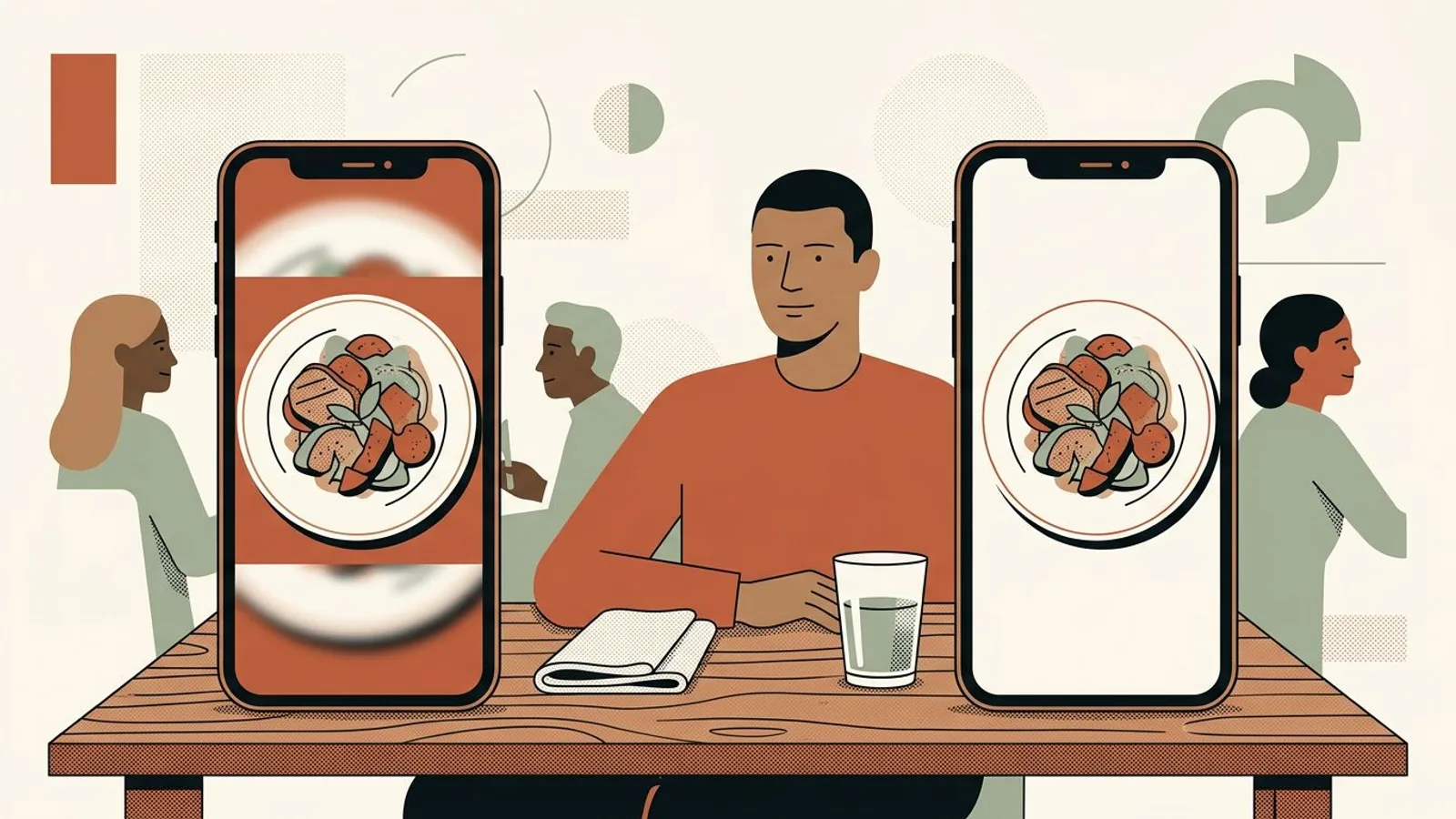
A puzzled chef looks at his phone: the plate in the story sits small between two blurred bands, its lower edge cut off.

Tired of re-cropping the same special every noon?

Story-ready visuals that already sit inside the frame, built from your restaurant's own photos and identity.

Size my stories right
Method

Step by step.

  1. Read the numbers first: 1080 x 1920, ratio 9:16

    A story is a vertical rectangle of 1080 pixels across and 1920 pixels down, a 9:16 ratio. Instagram accepts photos between 1.91:1 and 9:16, but only a true 9:16 file fills the screen from edge to edge; anything squatter gets a background added around it. Most phone cameras shoot 3:4 by default, not 9:16, which is why the photo you took at the pass never quite fits. The check takes ten seconds: open the photo's info on your phone, read the two pixel numbers, divide the height by the width. If you get 1.78, it is a story. If you get 1.33, it is a camera photo that Instagram will pad or you will crop. Which size fits a dish, a room or a special in the feed is a separate call, covered in Instagram post size for restaurants.

    Switch the phone camera to its 16:9 setting before shooting a story; held upright, that is exactly 9:16, and the file goes up as-is.

  2. Bands around the photo, or missing edges: the file was not 9:16

    Two symptoms, one cause. When a 3:4 or 4:5 photo goes into a story, Instagram keeps the whole image and fills the leftover screen with a gradient pulled from the photo's colors: those are the bands. When you pinch to make the plate fill the screen instead, the image scales until its height matches 1920 pixels and the sides leave the frame: that is the missing edge, the bread you had placed on the left, the glass on the right. A 4:5 feed export loses close to a third of its width that way. So look at the last story you posted: bands mean you kept the original ratio, missing sides mean you zoomed. Either way the photo was the wrong shape before Instagram ever touched it.

    Crop to 9:16 in the phone's photo editor before opening Instagram; the editor shows you what leaves the frame, the story composer does not.

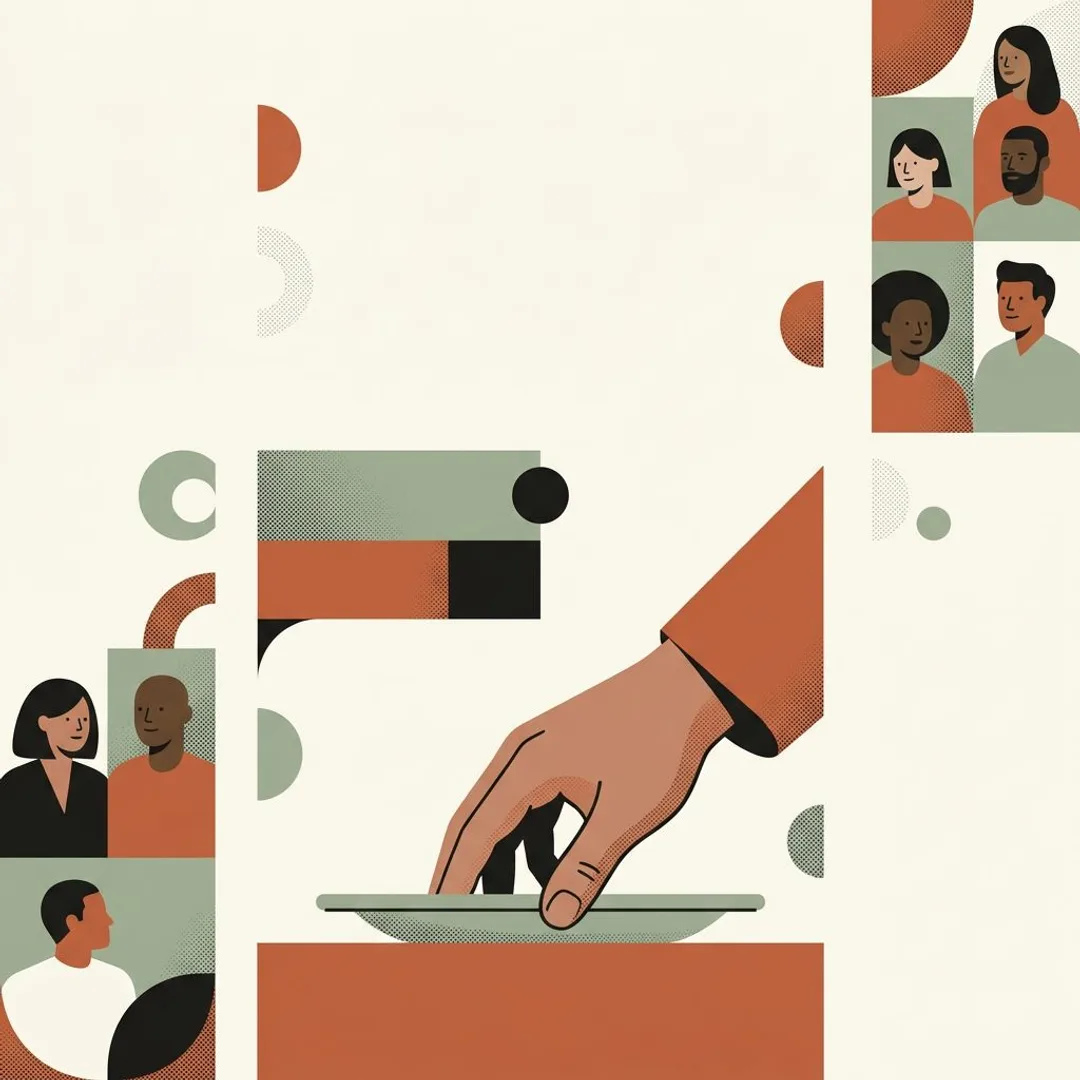
  3. A restaurateur frames a dish inside a tall vertical rectangle, keeping it in the middle band and leaving both ends empty.
  4. The special disappeared: it sat in the 250 pixels Instagram covers

    This is the number that decides whether a story works, and it is not in the dimensions. Instagram lays its own interface over the top of every story, the profile name, the progress bar, the close control, and over the bottom, the reply field and the share and like controls. Meta's own guidance for story placements is to leave roughly 14 percent, about 250 pixels, free at each end. That leaves a middle band of about 1420 pixels where a name, a price or a day is guaranteed to be readable. Your sticker at the very bottom was inside the canvas and outside that band, which is why the regular had to ask. Open your last ten stories and check where the words sit: if more than a couple live in the top or bottom strip, you have found the cause.

    Think in thirds: the middle third of the screen is always safe, the top and bottom thirds are safe only near the center.

  5. A soft image: the file was below 1080 wide, or it went through a chat

    A story that looks blurry was almost never shot blurry. It arrived smaller than the canvas and Instagram stretched it up. The usual routes: a photo forwarded through a messaging app, which compresses it on the way; a screenshot of a photo instead of the photo; a heavy pinch-zoom on a small file; an image saved from the website at web size. Check the pixel width in the file info: under 1080 and the softness is explained. Then check the photo's origin: if it came from a chat thread, find the original in the camera roll of whoever shot it.

    Keep one shared album for the restaurant's photos so the original file is always one tap away at posting time.

  6. Lock the frame once, then post the week without thinking about it

    Once you can name the four failures, the fix is the same for all of them: one 9:16 frame, the dish or the room in the middle band, the name and the price in the same spot every day. Decide it on Monday and the noon story stops being a decision. If you announce a one-off dish or a themed night by story, the same frame carries the announcement, the reminder and the thank-you, as laid out in running a short campaign without breaking margin. When there is no usable photo of the day, an Instagram post generator that already knows your restaurant's look builds the visual at story size from the photos you have. The broader weekly rhythm, feed and stories together, is in Instagram marketing for restaurants.

    Save one blank 9:16 template in the phone's photo editor with the middle band marked; drop the day's photo into it and the framing is done.

What if every story fit the screen the first time?

ReadyToPost builds each visual at the size the spot demands, so the plate, the price and the day land where every phone shows them.

Build my week
Do / Don't

Do

  • Check the two pixel numbers in the photo's info before opening Instagram: a story is 1080 x 1920 or another exact 9:16 size.
  • Keep the dish, the price and the day inside the middle band of the screen, away from the top and bottom 250 pixels.
  • Post the original file from the camera roll, never a copy that traveled through a messaging app.

Don't

  • Share the 4:5 feed photo to your story as-is and let two gradient bands frame the dining room.
  • Pinch a 3:4 photo until it fills the screen: the sides of the plate leave the frame.
  • Park the price sticker at the very bottom, where the reply field sits on every viewer's phone.
An illustrative case
Two phones side by side: a story with the plate squeezed and cropped, and the same plate filling the tall screen cleanly.

Situation

Imagine a forty-seat trattoria that posts one story per lunch service: the special, plated, with a sticker for the name and the price. The owner shoots with the phone's default camera, 3:4, then pinches until the plate fills the screen and drops the sticker at the bottom. Twice a week a regular messages to ask the price.

Action

He opens his last ten stories on a second phone and reads them against the four failures. Eight have the price inside the bottom strip, under the reply field. Six lost the left edge of the plate to the pinch, the side with the bread. Two are soft: they came from a photo the cook had sent through a chat. He switches the camera to 16:9, moves the sticker to the middle third, and asks the cook to save originals to a shared album. For the days without a usable photo, he lets a visual generator that knows the restaurant's look build the story from the photos he already has.

Outcome

Order of magnitude, plausible: the price questions stop within the week, the stories read the same on every phone in the dining room, and the noon story still takes the two minutes it always did, minus the pinching.

Your turn: a noon story that reads on every phone

Your specials come back as a week of story-sized visuals, in your own look, with the price where the regulars can find it.

Post my specials
Common pitfalls

Where it usually goes wrong.

  • Checking on your own phone only

    The interface overlay is not identical on every phone: a taller screen shows a little more of the canvas, a shorter one a little less, and the reply field moves with the keyboard. The 250-pixel margin exists precisely to cover all of them. Before you trust a frame, open the live story on a second phone from someone on the team and look at the bottom.

  • Taking vertical for 9:16

    A photo shot upright with the default camera is vertical and still not a story. It is 3:4, and the difference is the gap Instagram fills with a gradient or you fill with a zoom. Vertical is a direction; 9:16 is a shape. The photo's info tells you which one you have.

  • A hand pushes a plated dish to the very bottom of a tall frame, where a flat band covers the lower part of the plate.

    Trusting the composer preview

    The screen where you place stickers hides the reply field and shows the canvas whole, so everything looks fine right up to the moment it goes live. The only honest check is the posted story itself, opened from the profile, thumb resting where the reply field is.

Takeaway

Your checklist.

  • The file reads 1080 x 1920, or another exact 9:16 size, in the photo's info.
  • Nothing that needs reading sits in the top or bottom 250 pixels.
  • The photo came from the camera roll original, not from a chat thread.
  • The live story was opened on a second phone and the price was readable.
  • The special, the price and the day sit where yesterday's story put them.
What's next?

Diagnosis made. Now act on it.

With ReadyToPost

You've just identified where it's breaking. Addressing it will take your time, your focus, your energy. Meanwhile, your communication can't go dark — or turn into filler. Readytopost keeps it at a demanding level on the five social networks: posts written, images generated, calendar filled — calibrated on your work.

Start with ReadyToPost
Up next

Keep going on your own. The method for restaurants lays out the principles that turn a diagnosis into durable action — across every lever, not just communication. Concrete markers to help you decide on the fly, without imposed recipes or rigid calendars. At your pace, at your scale.

Continue to the method
A calm restaurant owner leans on the counter after posting, phone upright beside the plate, dining room set behind him.
Questions

Frequently asked.

  • What are the exact Instagram story dimensions in pixels?

    1080 pixels wide by 1920 pixels tall, a 9:16 ratio, which fills a phone screen from edge to edge. Instagram accepts any photo between 1.91:1 and 9:16, but everything squatter than 9:16 gets a generated background around it. A file at exactly those numbers goes up untouched; a larger file with the same ratio is scaled down without harm; a smaller one is scaled up and turns soft.

  • Why does Instagram crop my story photo?

    Because the photo was not 9:16 and you zoomed it to fill the screen, or because it was wider than 1.91:1 and Instagram had to trim it to fit the canvas. A 3:4 camera photo scaled to 1920 pixels tall becomes 1440 wide, so 360 pixels of width leave the frame, 180 on each side. Crop to 9:16 in the phone's editor first, where you can see what goes.

  • What is the safe zone for an Instagram story?

    The middle band of the canvas, roughly from 250 pixels below the top to 250 pixels above the bottom. Meta's guidance for story placements is to leave about 14 percent free at each end because the profile name and progress bar cover the top and the reply field covers the bottom. Anything that must be read, a price, a day, a name, belongs inside that band.

  • Can I share a feed post to my story without the blurred bands?

    The bands are Instagram's background for an image that does not fill 9:16, and a shared feed post always appears as a card on that background. To avoid them, post the original photo as a story after cropping it to 9:16, or shoot the story version at the pass at the same time as the feed photo, phone set to 16:9. Both take a minute less than fighting the composer.

  • Are Facebook story dimensions the same as Instagram's?

    Yes: Facebook stories use the same 1080 x 1920 canvas, the same 9:16 ratio and the same kind of overlay at the top and the bottom, so one story-sized file serves both. If you post the same special on both networks, a Facebook post generator that works from your restaurant's own photos keeps the two versions consistent without a second edit.

restaurant

Other guides for restaurants

View all guides
Instagram post dimensions: frame so nothing gets cut
Photos cut by the crop

Instagram post dimensions: frame so nothing gets cut

Instagram post dimensions take one line to state and a whole service to get wrong. Portrait 1080 x 1350, square 1080 x 1080, story 1080 x 1920 — and one framing habit that lets a single shot survive all three.
Instagram post size for restaurants: 4:5, 1:1 and 9:16 in pixels
Instagram post size for restaurants

Instagram post size for restaurants: 4:5, 1:1 and 9:16 in pixels

The Instagram post size that shows a restaurant photo largest in the feed is 4:5 portrait, 1080 x 1350 pixels. One size for the dish, one for the room, one for the daily special, set once on your phone, and no more re-cropping.

Working Google reviews: the loop that lifts
Working your Google reviews

Working Google reviews: the loop that lifts

Google reviews don't just arrive — they're worked. Five concrete moves to place this week that turn a passive listing into a system of asking, answering and adjusting.

The blog

Related blog articles

All articles
Social media marketing for small business, defined
Social media strategy

Social media marketing for small business, defined

Every social media marketing guide uses the same twelve terms, written for brands with a team and thousands of followers. What each one means at one to five people, and which to drop.

How to schedule Instagram posts in 5 steps
Platform guides

How to schedule Instagram posts in 5 steps

Scheduling an Instagram post takes two minutes. Keeping the queue running for six weeks is the real job. Five steps, from where the post lives to when you refill.

Tips for posting on Instagram: which ones work
Platform guides

Tips for posting on Instagram: which ones work

Instagram does not run one algorithm. It ranks your post separately for the feed, Explore, search and your profile. That is why the tips contradict each other, and how to tell which apply to you.

Features

What ReadyToPost does

All features
From your website
Capability

From your website

From a single website URL, ReadyToPost builds your brand profile and starts generating on-brand posts — no manual brief to fill.

AI visuals
Capability

AI visuals

Generate social visuals from your real photos — in your style and fonts, in the right format per network. Fix any detail in one sentence.

Knowledge base
Capability

Knowledge base

A semantic memory of your brand's real facts, so every post cites what you actually do and have.

Social networks

Network by network

All networks
Instagram Post Generator

AI Instagram Post Generator

Generate on-brand Instagram posts where the 4:5 feed visual and the caption are built together — a scroll-stopping hook, breathable paragraphs, and full-word hashtags grouped at the end, scheduled and ready to publish.

LinkedIn Post Generator

AI LinkedIn Post Generator & Scheduling

Generate professional LinkedIn posts, mention real people and companies right in the text, then publish to your profile or your company page.

Facebook post generator

AI Facebook Post Generator and Scheduling

Generate conversational Facebook posts, set your emoji and hashtag level, and schedule them straight to your Facebook Page. Text and visual built for the feed.

Resources

Guides by profession

All guides
Makers

Makers

Your hands shape the object; the image is what sparks the wanting. People reach for it because they first fell for the way it looked.

22 resources
coach

coach

No product to shoot, no storefront: just your expertise to make visible — enough for a prospect to book a call.

17 resources
hotel

hotel

Twenty keys don't run like a chain. Occupancy, RevPAR, traveller, front desk: the calls no one will make for you.

14 resources

Reading was the first half.

You know where to look. While you address it, Readytopost keeps your communication alive — written, illustrated and scheduled every week.

No credit cardOne week freeCancel in one click