
How to Grow a Product Business on Instagram From Zero
Build a useful Instagram foundation before chasing reach: clarify the offer, collect real product proof, give each post a job, and repeat the sequence.
A launch is ready when every post answers a buyer question, not when every post is finished.
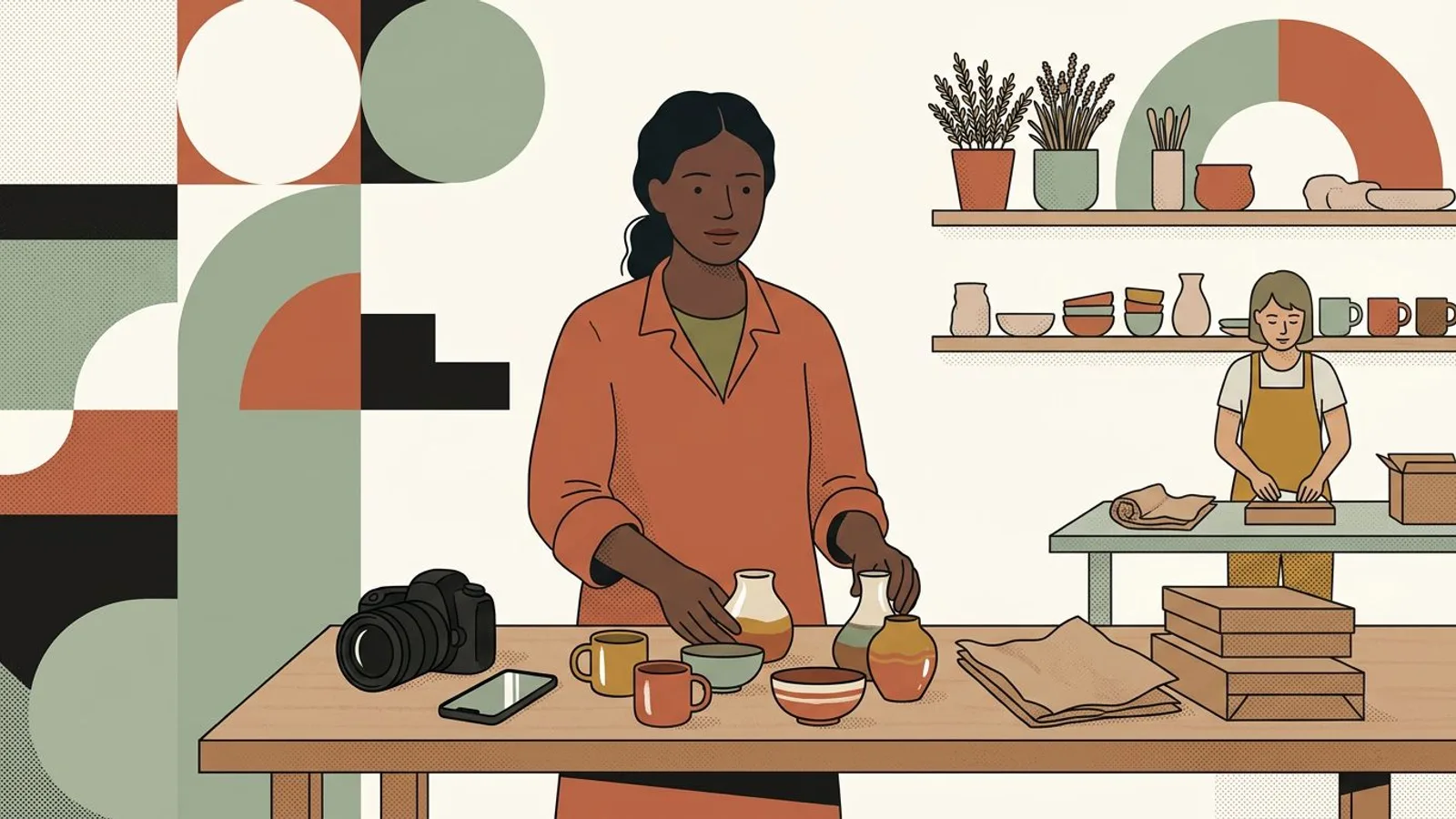
To launch a new product on Instagram, make sure four things are ready before you tease it: a clear offer, enough visual proof, one coherent story, and a frictionless path to buy. If one is missing, more posts only repeat the gap.

Ready to make the launch feel deliberate?
Turn scattered product facts and photos into a sequence your buyers can understand.
Shape my launchWrite one plain sentence with the product, intended buyer, launch moment, price or price range, available quantity, and purchase route. These are not caption ideas; they are the facts every launch asset must preserve. Store the approved details in a single source of truth so your captions never contradict the shop page.
If the price or availability is not final, set the decision deadline before setting the public launch date.
Prepare a hero view, a detail view, a scale cue, a making or material view, and a use or styling scene. The set should let someone understand the object without holding it. Use the product-photo threshold checklist before filling gaps with an on-brand visual system.
Keep the real product visually consistent across every asset; generated scenes should support the facts, never invent a finish or feature.

Decide on the change your product creates: a ritual becomes easier, a room feels warmer, or a gift becomes personal. Then assign each post one buyer question—why it exists, what makes it different, how it fits real life, and how to get it. Once this foundation passes the check, turn it into a day-by-day launch week.
A teaser should reveal a meaningful clue, not merely hide the product.
Open the profile as a new visitor, find the product, confirm the price, choose a variant, check shipping, and reach checkout. Fix every dead end before the announcement, then put the final posts into a social media launch calendar so making time cannot erase the sequence.
Ask one person unfamiliar with the collection to complete the same path without your help.
What if launch week already had a clear rhythm?
Keep every buyer question covered while your studio keeps moving.
Plan my launch weekDo
Don't
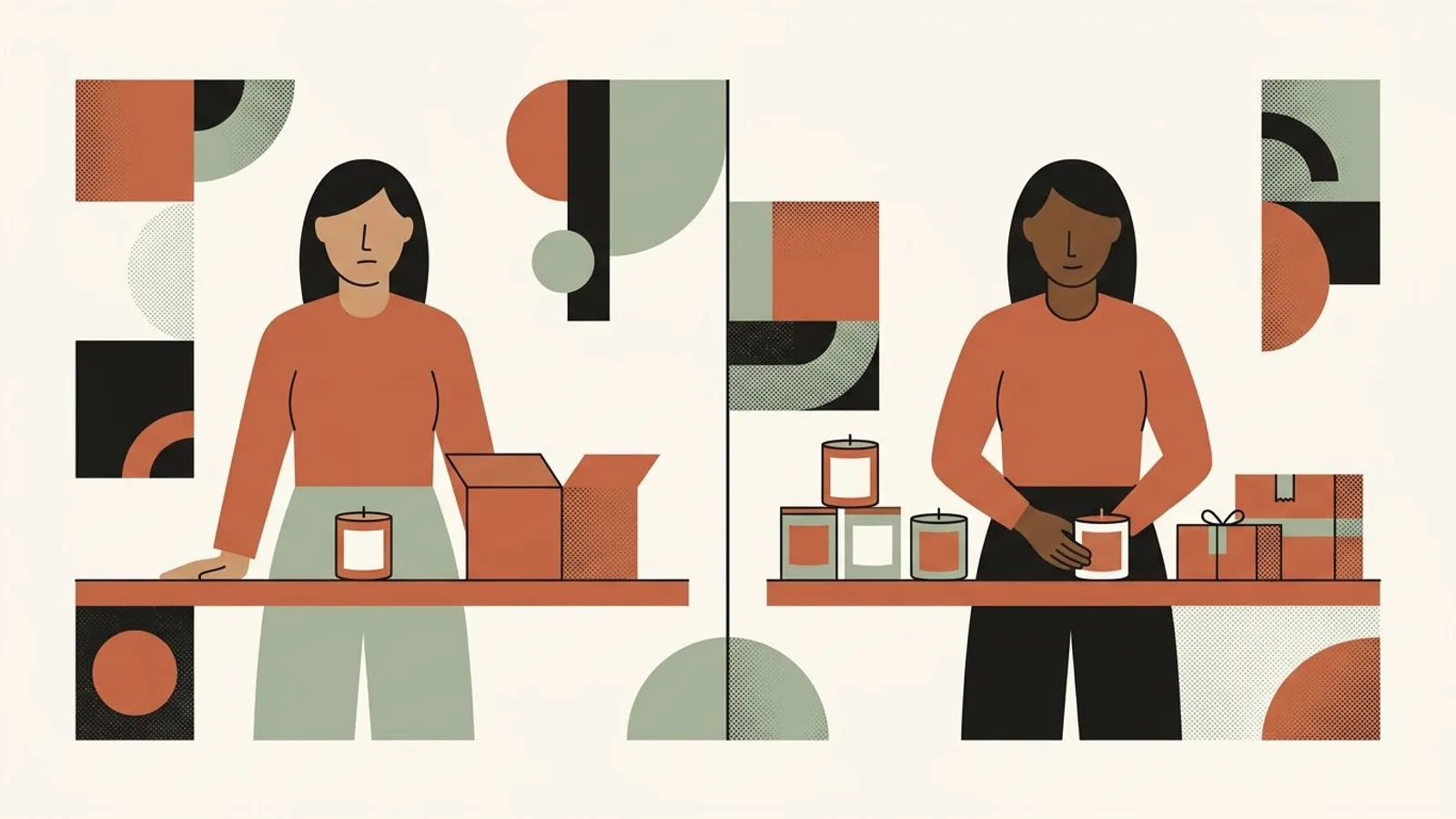
Situation
A candle maker plans to release 24 vessels on Friday. She has one styled photo and a caption that says a surprise is coming, but no burn view, scent description, price, or shop link.
Action
She fixes the offer at two scents and 12 units each, photographs scale and flame, records the pouring detail, frames the story around a quiet evening ritual, and tests the product page from her profile. She then maps each asset to one buyer question.
Outcome
The launch is now a five-part explanation instead of five vague reminders: purpose, material, scale, use, and purchase. The worked example does not promise a sales number; it removes the unanswered questions that would otherwise block an order.
Turn one collection into a launch people can follow
Carry the same offer through product views, process moments, captions, and the path to buy.
A full calendar can still be empty if every post says only that the launch is near. Audit the questions covered, not the tiles filled.
Unboxing details can support desire, but buyers still need to see scale, material, finish, and use. Beautiful wrapping cannot carry missing product proof.

A broken link or unclear variant turns attention into hesitation. If engagement arrives without orders, use the attention-to-order diagnostic before blaming reach.
You've just identified where it's breaking. Addressing it will take your time, your focus, your energy. Meanwhile, your communication can't go dark — or turn into filler. Readytopost keeps it at a demanding level on the five social networks: posts written, images generated, calendar filled — calibrated on your work.
Start with ReadyToPostKeep going on your own. The method for makers lays out the principles that turn a diagnosis into durable action — across every lever, not just communication. Concrete markers to help you decide on the fly, without imposed recipes or rigid calendars. At your pace, at your scale.
Continue to the method
Lead with what the product is, who it helps, and when it becomes available. Pair that answer with a clear product view and a direct purchase route; use later posts for material, scale, process, and use rather than repeating the announcement.
Start when the offer and buying path are stable and you have enough distinct proof to sustain the sequence. For a small handmade drop, a focused week can be enough; a longer tease is useful only when each post adds information.
Cover the problem or desire, the making or material proof, a clear view of the product, scale or use, and the purchase details. The exact order matters less than removing a different buyer doubt with each post.
Usually, yes—especially for a small brand asking buyers to act quickly. Mystery can create curiosity, but withholding the product, price, or use case makes evaluation harder. Tease the story or detail, not the basic buying facts.
Build a useful Instagram foundation before chasing reach: clarify the offer, collect real product proof, give each post a job, and repeat the sequence.

Choose one Etsy listing, give each week a clear buyer job, and turn accurate product facts and photos into a connected Instagram campaign.

Sell a digital download on Etsy by solving one buyer task, packaging the files clearly, publishing a complete digital listing, and promoting the offer with a repeatable proof sequence.
Most lists of artist content ideas ignore what you actually sell. Originals, prints, commissions and classes each need different posts. The four compared, with ideas for each.
One Etsy listing can support several useful Pins. Give each Pin a distinct buying question, a clear destination and a reason to open the product page.
Turn each product into a useful Instagram sequence: show the material, explain a making decision, prove the result, then make the offer clear.

From a single website URL, ReadyToPost builds your brand profile and starts generating on-brand posts — no manual brief to fill.

Create AI product images and social media visuals from your photos or from scratch. ReadyToPost applies your brand style in the right format for each network.

A semantic memory of your brand's real facts, so every post cites what you actually do and have.
Generate on-brand Instagram posts where the 4:5 feed visual and the caption are built together — a scroll-stopping hook, breathable paragraphs, and full-word hashtags grouped at the end, scheduled and ready to publish.
ReadyToPost prepares LinkedIn posts in your voice every week. Review and approve your content, then publish to your profile or company page on schedule.
ReadyToPost prepares Facebook images and posts in your voice every week. Review and approve them, then schedule publication to your Facebook Page.
You know where to look. While you address it, Readytopost keeps your communication alive — written, illustrated and scheduled every week.
Monthly plansReady in minutesCancel in one click