How to Grow Your Instagram as a Photographer
Learn how to grow your Instagram as a photographer by defining a clear editorial territory, adding context, and turning every shoot into several posts.
A photographer grows on Instagram by defining a recognizable photographic territory, giving each image useful context, and turning each shoot into several distinct still-image stories. Publish that system consistently, and a visitor can understand what you make, whom it serves, and why the next post belongs.
Chris Burkard offers a useful real-world reference. His current profile lists 3.7 million followers and describes his work with four words: “Have Camera, Will Travel.” That scale is context, not proof that any single editorial choice caused his growth. The transferable lesson is narrower: his account is unusually easy to classify.
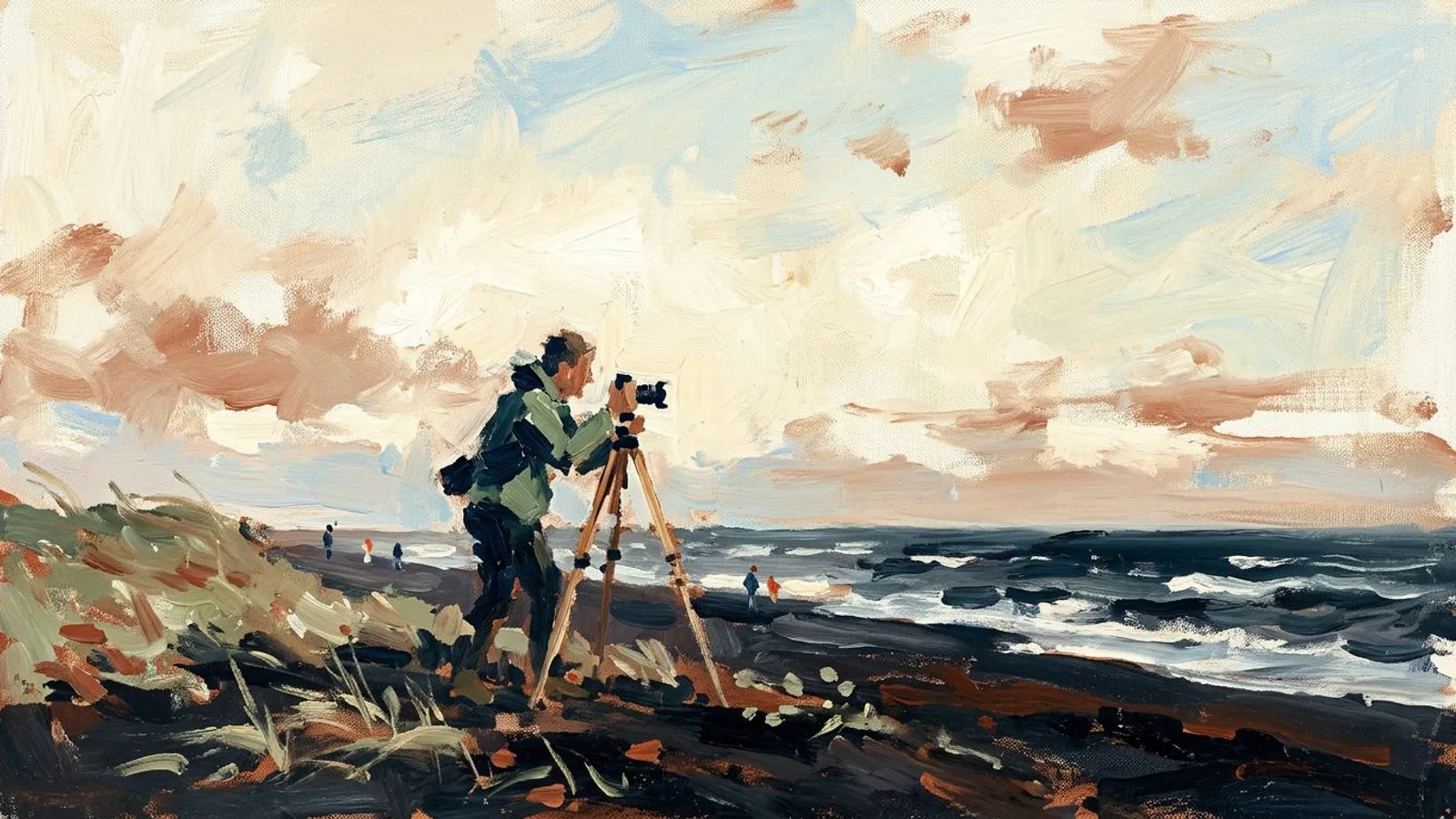
What Chris Burkard makes easy to recognize
Burkard’s profile presents outdoor adventure as a territory rather than a loose collection of technically strong photographs. Current profile collections carry expedition and place labels such as Eclipse, Silk Road, Vatnajökull, Mýrdalsjökull, Tour Divide, and Volcano. Together, those labels reinforce a world of remote landscapes, travel, weather, endurance, and human scale.
An official page on his site from 2015 quoted him saying that the keys to gaining the first followers were consistency, social engagement, and image curation. The same page described a feed where everything supported outdoor adventure. That historical statement does not tell us his current publishing cadence, and the visible choices do not establish causation. They do show a durable editorial principle: individual photographs can vary while the account keeps making one recognizable promise.
The promise is broader than a color treatment. A frozen road, a small figure under a wide sky, and a coastal expedition can look different while occupying the same photographic territory. The viewer does not need to relearn what the account is about after every post.
Why a photographic territory is easy to follow
A mixed portfolio asks a visitor to classify you repeatedly. A close portrait may suggest one kind of commission. The next architectural frame suggests another. A product tabletop and a stormy coast reset the expectation again. Each image may be excellent, yet the account never answers a commercial question: what should someone hire this photographer to see?
A commission-led editorial promise fixes that. It connects subject matter, client need, and point of view in one sentence. For an independent outdoor hospitality photographer, it could be: “I photograph remote coastal stays so prospective guests can understand weather, access, and scale before they book.” This is an illustrative positioning statement, not a case study. It gives the photographer a selection rule without forcing every frame to look identical.
The wide view can establish remoteness. A frame of the approach path can clarify access. A small person against the coast can communicate scale. Interior details belong when they explain shelter from the same environment. The territory stays coherent because every selection serves the same commission-led promise.
If every photograph looks strong on its own but the set has no shared editorial job, use this diagnosis for a feed with no identity before choosing more images. The problem may be selection, not visual quality.
A mixed portfolio asks viewers to reclassify you with every post; a clear territory makes the next image legible.
Selection gives each image a reason to exist
A recognizable territory gets someone to understand the account. Context gives them a reason to care about a specific frame. Captions should reveal information that the image alone cannot carry: the client question, the constraint on location, the choice of lens position, the weather decision, or the detail that changed the final composition.
In content-generation review, one pattern appears repeatedly: the vague input “best shots from the session” produces interchangeable captions about light, mood, and a memorable day. The same batch becomes more distinct when it is sorted by client question or photographic decision before captioning. One post can explain why the subject was kept tiny. Another can show how the approach route shaped the frame. A third can connect the weather to the property’s positioning. This is a bounded editorial observation from reviewing content inputs, not a claim about platform distribution.
Write a short source note beside every selected image. Name what the client needed to communicate. Record the decision that shaped the frame. Add one concrete detail a viewer could not infer. Specific source material also makes Instagram posts aligned with your brand easier to produce without flattening every image into the same caption.
Turn one shoot into several image stories
Treat a completed shoot as an editorial set. Choose different frames and assign each a separate job before drafting captions. For the coastal hospitality photographer, one shoot might support these stories:
- The territory frame: a broad view locates the property within the coast and establishes scale.
- The client-question frame: an arrival path answers what “remote” looks like on the ground.
- The decision frame: a blue-hour photograph explains why low light better represented the stay than clear midday conditions.
- The sequence frame: a deliberate progression from exposed coast to sheltered interior shows the experience the commission needed to communicate.
These are distinct editorial angles, not repeated uploads of the hero image. Keep the factual material attached to the relevant photograph. If the client asked for a sense of isolation, say so only where that brief shaped the selection. If wind changed the tripod position, connect that detail to the resulting composition rather than turning it into generic behind-the-scenes drama.
This method begins after you have enough initial discovery for people to encounter the account. If that is the immediate problem, use the separate guide to finding your first Instagram followers as a photographer. Once visitors arrive, territory and context help them understand what following you will deliver.

Build a practical weekly editorial system
Start with the commission, not an empty content calendar. After each shoot, save the final selects with the brief, shoot notes, and client-approved facts. Put your editorial promise at the top of the batch. Then sort the photographs by the question or decision each one can explain.
Next, draft one caption premise per image before writing full copy. A usable premise is specific: “Why the guest is small in the frame” or “How the access path communicates remoteness.” “Beautiful evening on the coast” is too broad to distinguish this commission from any other. Remove any selection whose premise does not support the territory or reveal useful context.
Build the week from the strongest distinct premises available. Some shoots will produce a deeper set than others. The standard is coherence and specificity, not a fixed quota. Review the batch as a sequence: can a prospective client identify the kind of work you want, the decisions you make, and the next assignment that would fit?
This system protects quality because the source remains real commissioned work. It supports consistency because one shoot no longer becomes one isolated upload. End each shoot with both image selects and context notes, and the next calendar begins with material your photography has already earned.
FAQ
Should every photograph use the same visual style?
No. Light, distance, weather, and composition can vary. Coherence comes from the territory the images serve and the questions their context answers.
What should a photographer write in Instagram captions?
Explain a decision, constraint, client question, or concrete detail that the photograph cannot communicate alone. Keep each caption tied to its actual frame.
How often should a photographer post?
Choose a cadence that your shoots and review standard can support consistently. There is no universal frequency in this method, and quality should not be lowered to fill slots.
Can personal work and client work share one account?
Yes, when both extend the same photographic territory. Use your commission-led promise as the selection test, and leave unrelated work out of that feed.