How to grow Instagram as a makeup artist
How to grow Instagram as a makeup artist: cross the threshold where client faces outnumber practice looks, and the account starts booking, not just liking.
There is a precise moment when a makeup artist's Instagram starts to grow: the day real client faces outnumber practice looks on the first screen of your grid — the twelve tiles a visitor sees without scrolling. Under that line, you are growing an audience of other makeup artists. Above it, you are growing an audience that books.
It sounds like a curation detail. It is a change of audience — and it explains why accounts full of skilled work stay flat for years.
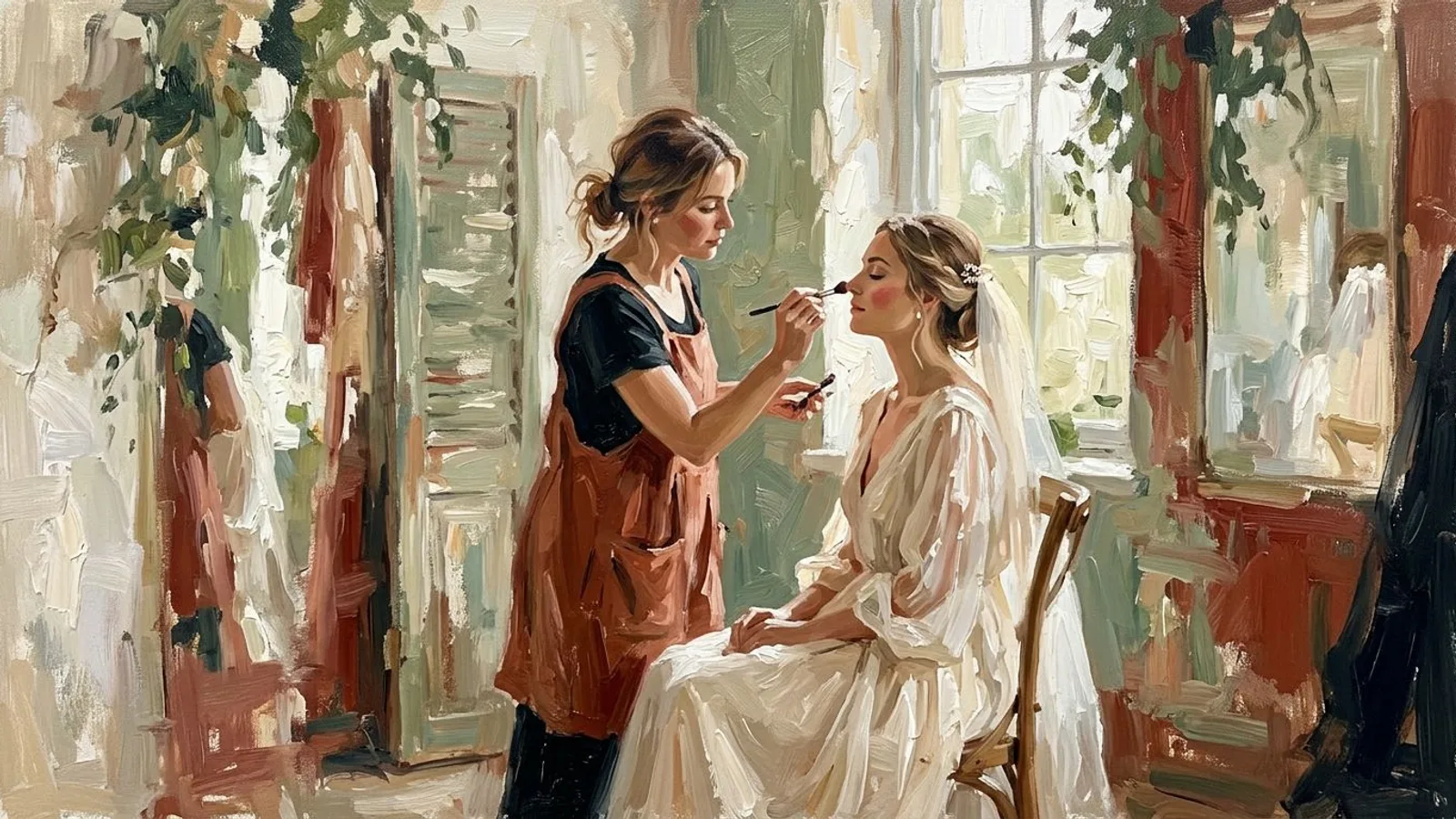
Why a makeup account grows in the wrong direction first
Most makeup artists post what proves technique: a recreation of a runway look, a close-up of an intricate eye, a full glam done on their own face between two appointments. The work is real and the skill is visible. But look at who engages with it.
Instagram shows a post to people who already interact with similar content. For technical makeup content, that means other makeup artists — they follow the same accounts, save the same references, scroll the same feeds. They see your recreation, they recognize the difficulty, they like it. The post performs. The follower count creeps up.
The problem is what a peer never does: book you. A follower who does what you do is an encouraging colleague, not a client. Likes from peers inflate your numbers without touching the audience you can reach again on purpose — the one made of people who might actually sit in your chair.
Look at any beauty account and the pattern is easy to name: technical posts collect their likes in the first few hours, from accounts that are themselves makeup pages, then go quiet. Client-face posts collect fewer likes — and keep collecting saves for weeks, from accounts with no makeup content at all. A like is immediate and flattering. A save is delayed and profitable: it is someone planning an occasion, filing your work away for the day she books.
A like is immediate and flattering. A save is delayed and profitable.
Where exactly the threshold sits
When a potential client lands on your profile — through a bride's tag, a location search, a recommendation — she asks one question, and only one: has this artist done a face like mine? Her age. Her skin. Her occasion.
A grid of exercise looks cannot answer that question, however skilled the work. Twelve editorial close-ups read as talent. They do not read as “this person will make me look like the best version of myself on the 14th of September.”
The threshold sits at the first screen: roughly twelve tiles. The day a majority of them show real people — a bride photographed mid-morning in the light of the venue, a client's mother, a shoot with a face that was not chosen for being a model's — the profile flips from portfolio of skill to evidence of service. She finds a face that resembles hers, and the question is answered.
What changes the day you cross it
The metrics rearrange, and at first they look worse.
Likes drop — peers engage less with a client's wedding face than with a technical exercise. What rises instead: saves, profile visits, and messages that start with a date (“are you free on the 14th?”). The algorithm follows the behavior: it starts showing your posts to people who save and message — people who behave like clients — instead of people who behave like colleagues.
Follower growth may even slow down. But the composition changes, and composition is what pays: two hundred local followers who found you through a client's face will book more appointments than ten thousand peers who admire your blending. For a working artist, the real measure of growth is the calendar, not the follower count.
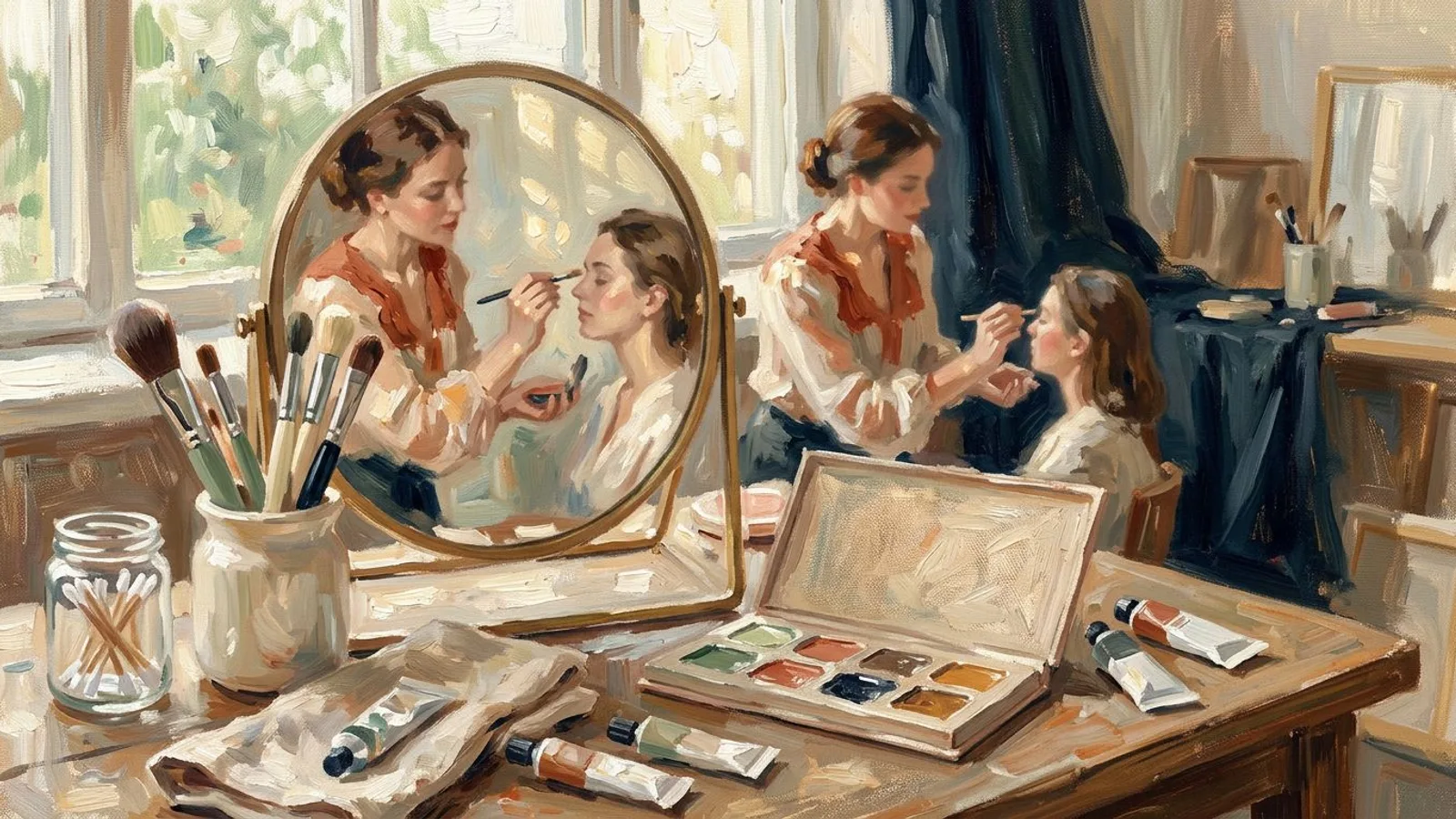
How to cross it without posting less
The fix is not to drop the technique. It is to change the ratio — and that takes a steady supply of client material, which is an organization problem more than a talent problem.
Make permission part of the booking. One line in your confirmation message — “I photograph my work; tell me if you'd rather I don't post yours” — and most clients say yes. Asking after the appointment converts far worse than asking before. Turning the people you work on into your content is a method, not luck.
Photograph in the light you worked in. One final look per appointment, shot in thirty seconds, beats the perfect studio picture you never take. The context — the venue, the morning, the dress — is what a future client recognizes, so keep it in the frame.
Keep the technical posts, at a ratio. One exercise or editorial look for every three client faces holds your peers' respect without flipping the read of your grid back to portfolio. The majority is what decides how the account is read.
Caption for the client, not the peer. Name the occasion and the request — “she wanted a look that would hold through a fourteen-hour wedding day” — rather than the product list. A peer reads the product list; a client reads the situation and recognizes her own.
Then hold the cadence. A grid only reads as a working artist's book if it stays alive, and the weeks that break it are the busy ones — precisely the weeks that produce the best material. This is where the bottleneck moves from talent to time: tools that turn your photos into Instagram posts aligned with your brand and let you plan the week in one sitting exist so the fullest weeks — the ones with the most faces — are not the ones where the account goes quiet.
FAQ
How often should a makeup artist post on Instagram?
Three to four posts a week, held steadily, beat a daily burst followed by three silent weeks. The grid is read as a whole: a steady presence signals an active book.
Do hashtags still grow a makeup account?
They are a search signal now, not a reach lever. A handful of specific tags — your service plus your city — does more than thirty generic beauty tags.
Should I post before-and-after photos?
Yes, with the client's permission and the same care on both frames. Treat the before with dignity: the future client identifies with that photo, not with the after.
Do I need a big following before clients book?
No. A few hundred local followers who could become clients book more than ten thousand admiring peers. The composition of the audience decides, not its size.